My last post reviewed the quilting on the machine topic so far. Ayab does not allow for the first preselection row to be made from right to left. In any fabric where preselection needs to occur from that direction, with pattern instructions written with that requirement, to match the fabric, the solution lies in shifting the last row of the repeat down to the first. If you are working on an odd number of needles and set up matters, pay attention as to whether the program places the extra needle on the right or the left of 0 before you commit to placement on your needle bed; the software is not consistent in this. Here, the odd # is placed on the left, in a later swatch on the right. From Adrienne Hunter, the tip “I think you are expecting that the odd number will always be on the left. But that’s not it, the rule is that the larger number will be on the left, which may be even or odd. ”
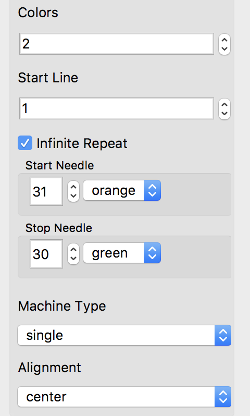
Ayab settings:
 I began with this partial repeat from an older post

To avoid any confusion with which KC (Knit Carriage) slip buttons to push, simply push in both. The selected needles that should knit in slip stitch will knit, and the ones that should slip (not selected) will slip. Knitting starts COL, prep the interface, travel to the right. With COR, proceed to the left. The machine can be set to knit those first 2 rows, or to slip both beds if you do not wish to have the extra 2 knit rows. Now with COL set main bed to slip <– –>, ribber to slip <–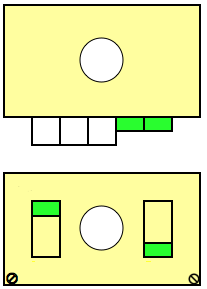
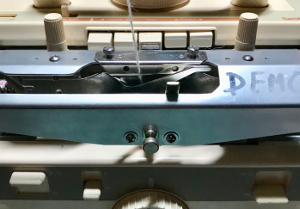
My first repeat for a “square” pocket was wrong. The total number of rows in height needs to be an even one. It takes 2 passes of the carriages to complete one circular row. The first repeat below is 17 rows high, so I got as far as one series of pockets, followed by mis-patterning that was the fault of the design, not the program. The software gives one the opportunity to easily check for stitch and row counts. Though I loaded images 60 stitches in width, my samples are knit 40 stitches wide. 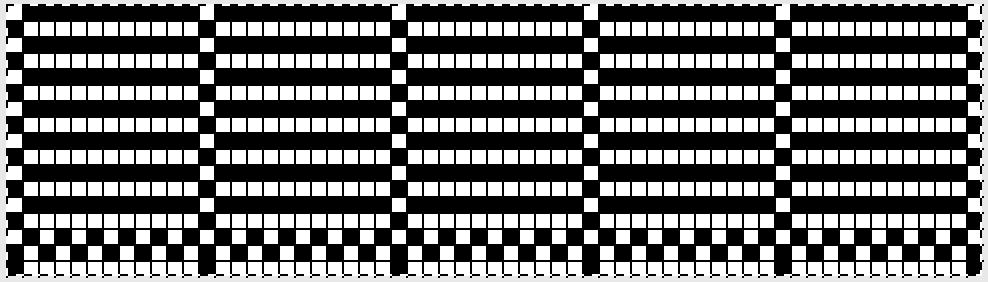 The amended repeat, now 16 rows in height
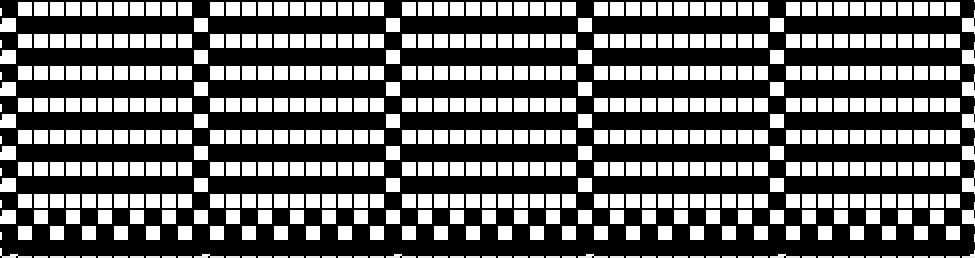
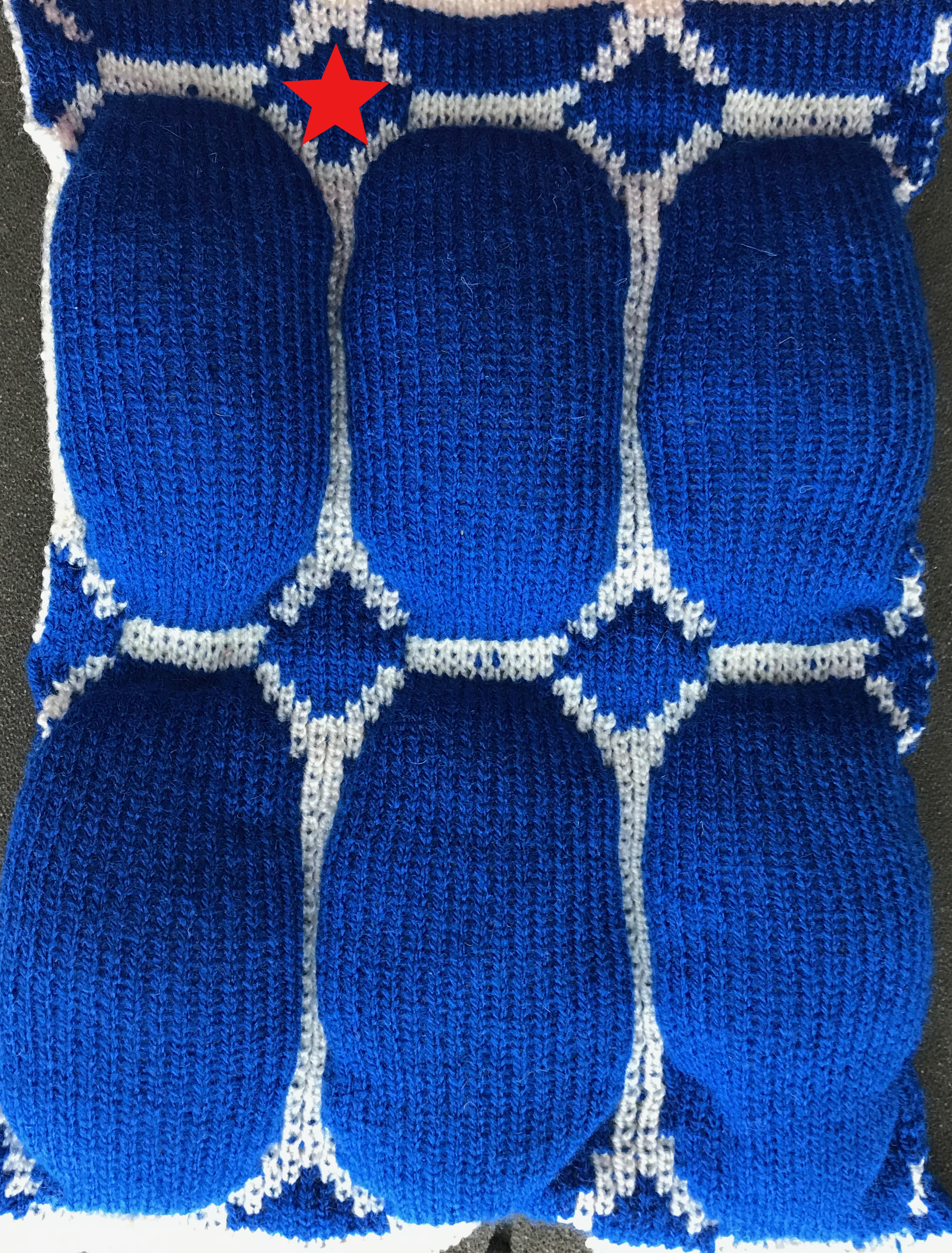
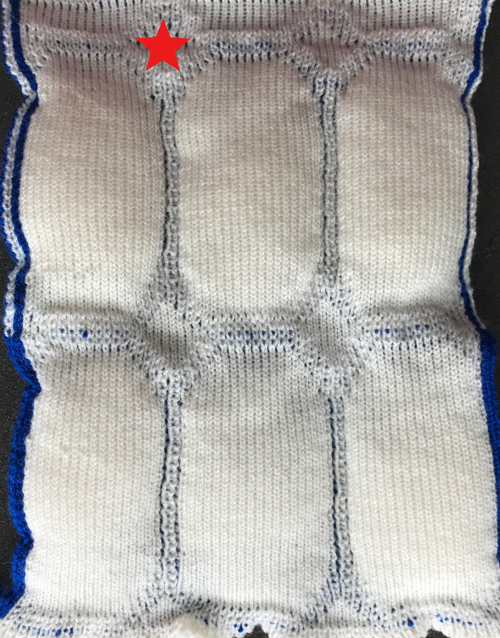
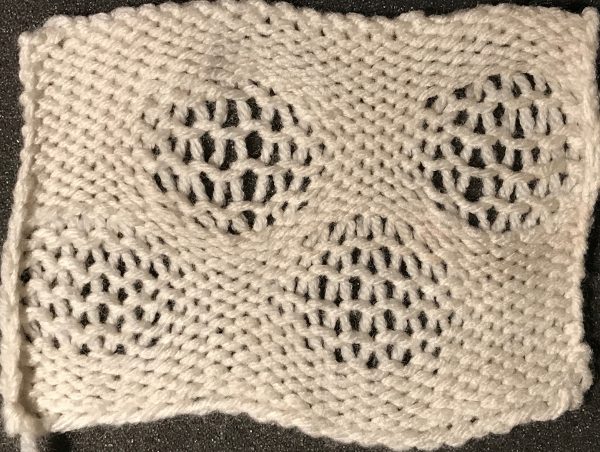
I had a problem when I first paused to stuff pockets with the software advancing a row even though I was outside the left mark, but no issues after I restarted the process and continued. Because the pockets are knitting stitches separately on each bed except for where shapes are joined, the resulting knit approaches stocking stitch qualities and tension settings. It lacks the stretch of every needle rib, where twice as many needles are in work. The joins on the knit side (L) nearly disappear unless the fabric is stretched, while joins on the purl side (R) are more visible. 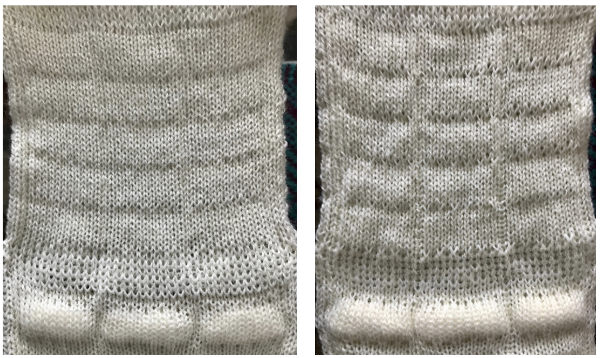
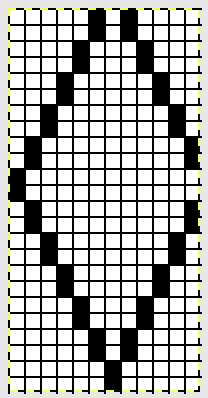
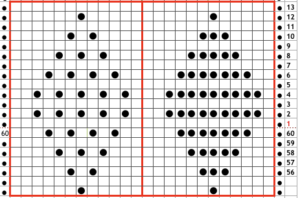
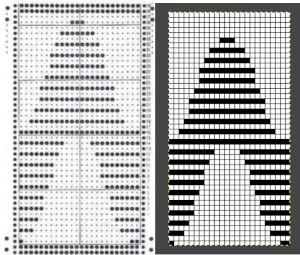
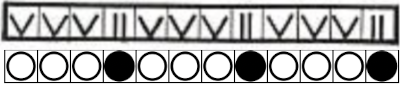
A “diamond” 12 stitch repeat as it would appear across the bottom of a punch card, with the option for first preselection from either side, followed by appropriate cam settings. 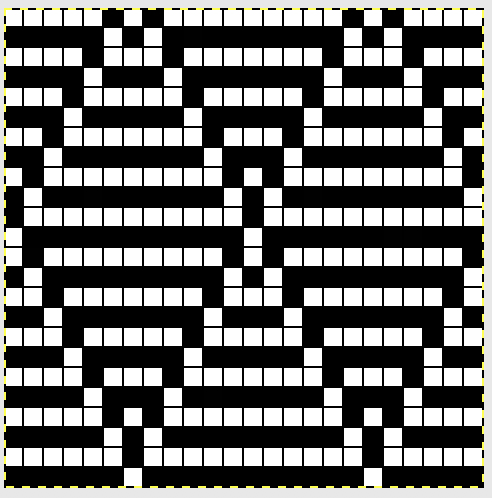 The repeat adjusted for preselection from left, illustrating row shift on the right
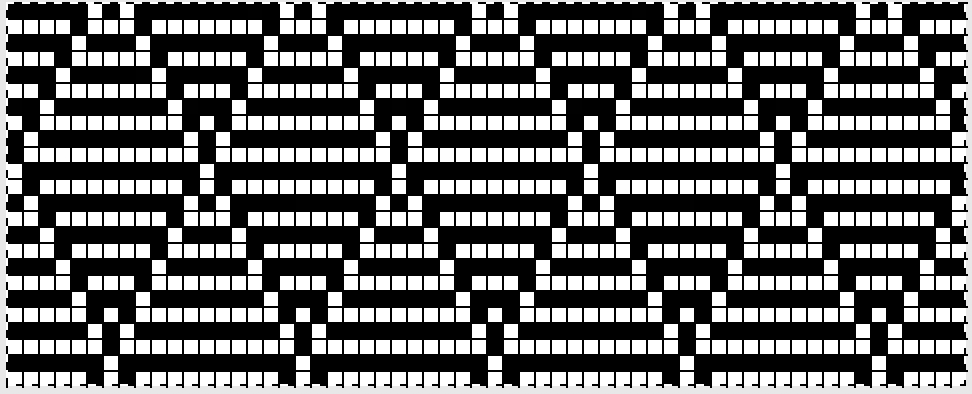
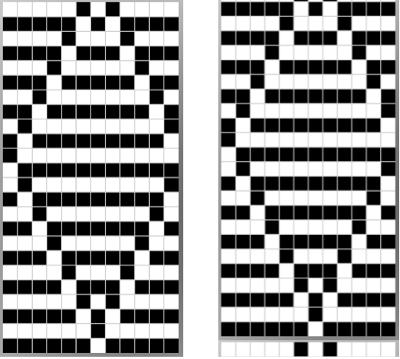 The repeat adjusted for knitting across an Ayab 60 stitch swatch.
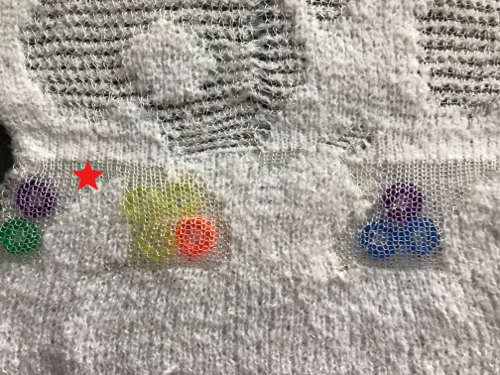
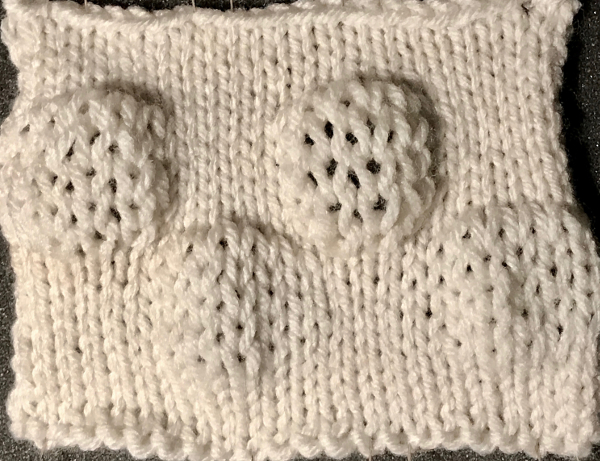
 The bottom of the swatch, with absent pockets, shows what happens if wrong slip/knit combinations are in use. Knit side is shown on the left, purl side on the right, with a bit of cotton ball “stuffing” poking through
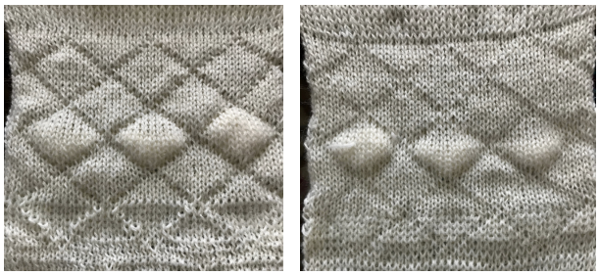 While trying to work with the circular and other settings, I found an easier way to achieve one color quilting, still working with that “diamond” from my early post
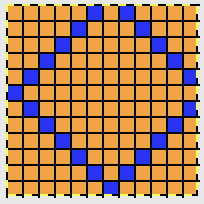
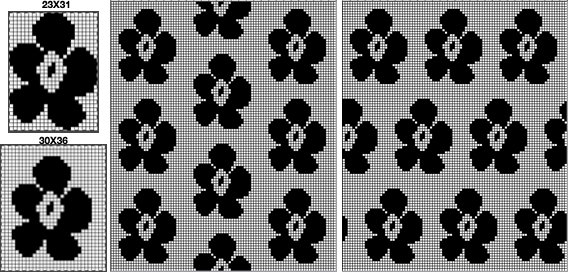
I use GIMP to create most of my images for download to either the Passap or, now, also the 910. In order for the elongation not to be muddy with an image outline in multiple colors, or to cleanly tile it, the image will need to be converted. To draw or paint, begin in RGB mode, then change the image to the BW palette for scaling or tiling.
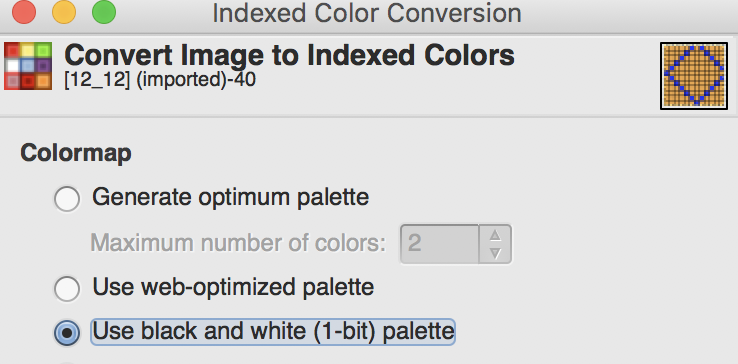
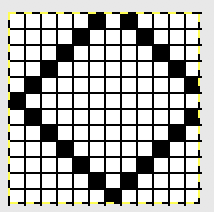 Make certain the number you wish to remain constant is highlighted,
 click on “chain” to break aspect ratio,
 change the second value to the desired one,
 click on scale, here is the single repeat, without the necessary last row shift
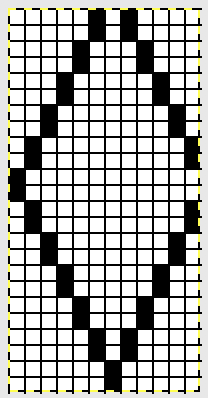 to tile the image across the width of your swatch. Make certain the value you want to remain constant is highlighted,
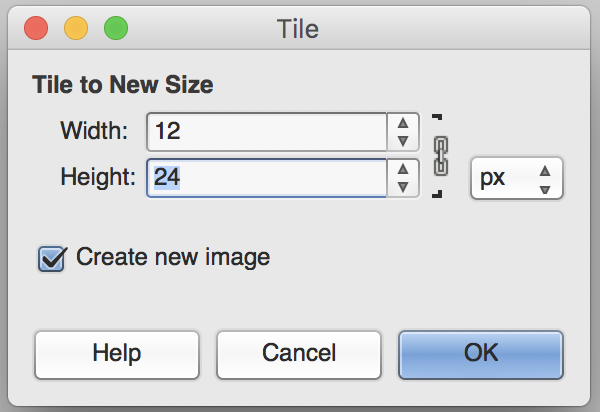 “break the chain”,
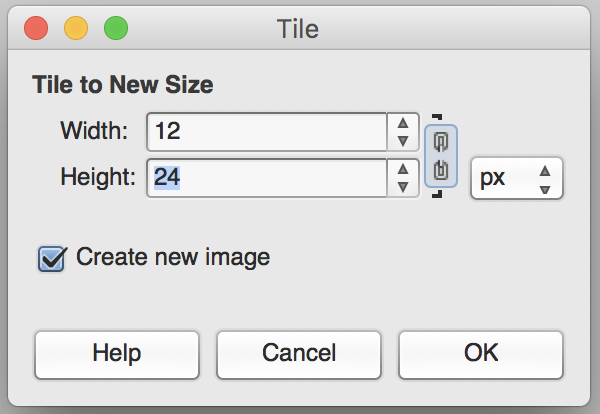 change the width to the stitch count of your swatch,
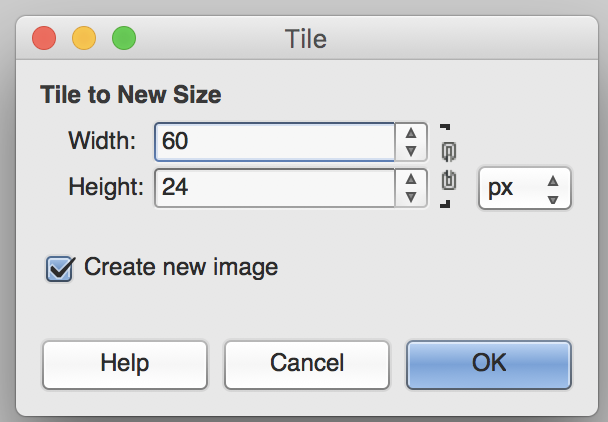
the tiled image will appear in a different part of your screen, it will be the repeat usable for the first preselect row from right to left. More on using GIMP.
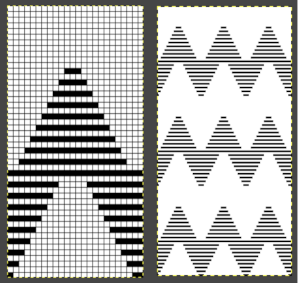
For use with ayab with a repeat that is already tiled but needs “correction”, using snap to grid, dot to dot, copy and paste all but the last row onto a new image at the top of a new canvas with the same pixel width and height. Then copy and paste the last row from the above tiling to the first, blank row of the new image. You may also simply work on the original image if you are comfortable with moving the larger cropped image around, pasting it in place at the top, and then editing the first row by hand. Finish with “export as” in your preferred format for download. 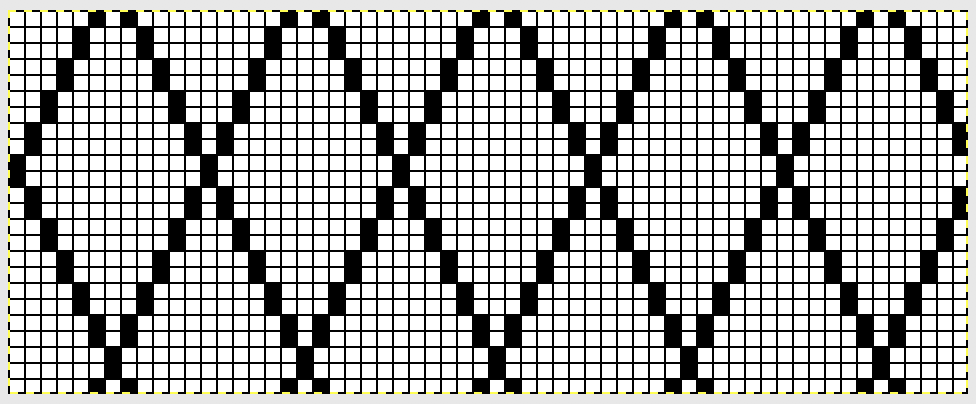 The smaller diamond would also be workable, but the resulting shapes would be very small. The initial, unaltered tiling:
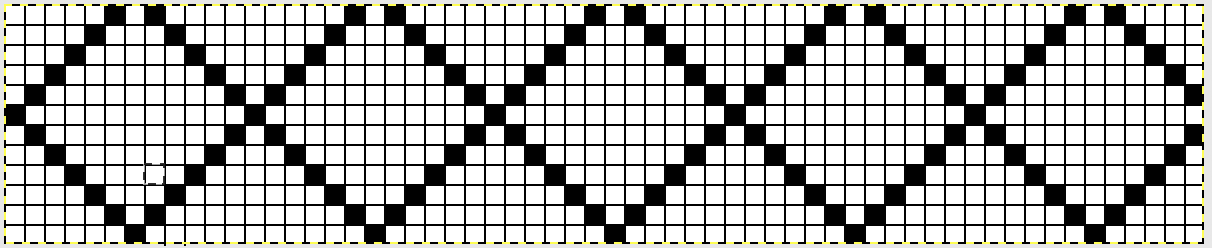 for use with Ayab:
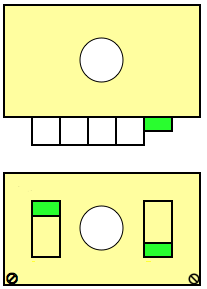
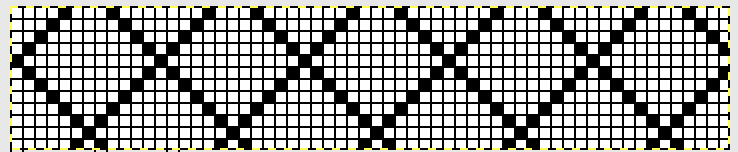 Ayab setting is for “single machine type”. The carriage settings: opposite part buttons, right on KC, left on ribber, are set after the first 2 preselection passes, with COL
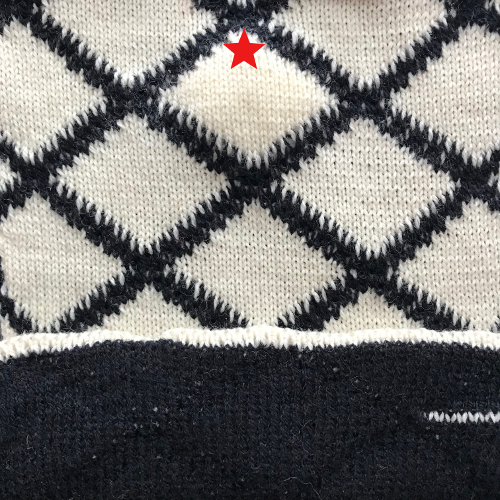
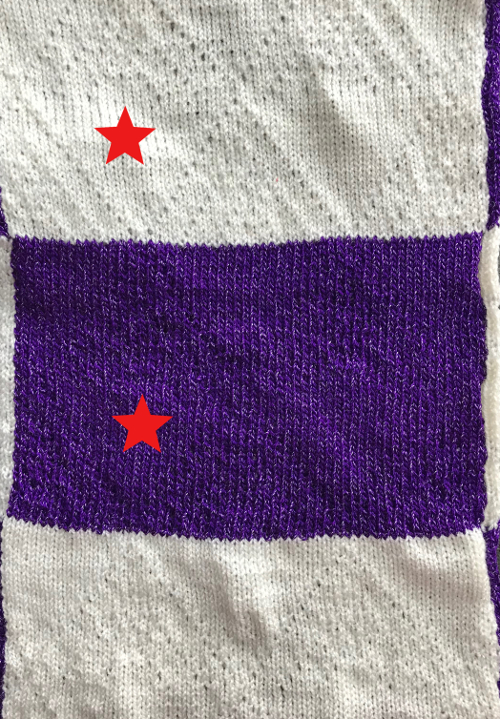
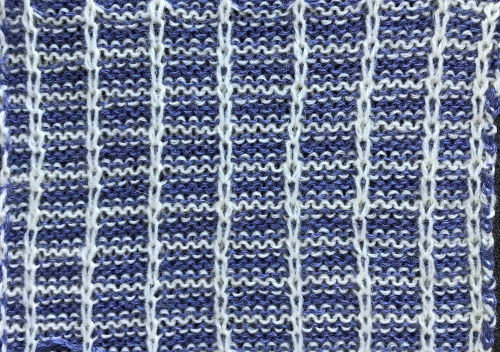
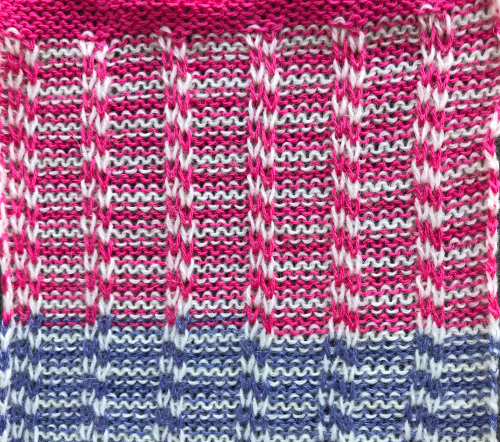
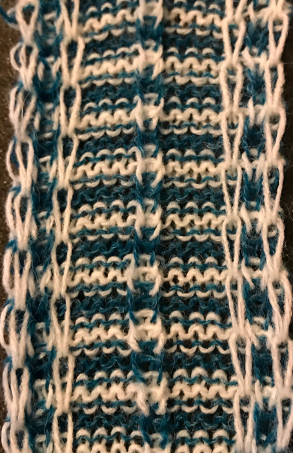
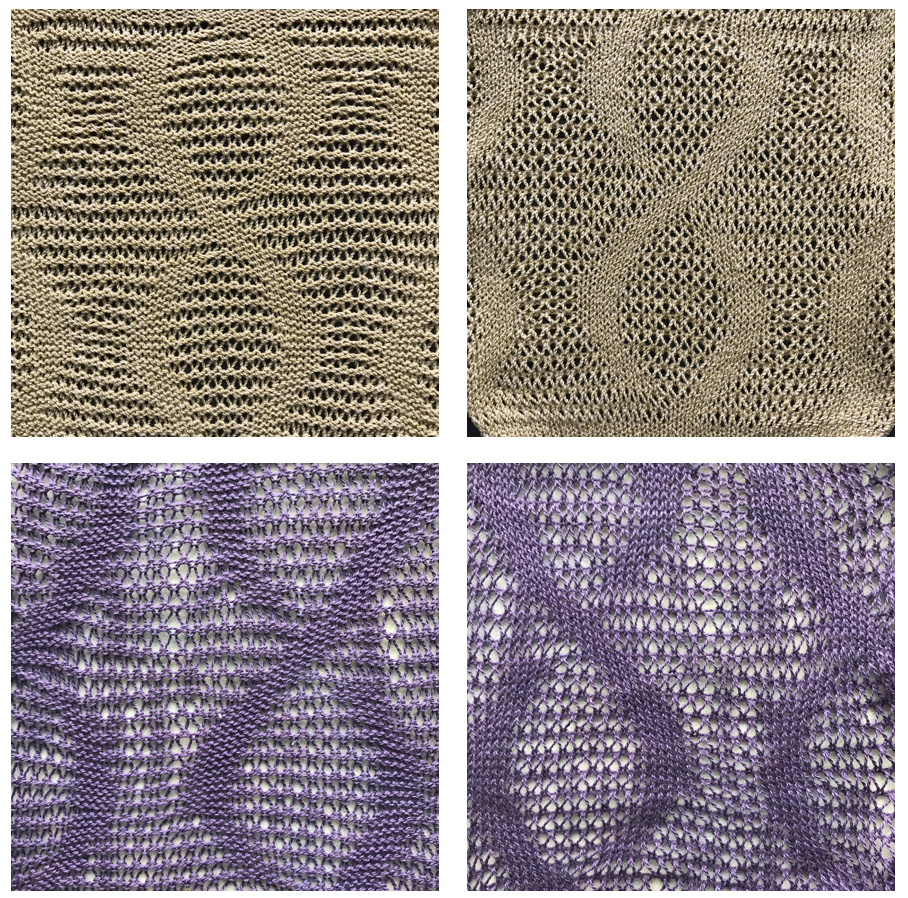
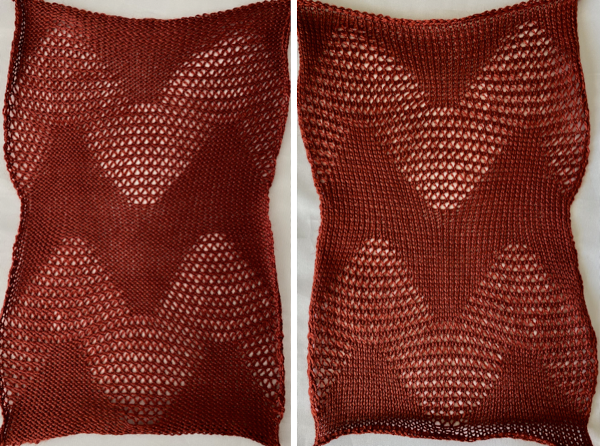
the resulting elongated diamond fabric, knit and purl sides respectively
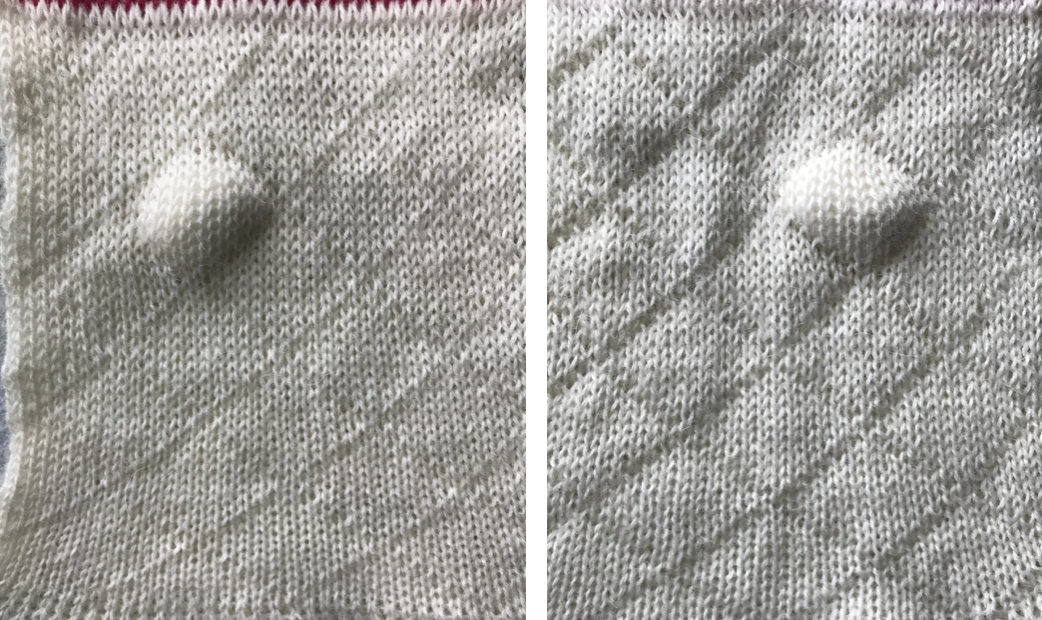
Thickening the outlines of the “diamond” varies the joined outlines; solid geometric shapes may also be created and used, as seen in other posts. I like to work with the same or similar shapes to understand what the different settings do to their knit structure and scale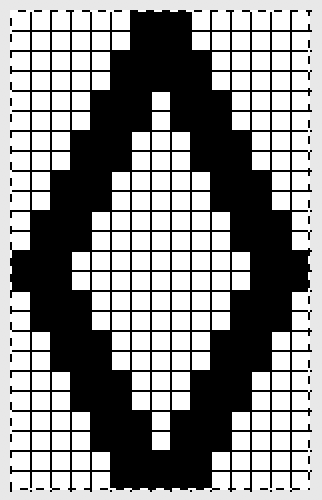
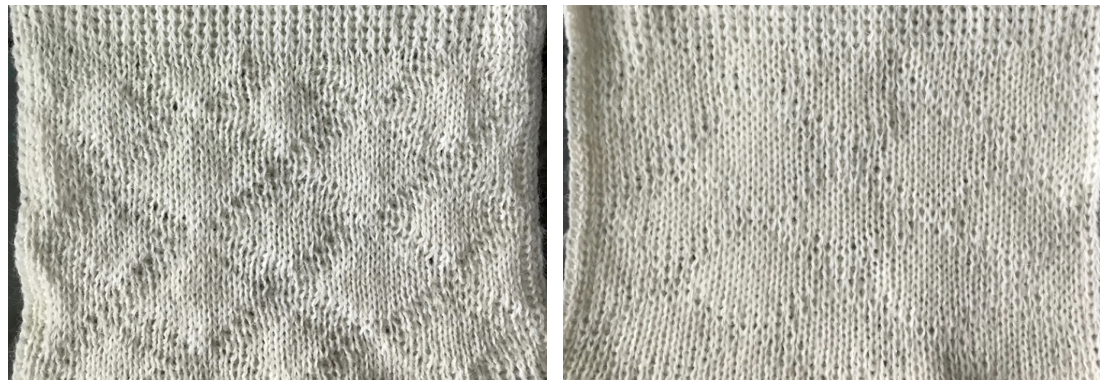
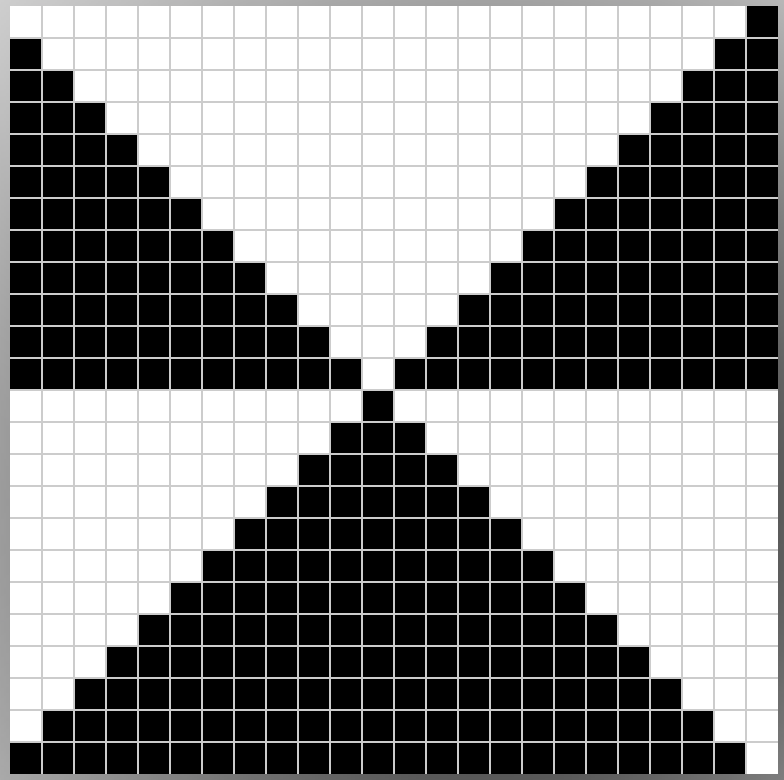
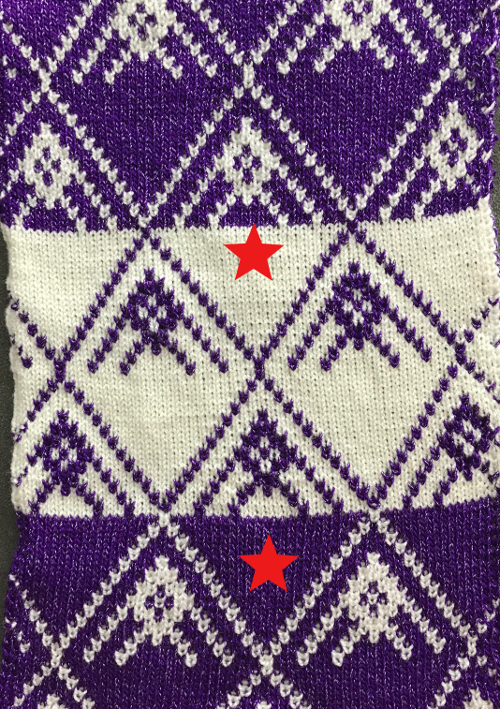
Working in more than one color: using the color-separated repeat double height. The first chart below illustrates it as it would appear on the bottom of a punchcard. Here first preselection row would need to happen moving from right to left, toward the color changer, with subsequent color changes every 2 rows
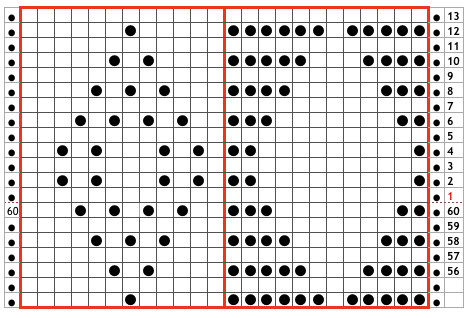
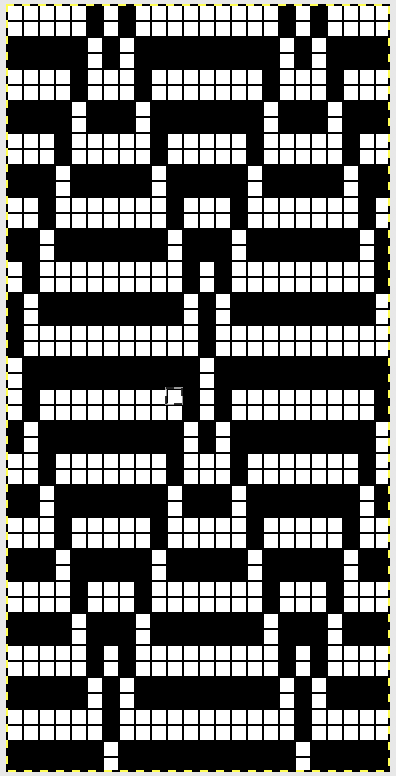 adjusted repeat/ top row shift to bottom for use with Ayab’s preselection from left.
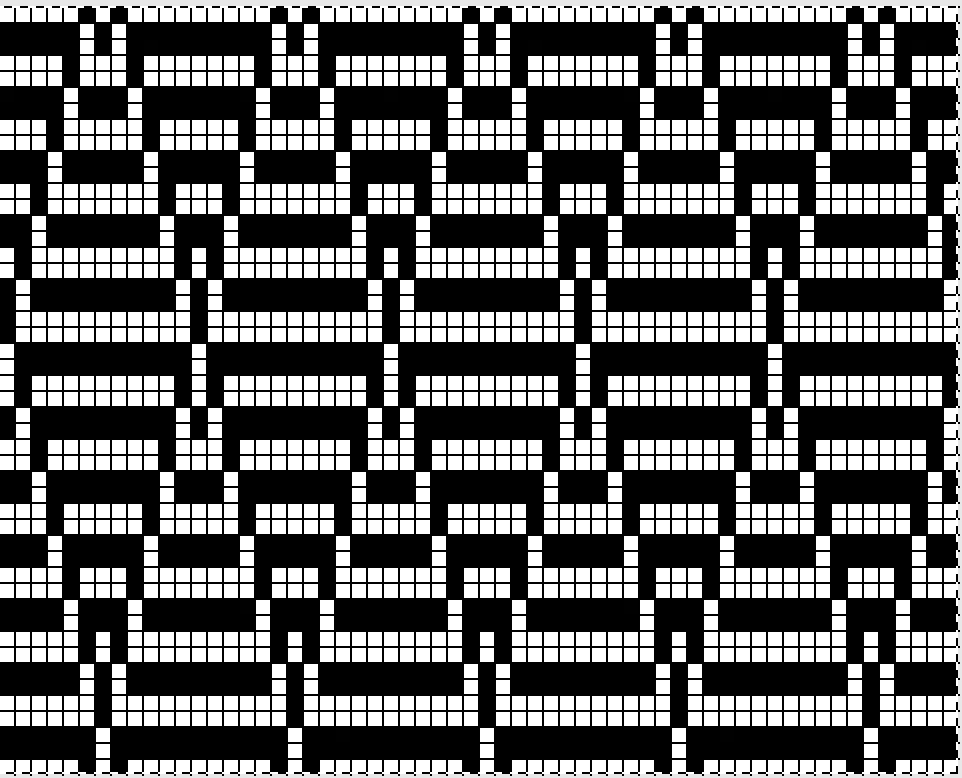 This fabric requires changing the ribber settings manually every 2 rows, thus creating a solid color back. Set the ribber to slip /levers up when most needles are selected on the top bed, set the ribber to knit / levers down in both directions when a few needles are selected on the top bed. The latter selection forms the “stitching” lines on the “quilt”. The first color to knit after preselection toward the color changer knits the black squares on rows 2 and 3 in the chart above, so it will create the dominant color in front of the fabric. The second color change will knit the background / white squares on rows 4 and 5 above, and seal the edges of the diamond / black squares
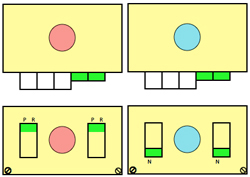 Reminders: no matter what stitch type, if you forget to select the proper cam buttons after N/N settings, you will only get plain knitting (stripes at the bottom of my swatch). If you are working on a Mac, make certain to set your energy-saving preferences to ensure it stays “awake” for the duration of your knitting time. I happened to knit my samples with the cam button set to KC II. KC I is the better setting, giving a slightly different seal along the edge away from the color changer.
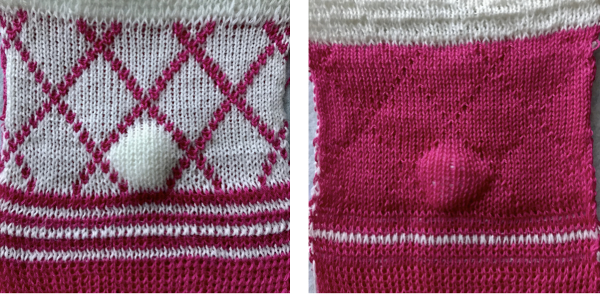
What about using the Ayab circular setting and letting the software do some of the “work” for you? The setting was developed for tubular fair isle, so the main bed with slip stitch <– –> knits alternating colors. When the one color knits on the main bed, it skips and forms floats in front of the needles not selected for that color. The process is repeated with each color change. There will be a pair of floats on the inside of the knit for each completed design row. For some how-tos to achieve color separations involved, and more info on tubular knits, including Passap techniques, please see previous post
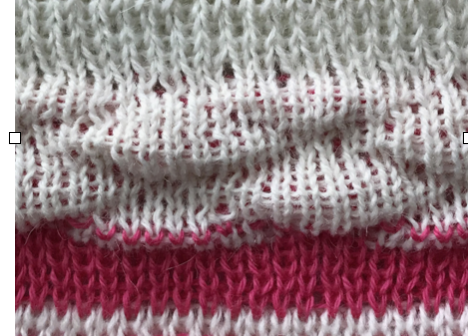
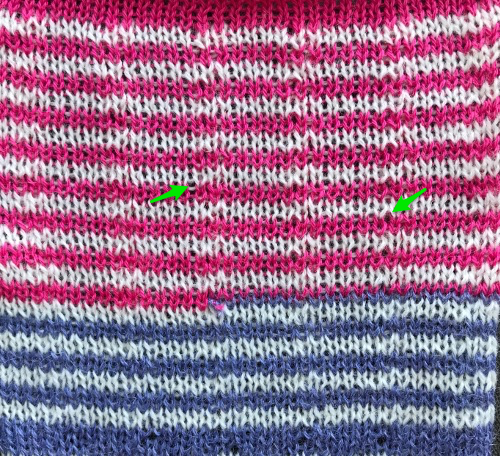
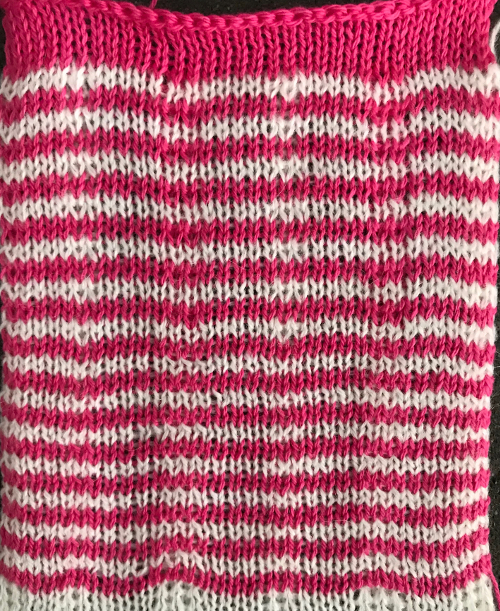
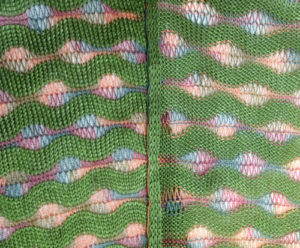
The goal had been to use the ayab circular setting to produce quilted fabrics, joined at intervals rather than as an open tube with a different pattern on each side. When attempting to utilise anything “off label” for a use other than intended, lots of trial and error can be involved. Ultimately, the choice needs to be made as to whether the final technique is worth using simply because you can. I habitually double-check my settings and fabrics at least once a day or more after I knit my samples and post. The work-in-progress posts actually show some of the editing as it happens, with corrections and mistakes included. The heading goes away when I think I am done with the topic. A day after my pink and white adventure, I tried to reproduce the fabric with absolutely no success. This was as close as I got, with different carriage cam settings; the knit side is shown. 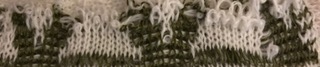
After quite some time and a collection of expletives in 2 languages, it appears the solution to my inability to produce the fabric is that the ayab setting I used for knitting it was not the circular one. After a software patterning error and a program restart, I apparently selected ribber rather than circular machine type and proceeded happily to success. To produce the fabric in my redo, the ribber “machine type” setting was chosen.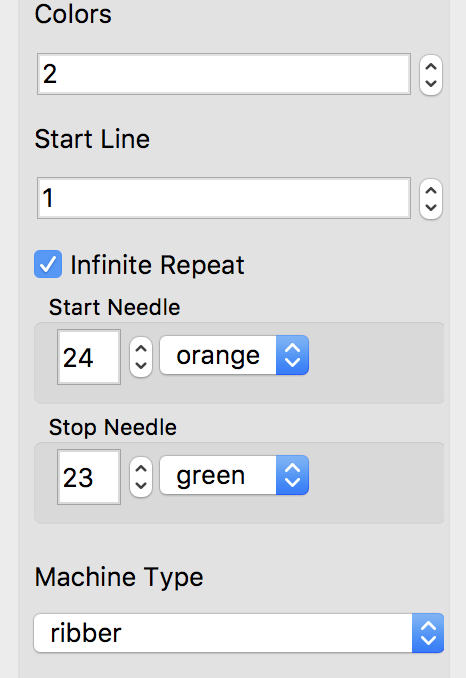
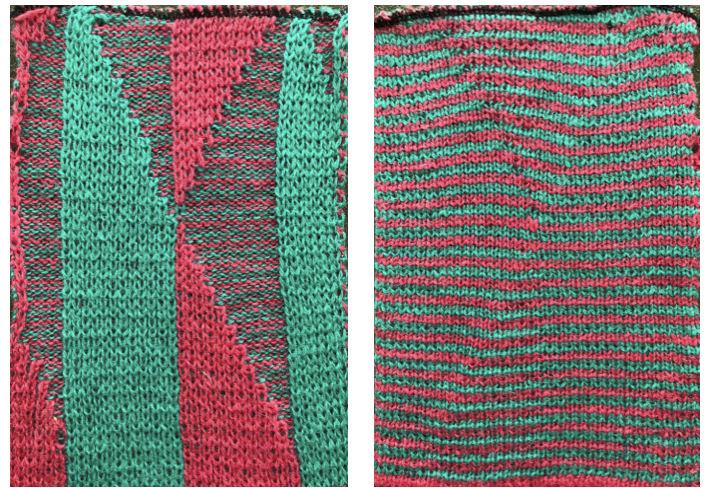
The green yarn is thinner than the pink, so the bleed-through of the white on the reverse side is greater. The remaining information applies.  My first samples using a single stitch outline, length X 2 for the €œdiamond€ were a disaster in terms of stitches falling off, the fabric being a squishy, shortened mess.
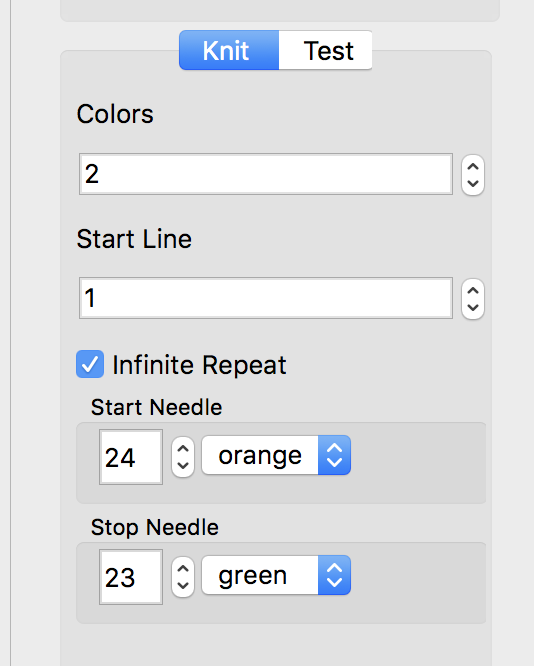
Back to the drawing board: I thickened up the outline of the shapes, grading up and down in 2 rows in height sequences, needed for getting to and from the color changer. 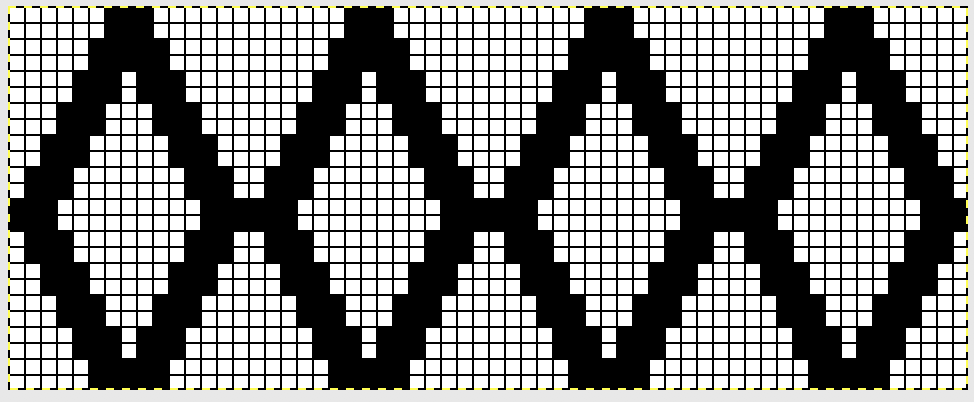 I chose to continue to test on a narrower repeat. An added consideration: in knitting fair isle, the first and last needle on each side is normally selected, whether by using the change knob on KC I in 910, or adjusting the knit under carriage in punchcard machines. One can program black squares on either side of the full pattern repeat for the width of the fabric to ensure that any number of edge stitches are knit every row on each side. Working on a smaller repeat, now 47 X 24.
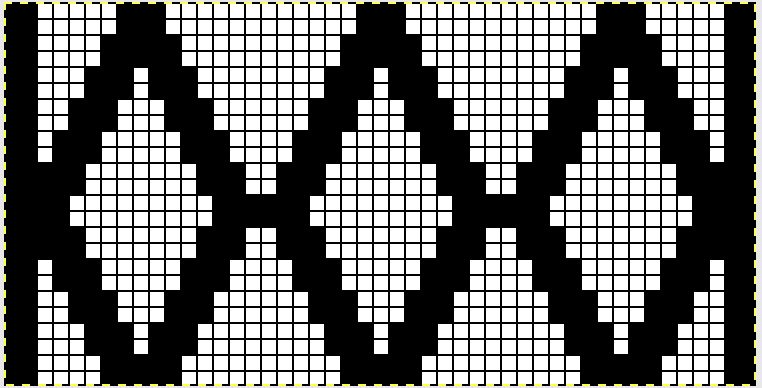 Note: the odd # and even number needle positions for this new repeat are in reverse order from the one at the top of this post. Here, the odd # is placed to the right of 0, not the left
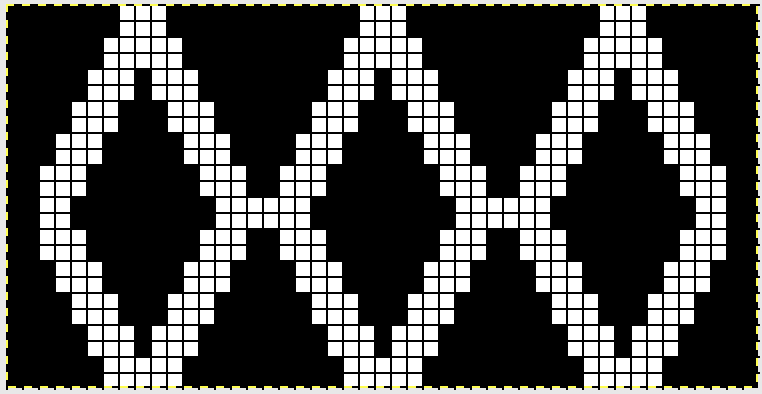
 If, for any reason, you choose to work in color reverse, the black border on each side will be lost.
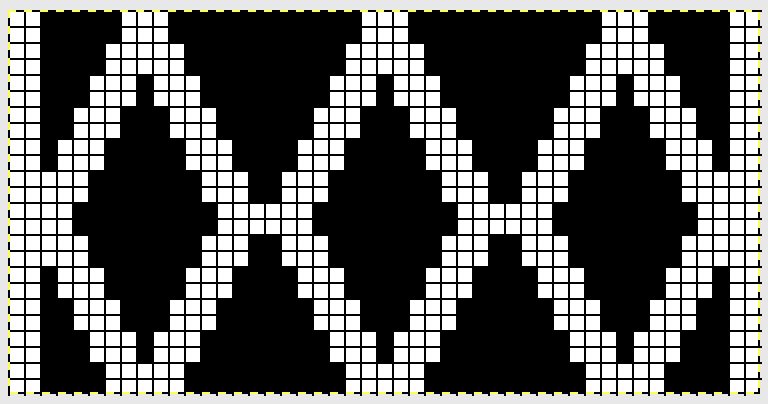 The amended repeat to keep that knit border (black squares/ pixels filled in; this was my working repeat
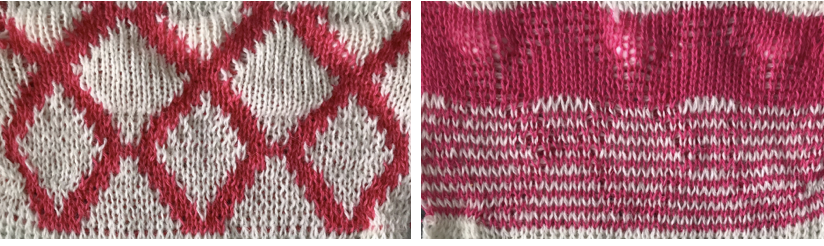
 It takes a few tries to sort out what may work. These were my first efforts, switching ribber settings around until I reached creating pockets.
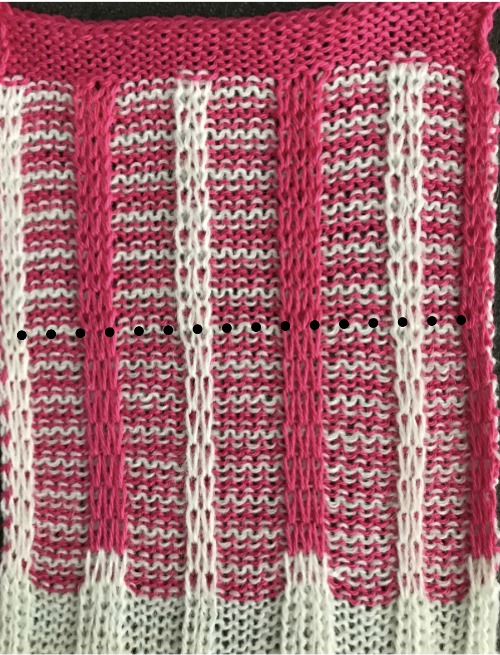
 The color choice needs to be made for solid color for backing and sealed areas of the fabric; for me, it was pink. This is where things get a little fiddly. The fabric settings once the first design row is preselected: KC is set to slip in both directions throughout (remember to change the main bed to slip if the preselection row has been with KC set to knit). I began with pink for my “sealing” stitches/ solid backing color.
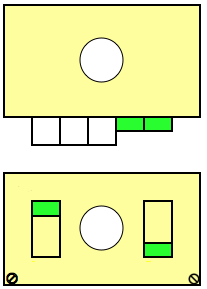
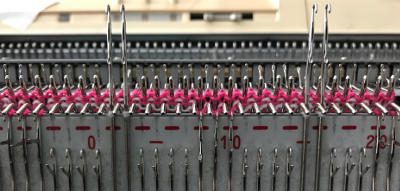
After returning to the left, change color (white), no stitches are knit on the ribber, only on the main bed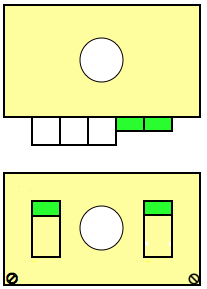
here, the floats become increasingly apparent. 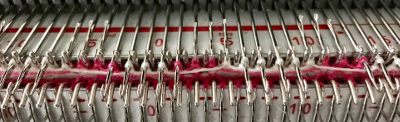 The ribber now dropped a notch on the right side,
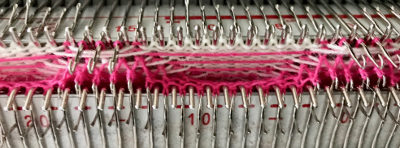 stuffing pockets with cotton balls;
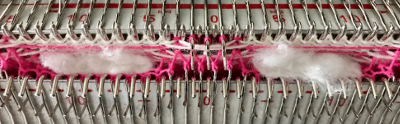 the ribber is returned to the up position, and knitting continues
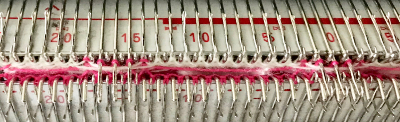
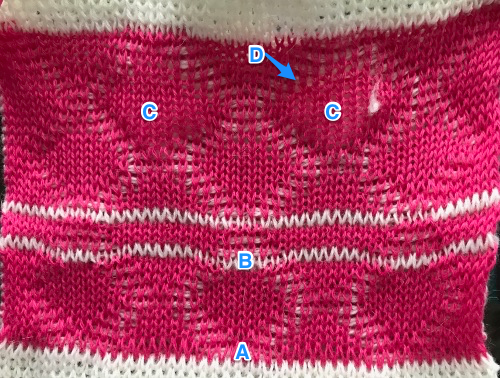
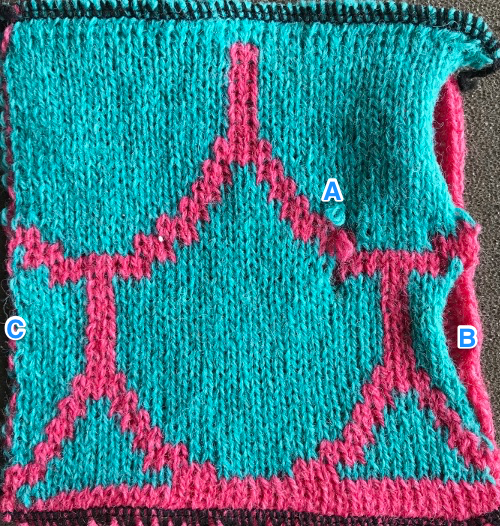
A: setting operator error creating a solid color row. B: same, ribber not set to slip in both directions, resulting in white joining all selected needles. C: stuffed pockets, tending to make fabric wider and shorter. 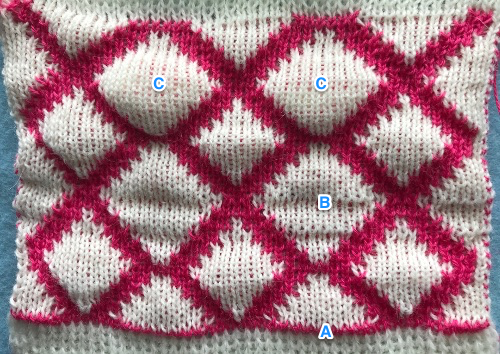 A, B: extra sealing rows (2 in white). C: stuffed pockets and a bit of peek-through cotton. D: points to the bleeding through of the backing color due to white floats on the inside of the pockets.
 A helpful tune: pink down, white up in reference to the right ribber slip lever.
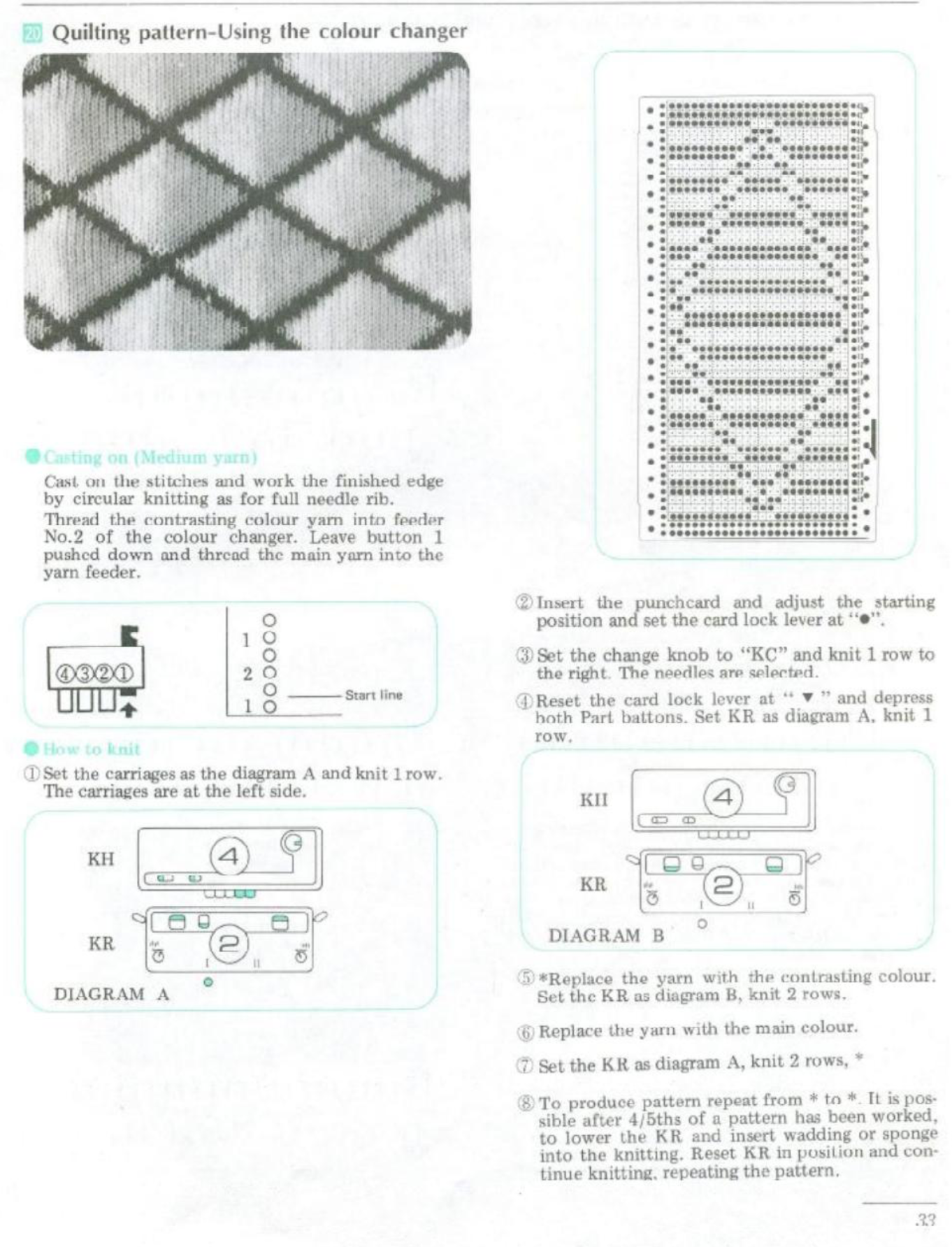
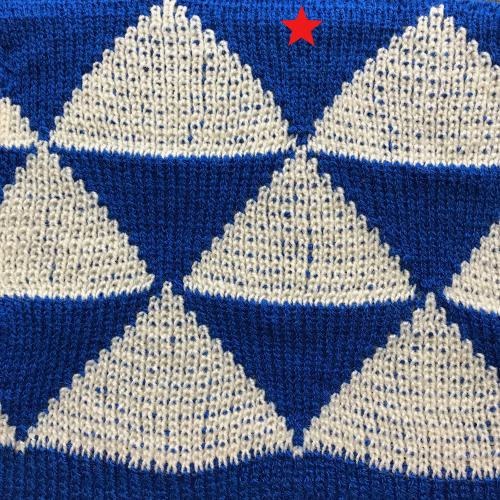
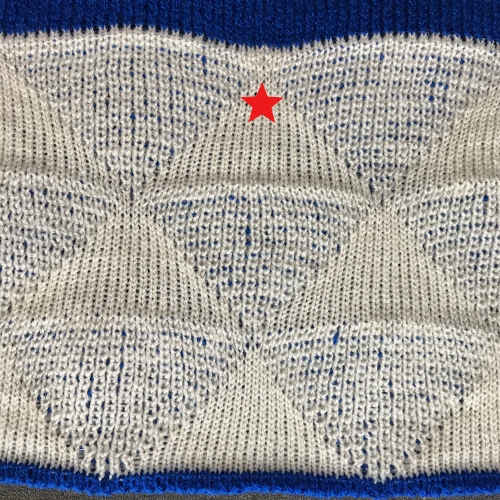
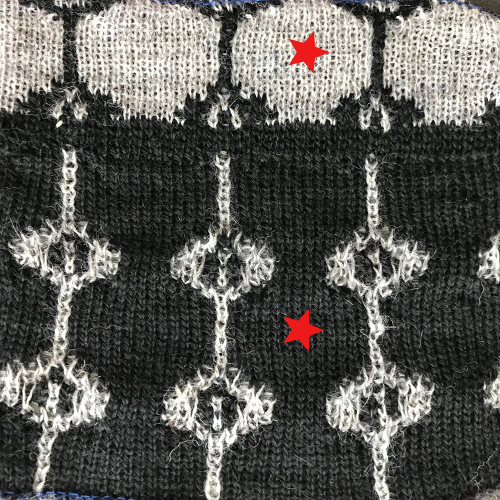
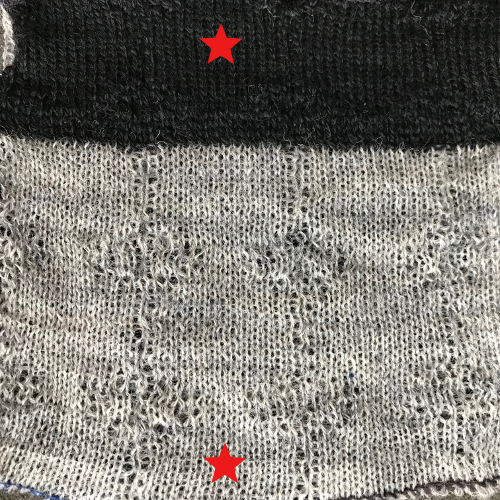

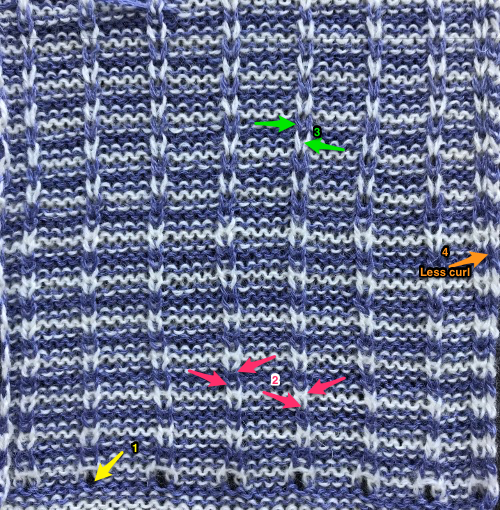
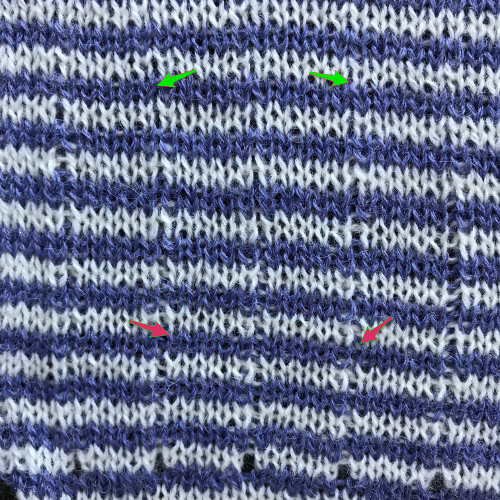
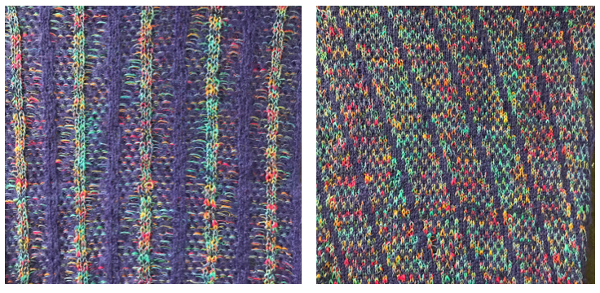
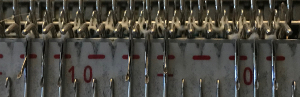
 Revised with fewer single dots and solid lines in the ground.
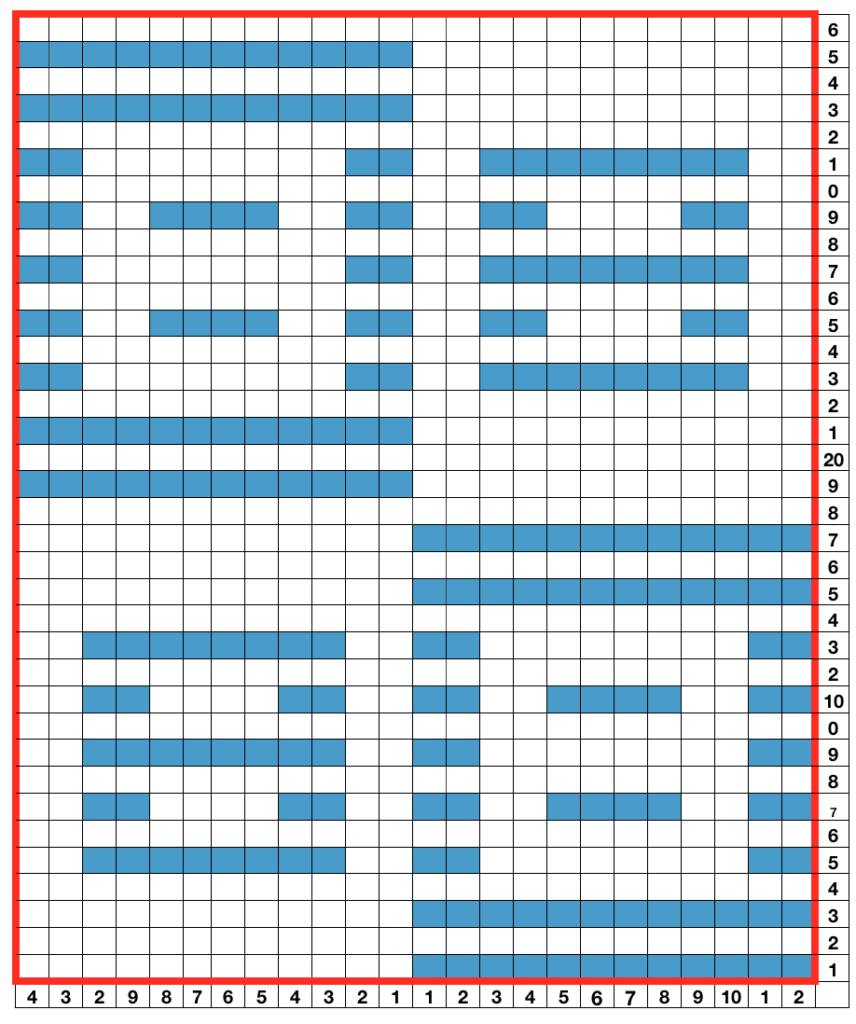 using any method you prefer, set up knitting so all stitches are on the ribber. If you prefer to set up complete repeats prior to watching, “air knitting” prior to ribber set up or using the position option on the main bed if that is available, will help achieve that
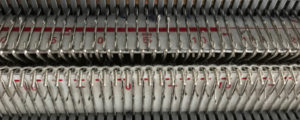 set knit carriage to KC II (used when patterning does not occur on every needle across the needle bed), both part buttons pushed in for free pass to the opposite side of km, no knitting occurs but the first row of pattern knitting is selected. Ribber is set to N<–> throughout
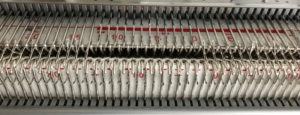 the carriages now move to the opposite side, selected needles on the main bed pick up loops, and nonselected needles stay empty. Ribber knits every stitch
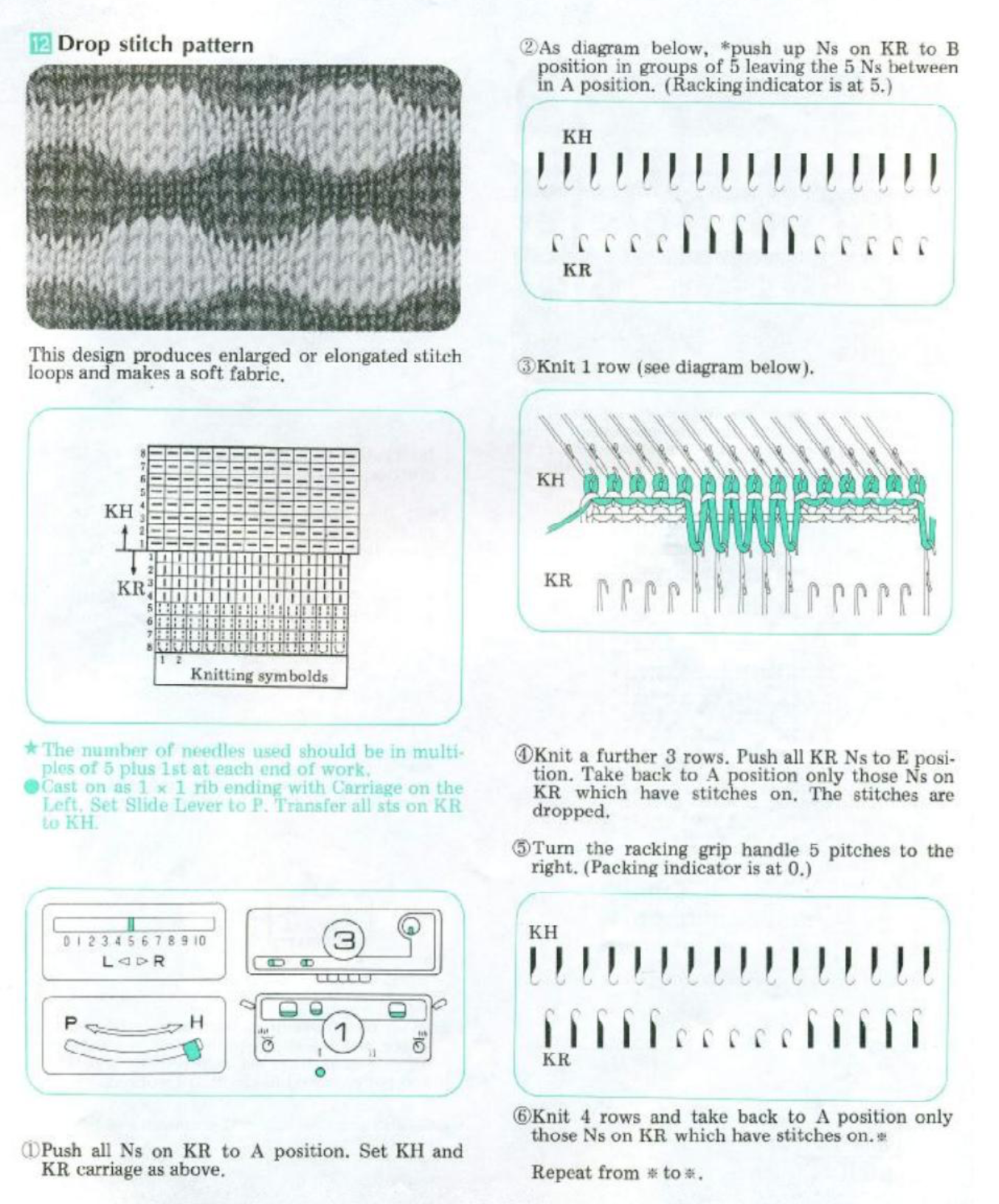
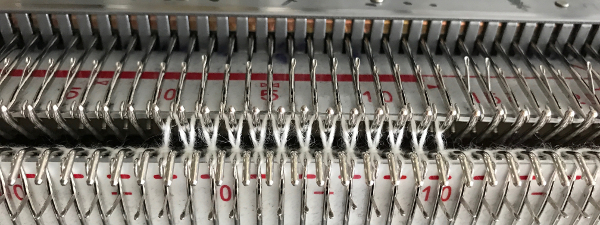 using a ribber cast on comb, stitch “dumper”, or another tool, move needles holding stitches forward to drop loops, and return empty needles to work position (B)
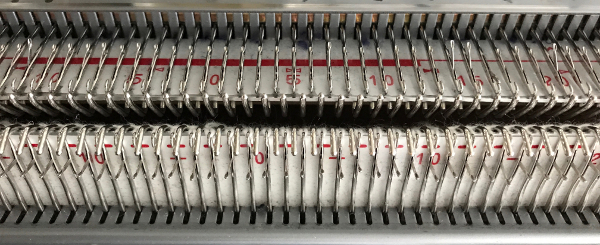 as carriages move to the opposite side, needles are selected for next row of knit stitches to be knit on main bed
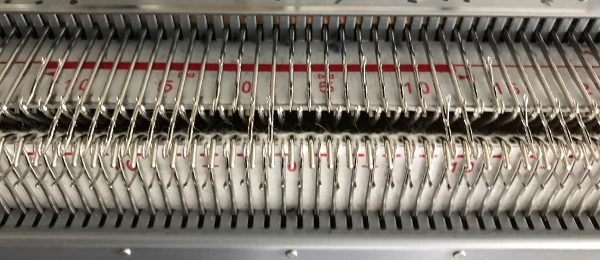 carriages now move to the opposite side, loops are picked up on selected needles
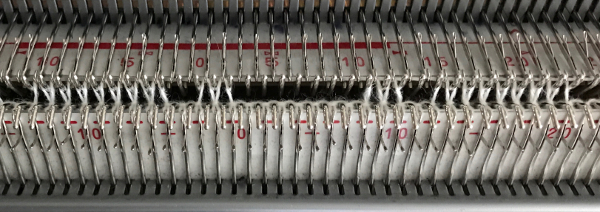
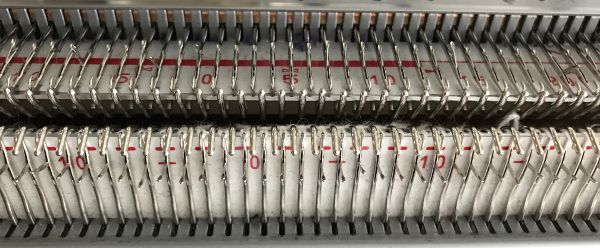
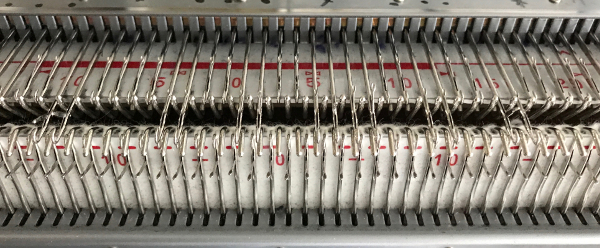 carriages move to the opposite side, picking up loops
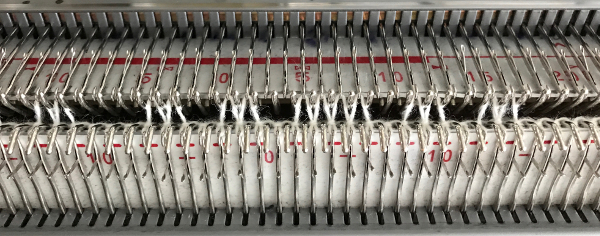 before carriages move again, drop stitches formed. Watch loops after they are dropped, if tugging knitting it is not enough to pull them out of the way of needles returning to patterning, take a tool, or something like a credit card. Slide it from one side to the other between the beds, thus keeping loops clear away from the main bed
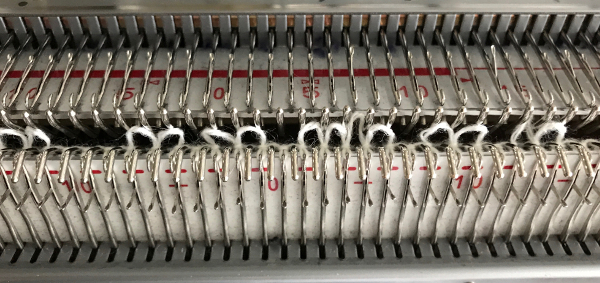
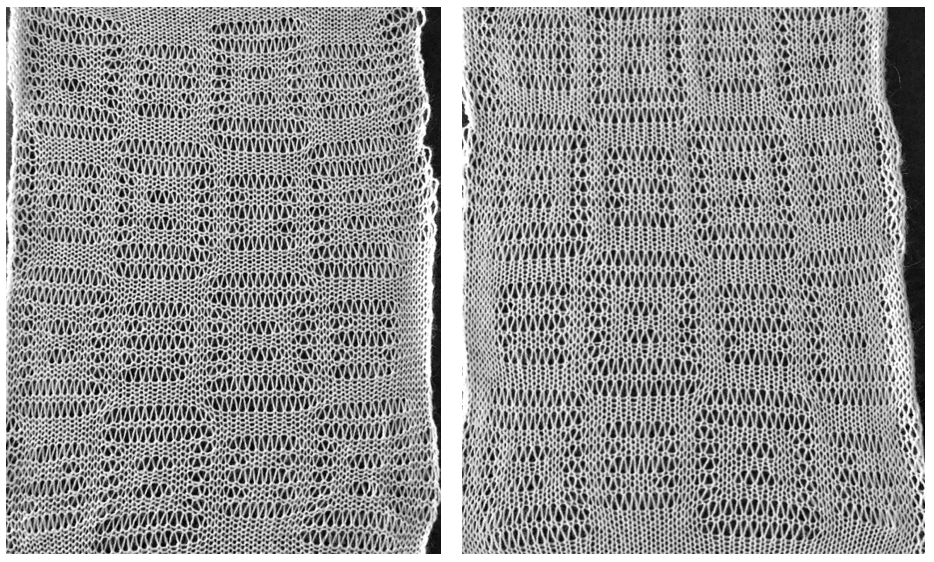
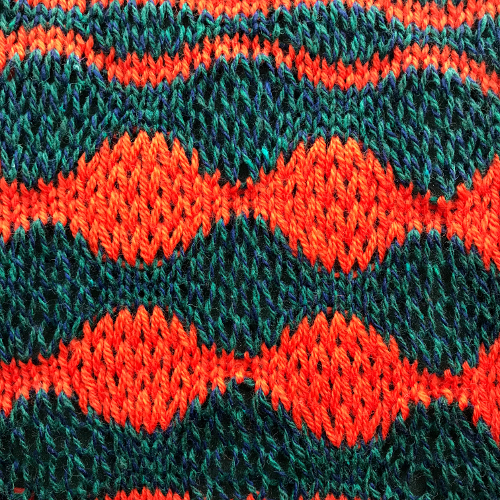
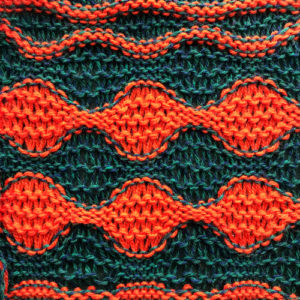 purl side is shown first for each segment, followed by its knit
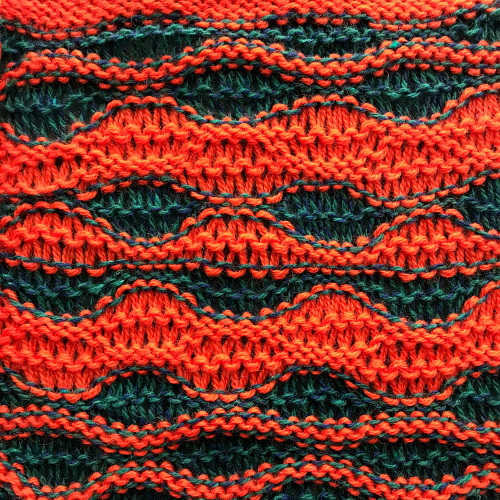
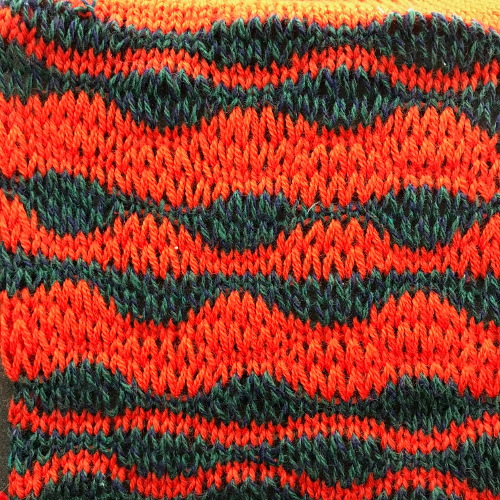
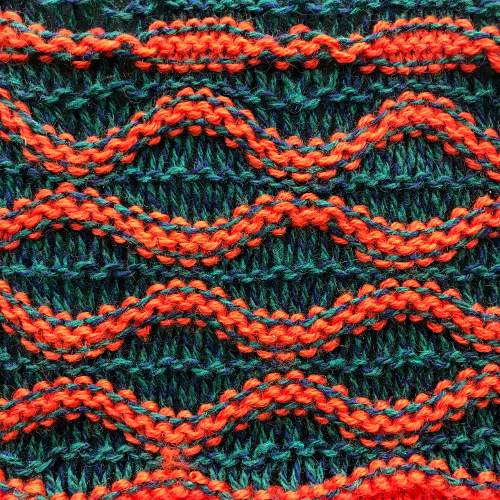

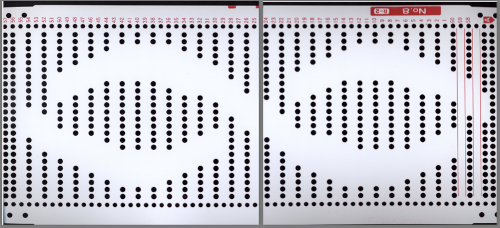
 If using punchcard machines, factory issue punch cards provided with the KM may be used
 A slip stitch edge may be planned to keep edges of items such as scarves from rolling
 consider top and bottom edgings that include the technique (illustrated in the

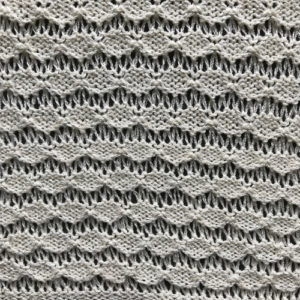
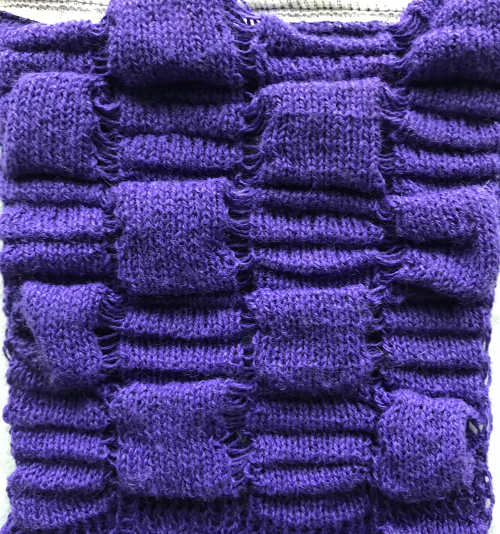
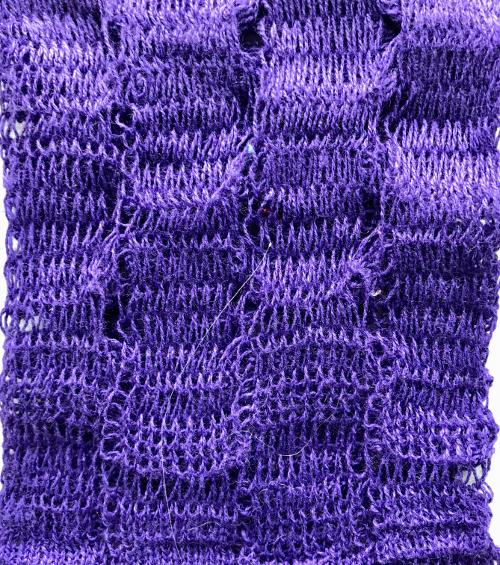
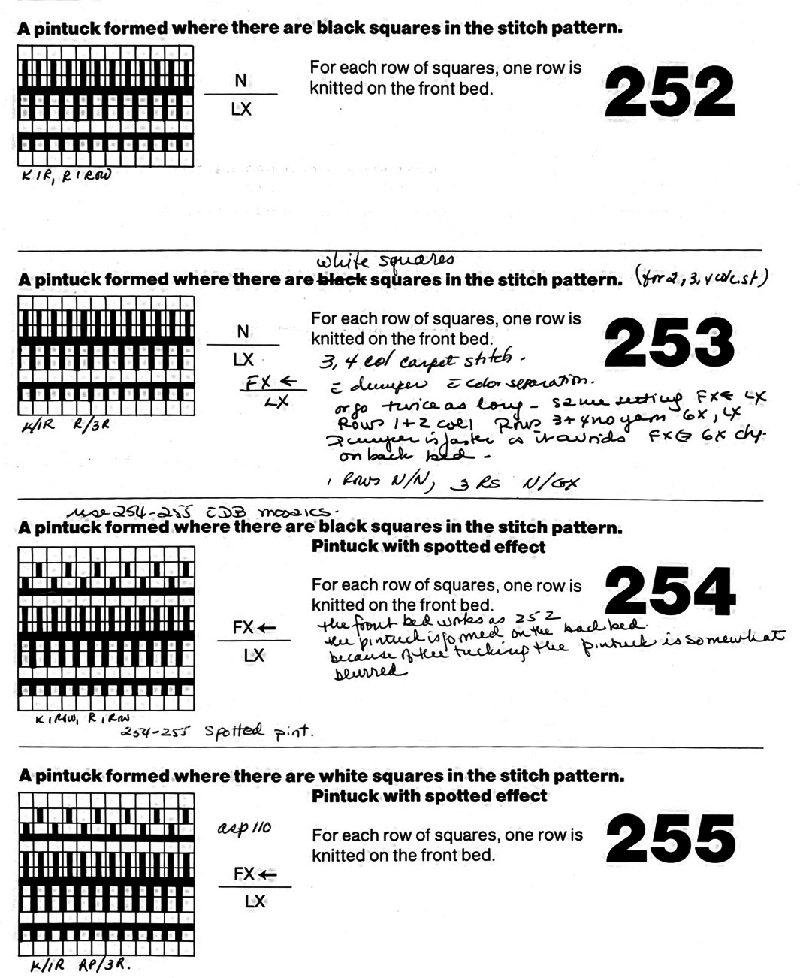
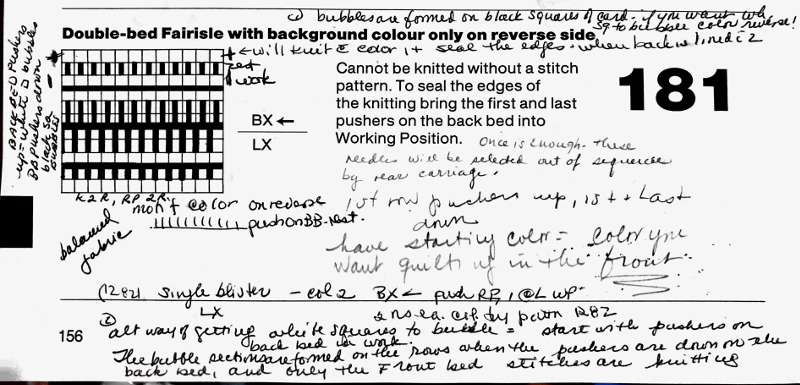
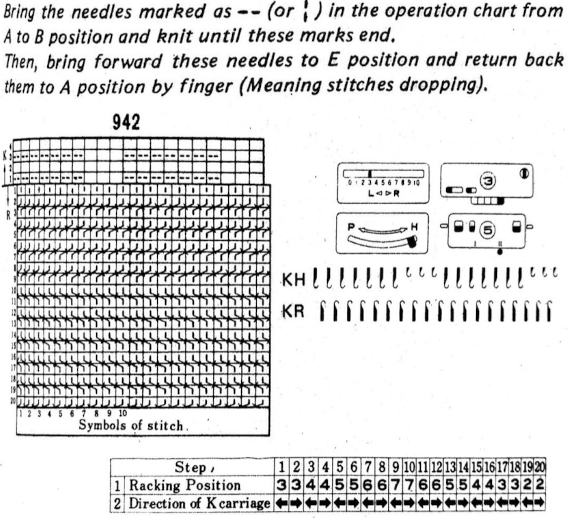
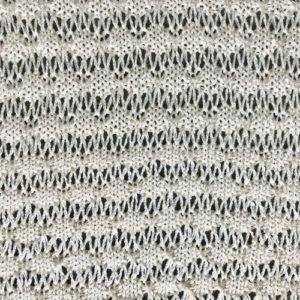 An alternative way to produce this fabric on Brother is to use the knit carriage with no yarn to do the “stitch ditching”. The basic design programmed into any brother machine, electronic or punchcard will need to be altered. The intended design in my sample is a 4 X 4 square, colors represent what would be punched holes, black squares, or pixels. Simple block patterns such as these may be released upon completion of each “square” series, in this case, after 4-row segments.
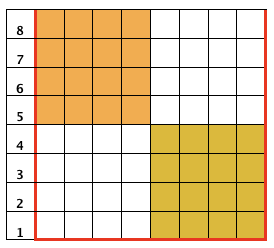
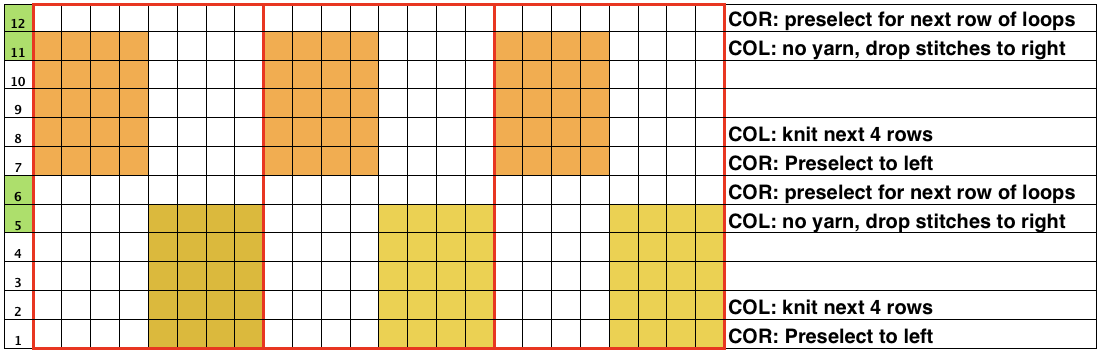 Rows 5 and 6, 11, and 12 are not part of the original repeat. The 5th design row provides needle selection, traveling from right to left. When the carriage passes in turn from left to right with no yarn, those preselected needles will drop while preselecting a blank design row (6) that allows the carriage to return to the left-hand side. As it moves back to the left, the carriage will preselect the first row of the design. With COL yarn is picked up in order to knit the next set of dropped stitches. A color change may be made while the carriage is on the left.
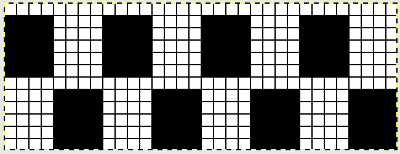
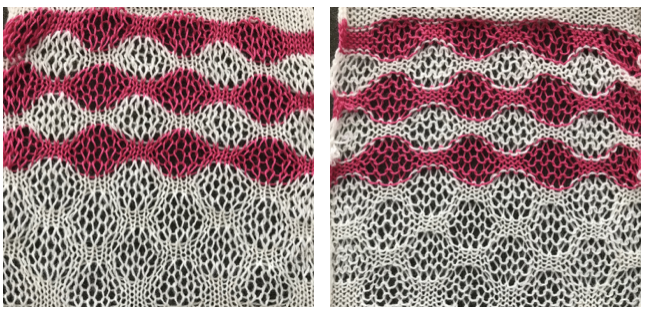 More to try: the typical appearance to look for in the source inspiration is that of single-row horizontal geometric designs with all blank rows separating them from each other.
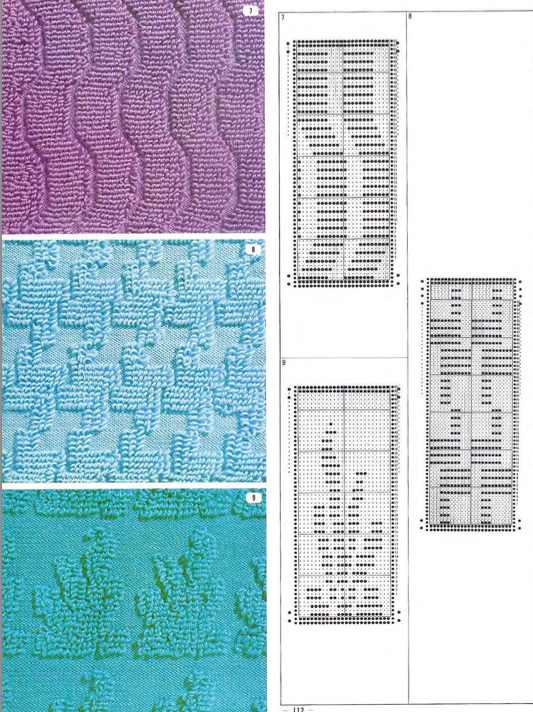
 The yarn used here was a softly spun rayon that began eventually to split, and get partially caught up on gate pegs, leading to the ending of the swatch
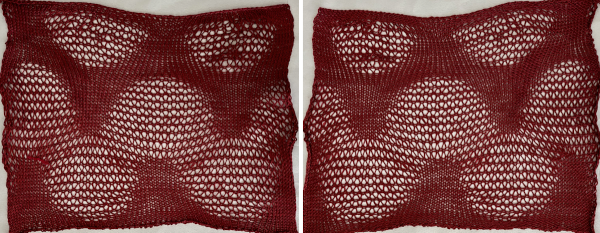

 Fair Isle



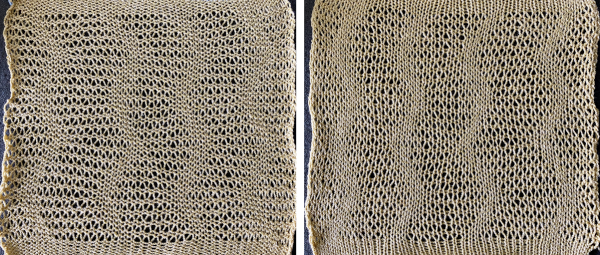
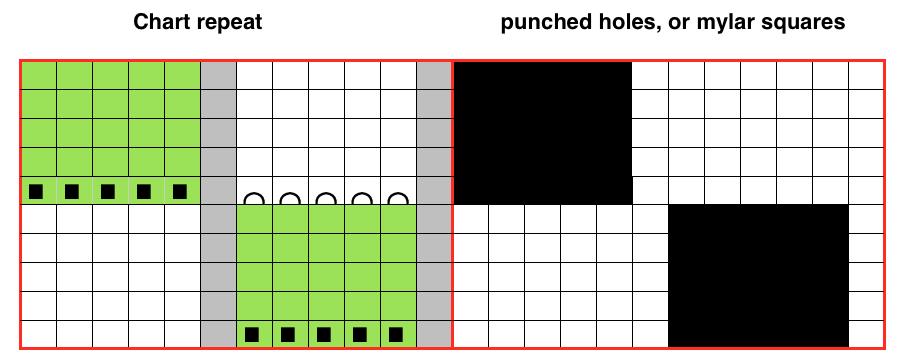
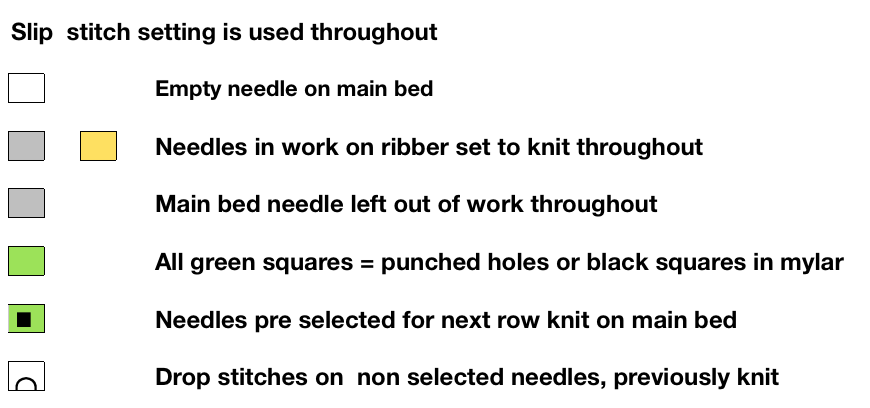
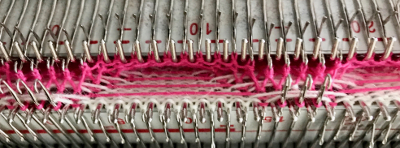
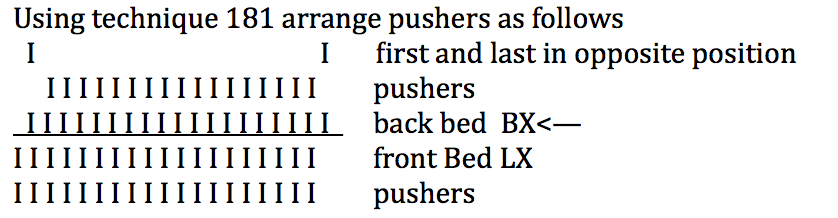
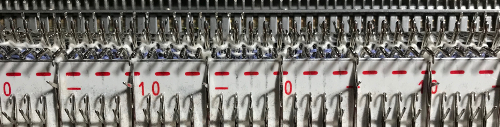
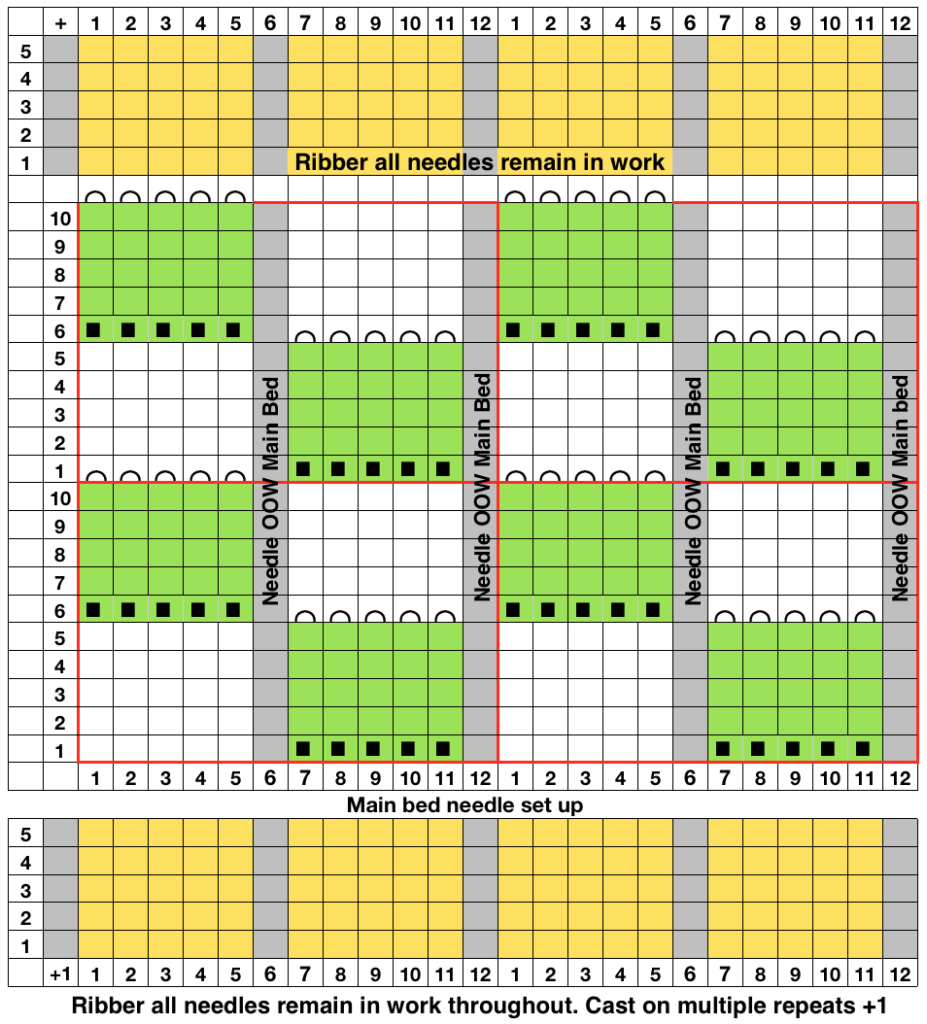 Working in multiple of repeat -1 on the top bed, plus one needle in work at each end on the ribber. Considerations need to be made to align the design properly. The markings on my metal bed are from a different project.
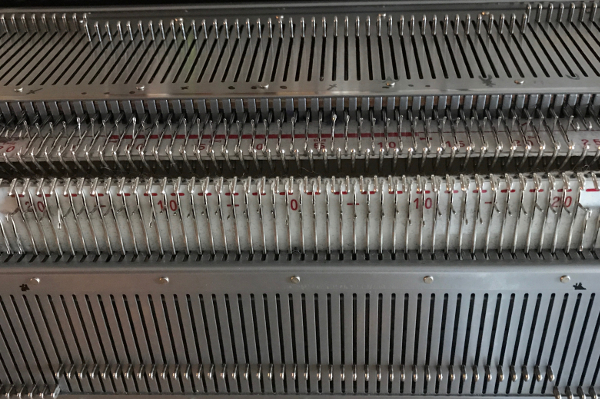 The goal is this needle arrangement
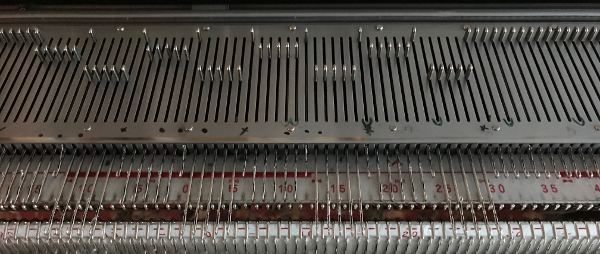
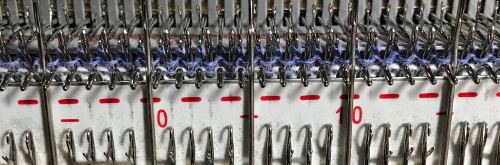
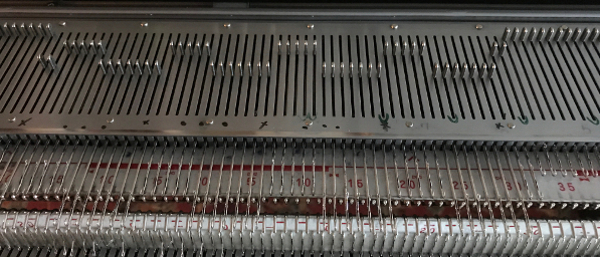 the first selection row
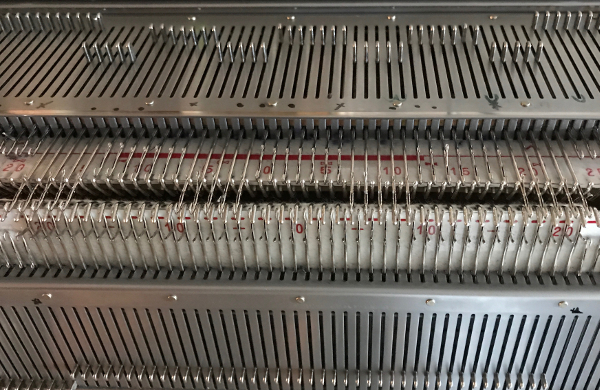 a needle on either side of the groups of 7 is pushed back to A position, remain there throughout the piece
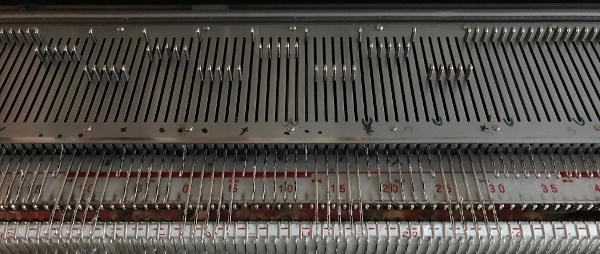
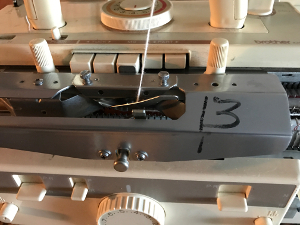 the ribber has now been set up for knitting every needle, every row, with the caston and desired edging completed. The first row is selected on the main bed for pattern knitting.
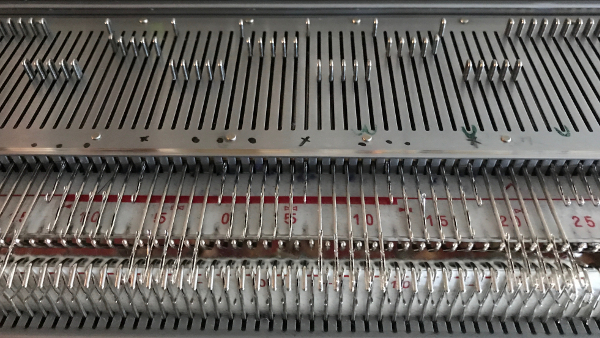
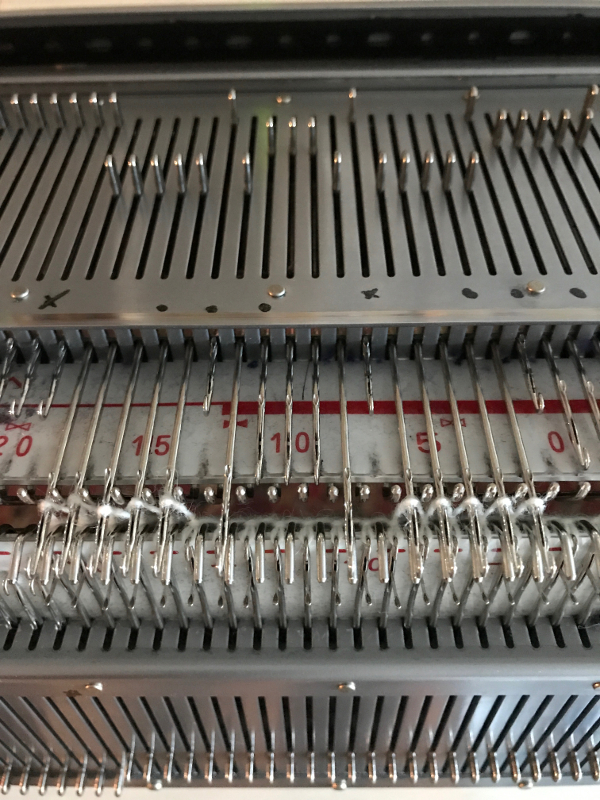
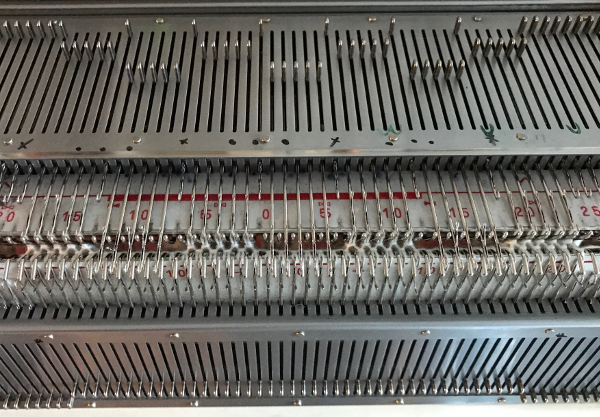
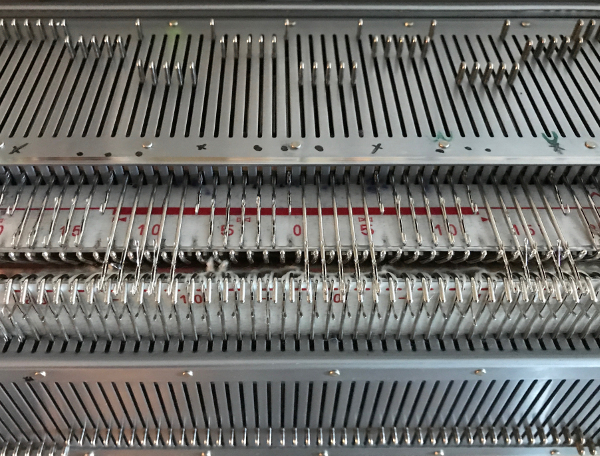

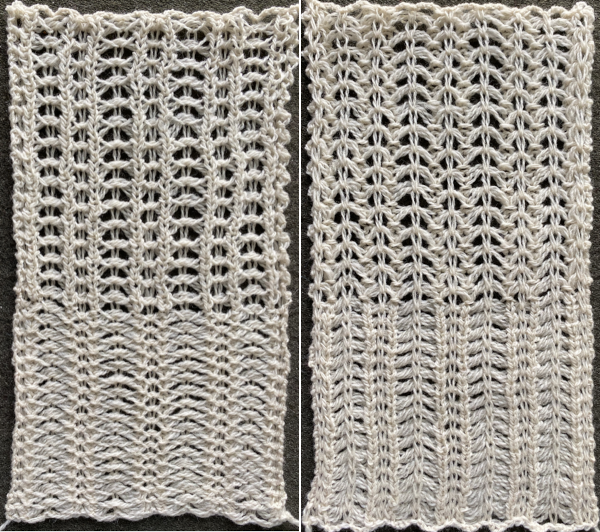
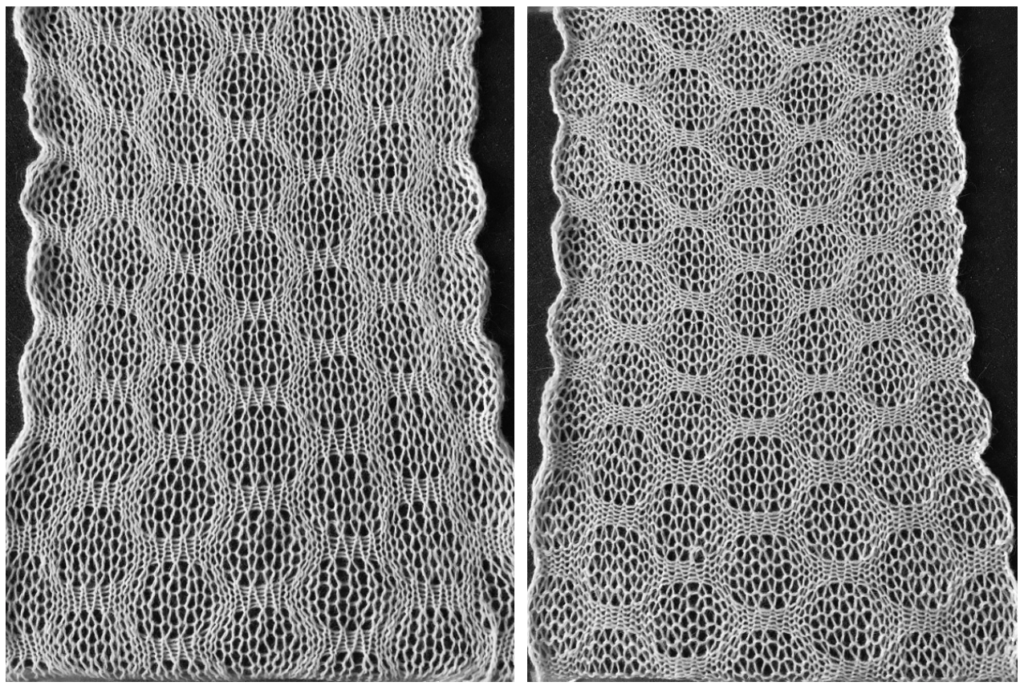 the variation in width is due to adjustments in tension, the swatch folded over itself shows the difference in another way
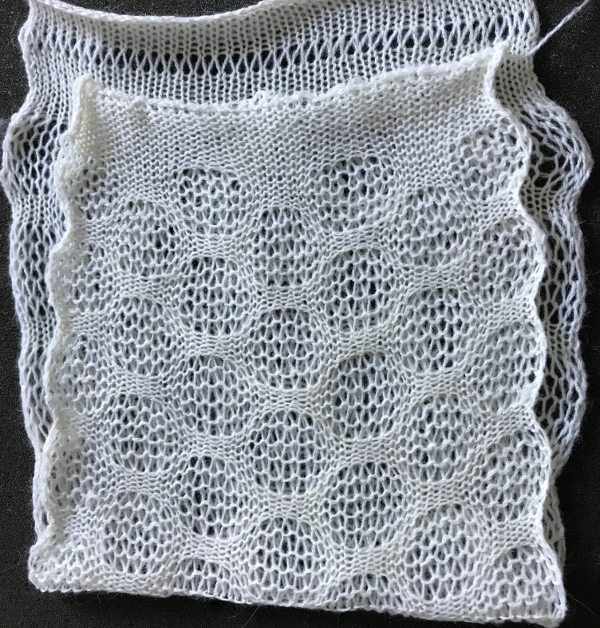
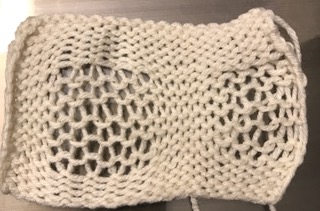
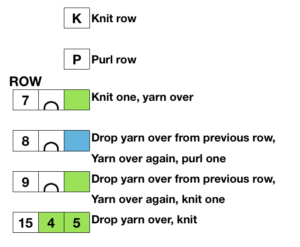
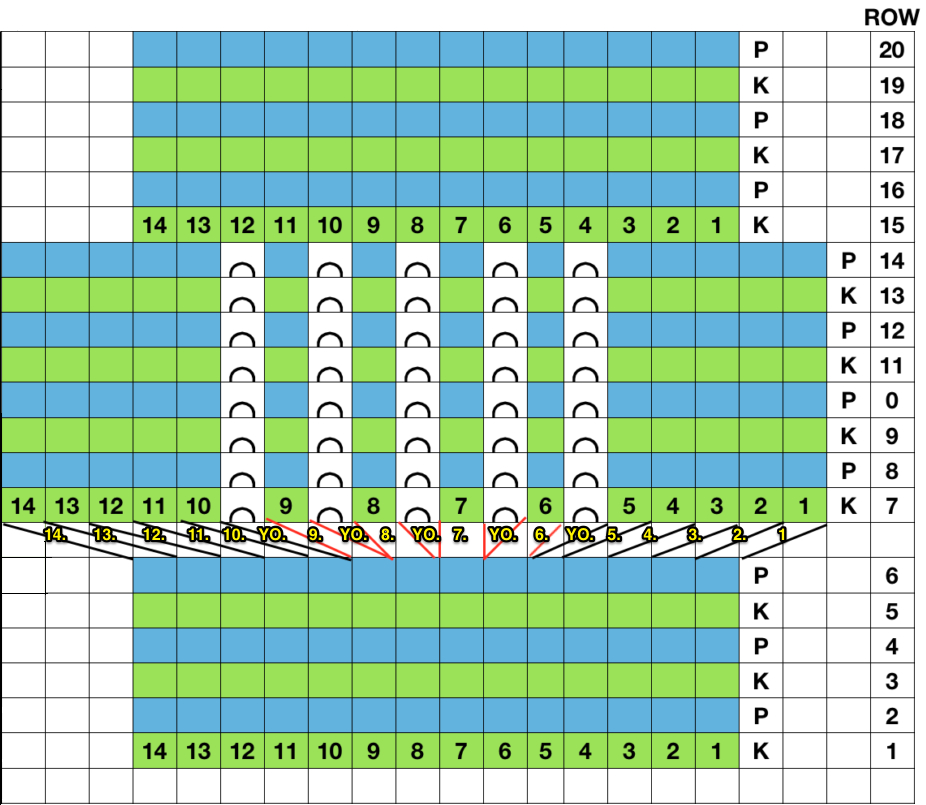
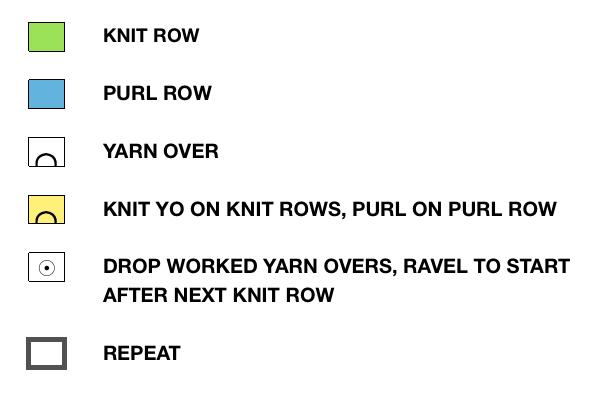
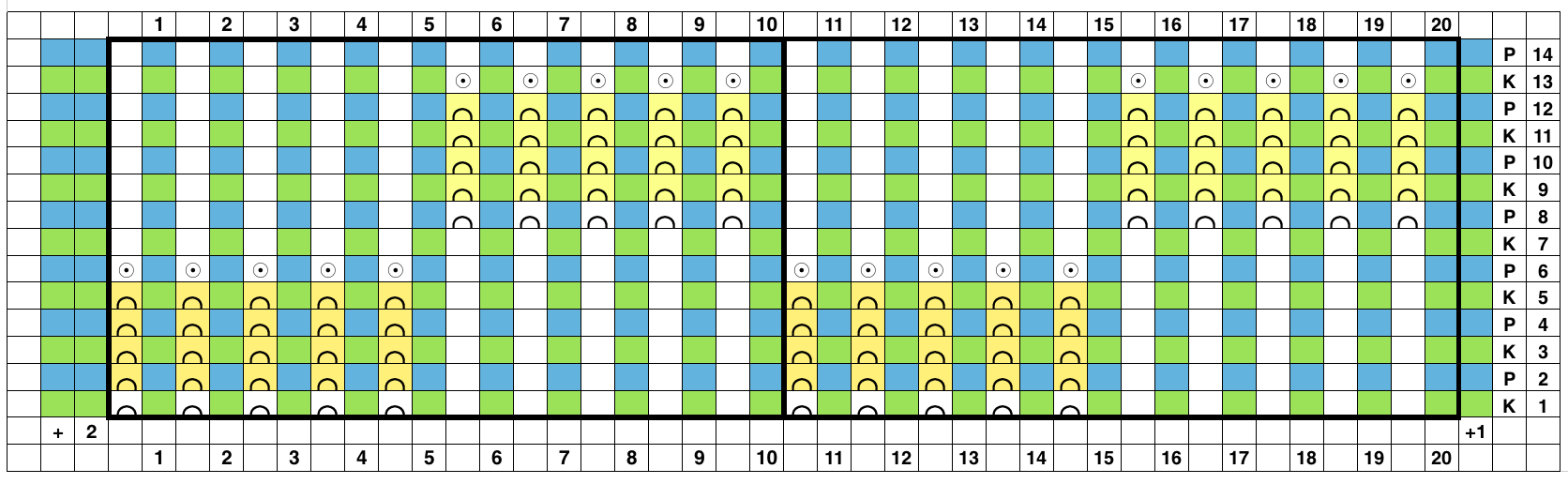
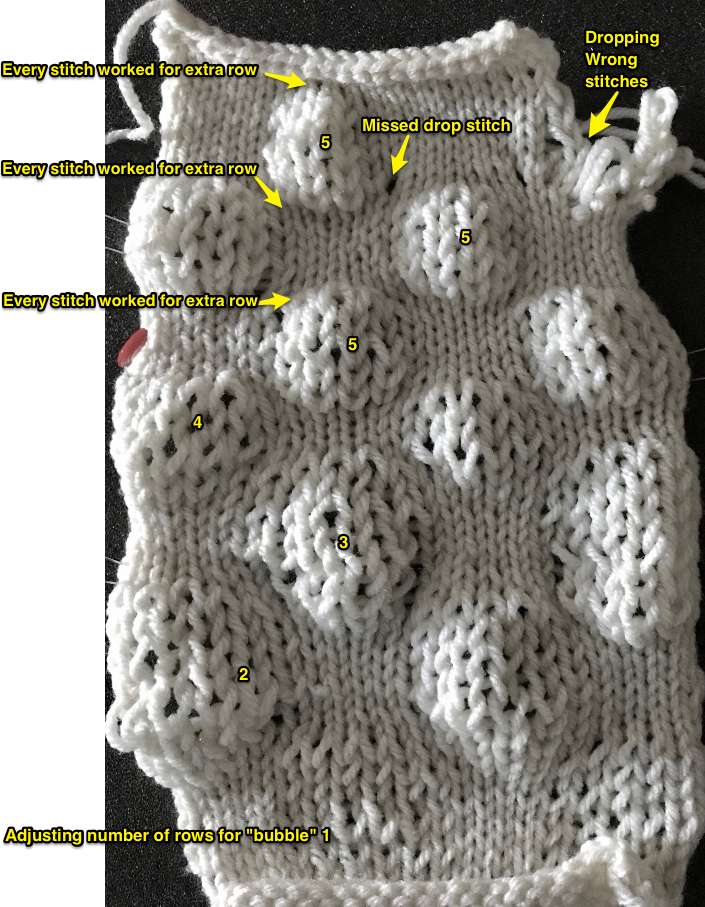
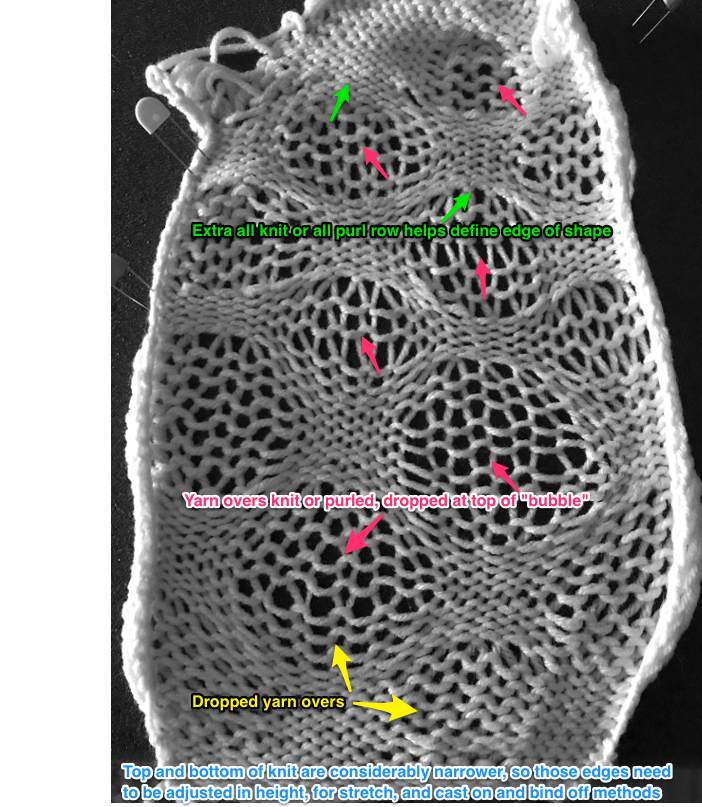
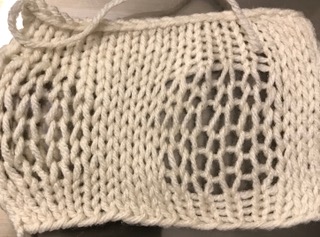 So I now own a new Mac, no longer have Microsoft Office available, and am now working my way through charting diagrams using Mac Numbers. Below is a possible working chart with a different stitch count than above. I would suggest larger blocks of all knit stitches and rows between “bubble” repeats
 the reverse of the fabric, lightly killed with steaming and pressing
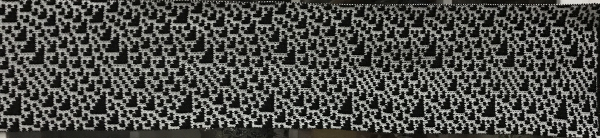
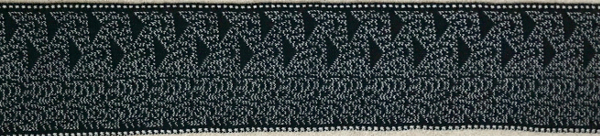
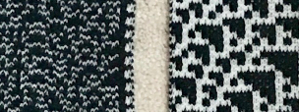
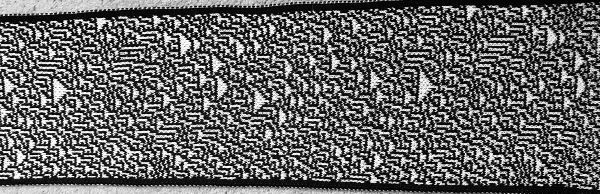
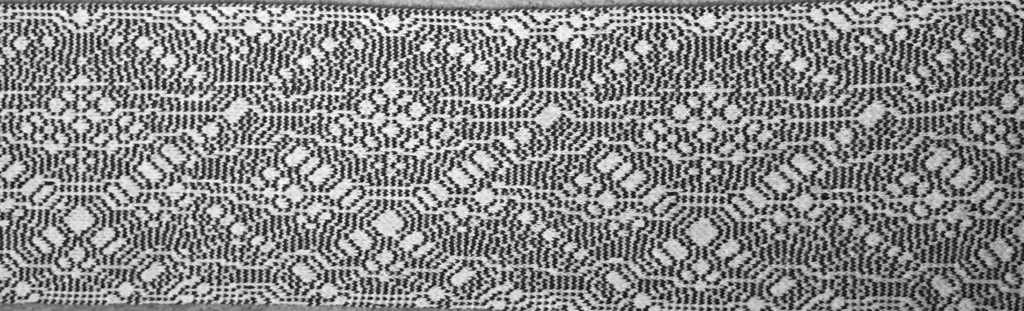 one with a color reverse border on only one end
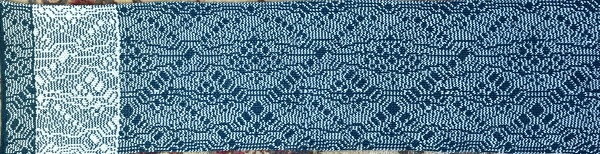
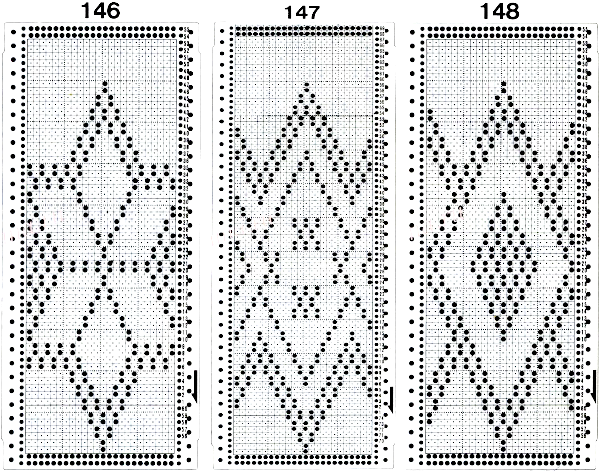
 Three more candidates for experimenting with the technique.
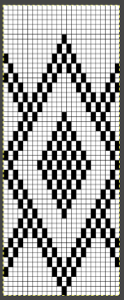 Related PNGs:


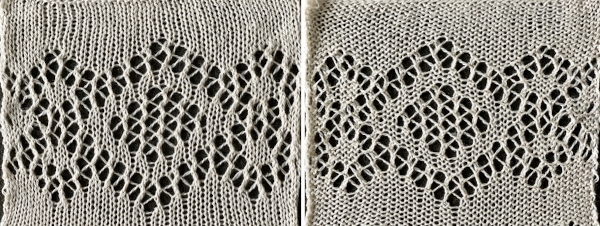
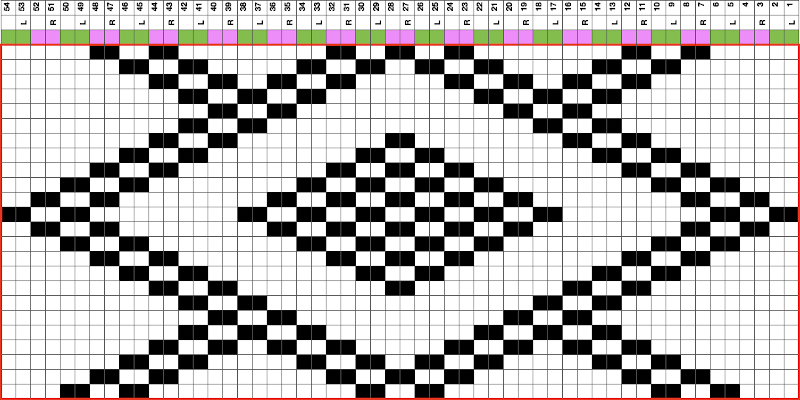
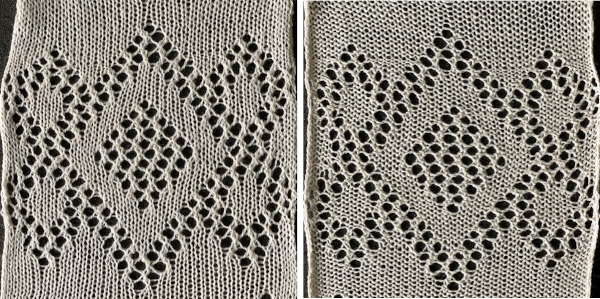 The BMP for the full repeat including blank rows at the top

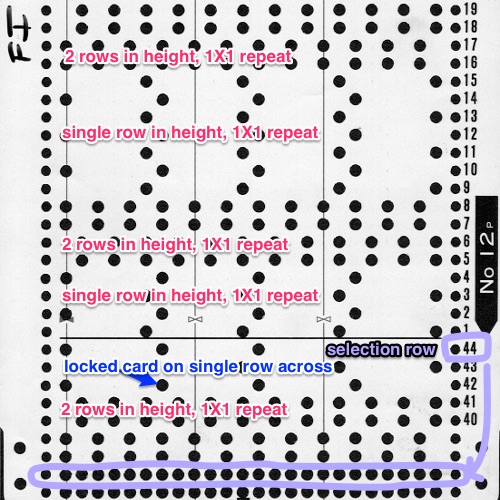
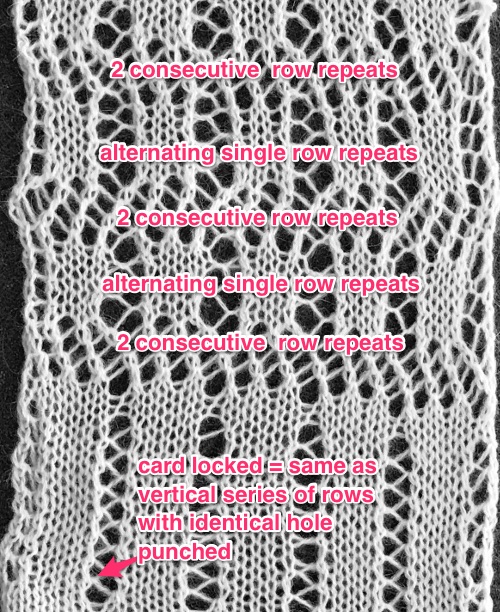
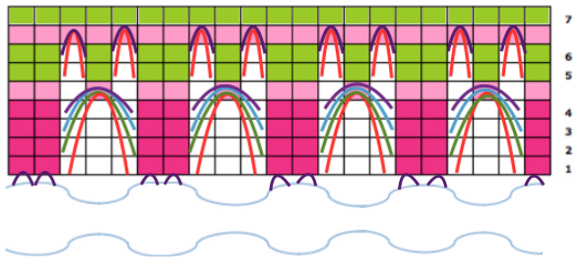
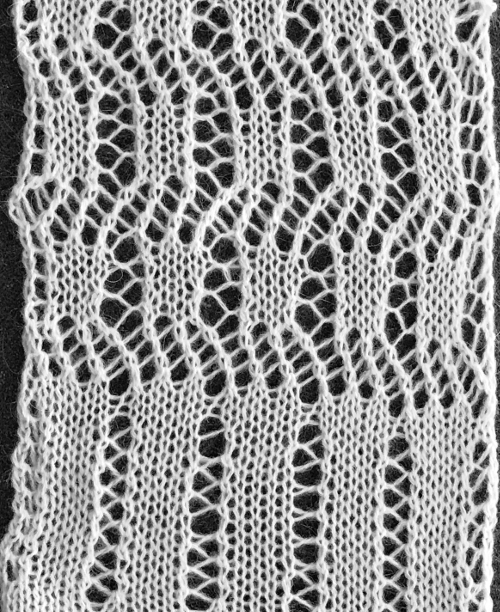 The above shows long vertical lines of transfers are possible in design motifs (punched holes).
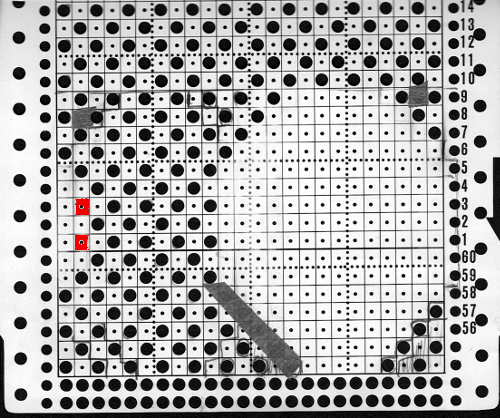
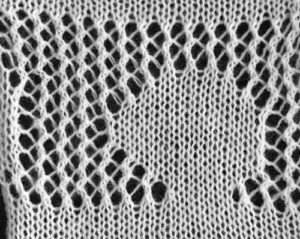
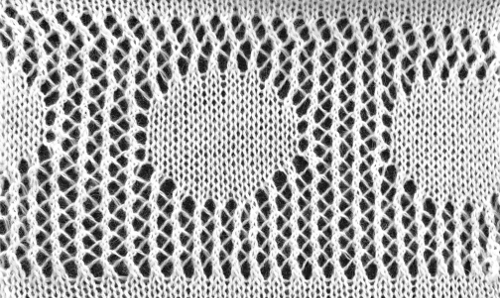

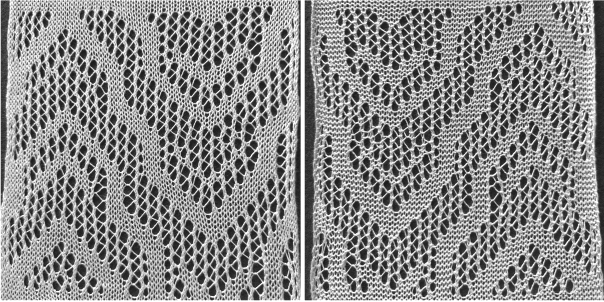
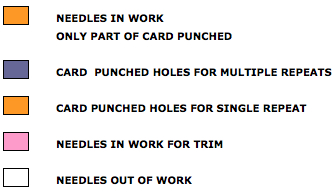
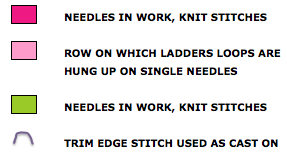
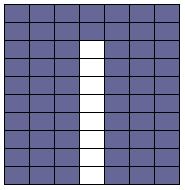 Since the above is seven stitches wide, if punched accordingly it would occupy 21 out of 24 stitch units on a punchcard. As is unless those extra needles on the far right or left are left out of work for ladders or transferred down to the ribber, it would not be suitable for an all-over fabric. It can, however, be used for a trim. If the latter is the intent, only one series of vertical repeats as seen in the chart needs to be punched. The numbers below the image indicate Brother needle tape markings. The Brother needled tape has a center O position marking, with numbers beginning count with one and radiating out marked in groups of 5 in both directions.

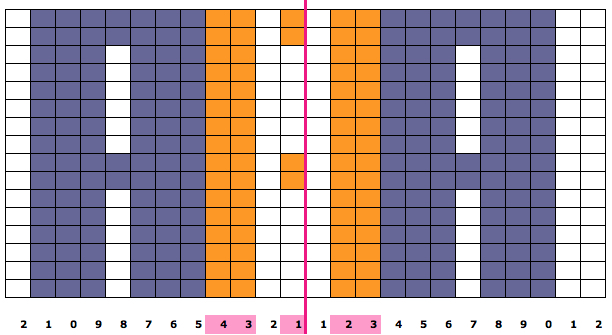 The single-width repeat may be programmed as pixels, on left, or punched holes on right. In electronics a single 8-row repeat is adequate, punchcard knitters repeat 5 times to 40 pattern rows punched.
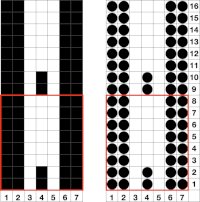
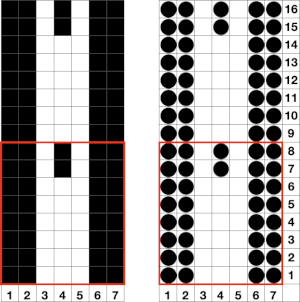 I prefer starting such designs on a knit row. To do that, the design repeat start may be shifted
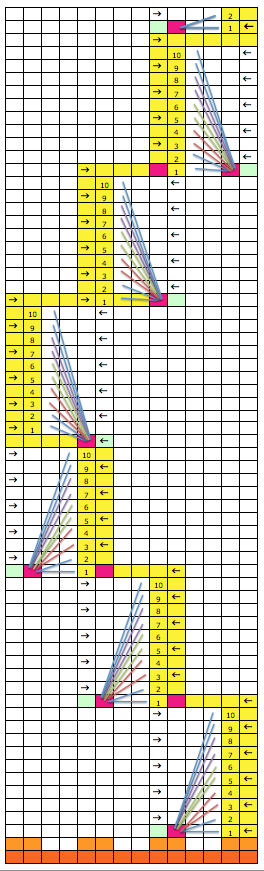
 Using the trim as the cast on edge for a garment: determine the length required after a technique test. Knit a bit extra and remove on waste yarn, so more may be added or some be unraveled if needed or you wish to change the configuration using it as your cast on. Rehang and cast on later when it is completed. The flared-out portions of the trim will be used to “cast on” the edge of the piece, continuing with some needles out of work. An attempt at a line drawing of the “trim” sideways
 Using the curved out edge of the trim, hang half stitches if possible, or one full stitch away from its edge as illustrated below. Knit 4 rows. With a tool pick up all ladder loops created by NOOW (RC 1-4) and hang them on the center empty needle. Knit rows (RC 5, 6), hang ladder loops on still empty needles, knit across all needles, continue with garment

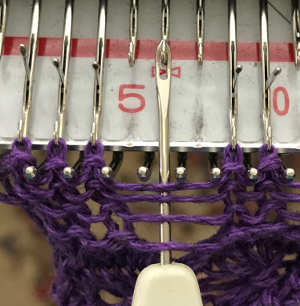
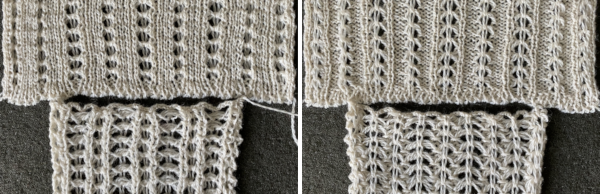
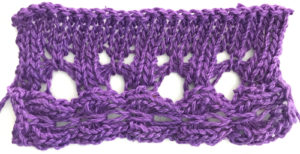 The yarn used is cotton and appears to have a tendency toward biasing on knit rows as seen in the tendency to lean in one direction in the above photos. It has no stretch, so stitches that knit off several tuck loops remain elongated. A look at the structure on the purl side:
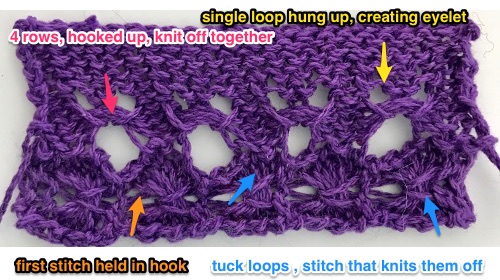 For more trims in this family, please see later post
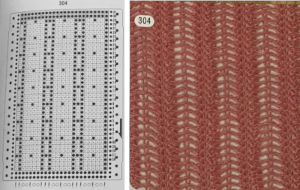 If using the pattern on electronic machines, the needle selection needs to match on the top bed. Depending on the model electronic, the pattern may have to be reversed for accurate needle selection.
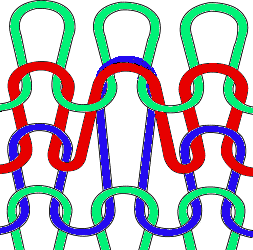 When using card 304, tucking happens for 3 rows forming loops that span across needles out of work, then all stitches on needles on rows with numbered markings on blue cells knit for one row. Orange gradient-filled cells represent rows on which tuck loops are being formed on the held single stitches, which in turn grow in length.
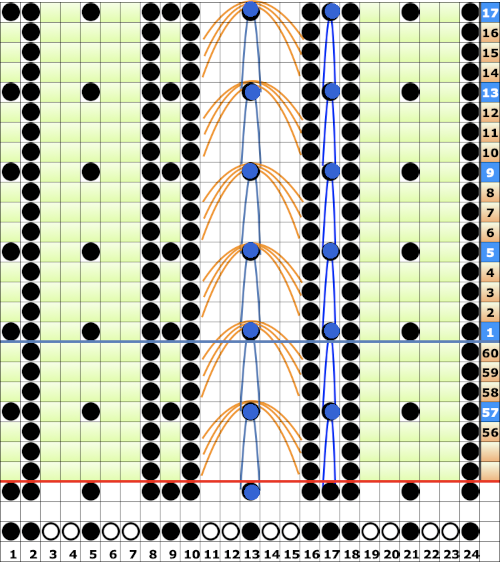 The full 24 stitch repeat, shifted for my preference, with the smallest electronic 8 stitch repeats outlined with red border


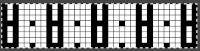 On the 930: the odd number of needles are automatically placed on the left, with the pattern used in the isolated design setting.
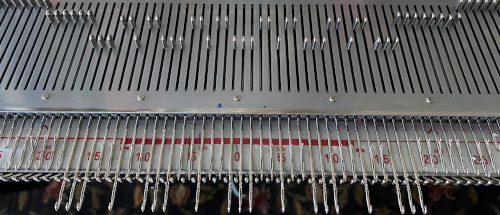

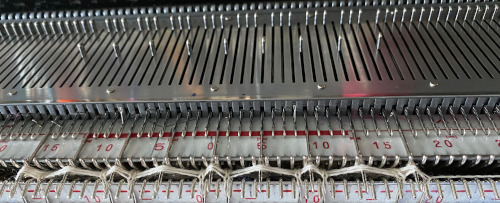
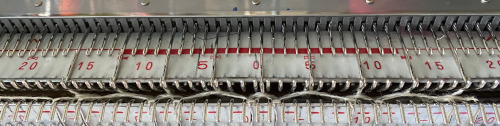
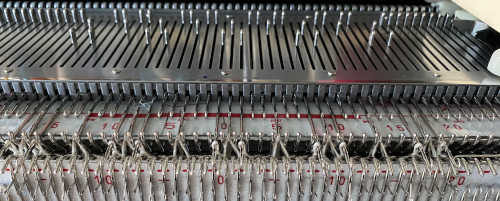
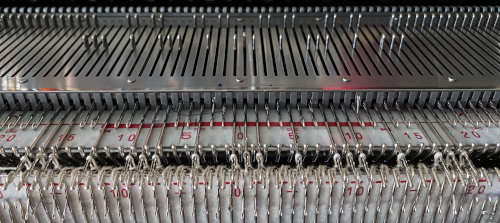 the tuck loops still form on the main bed, the ribber is set to knit every needle in both directions.
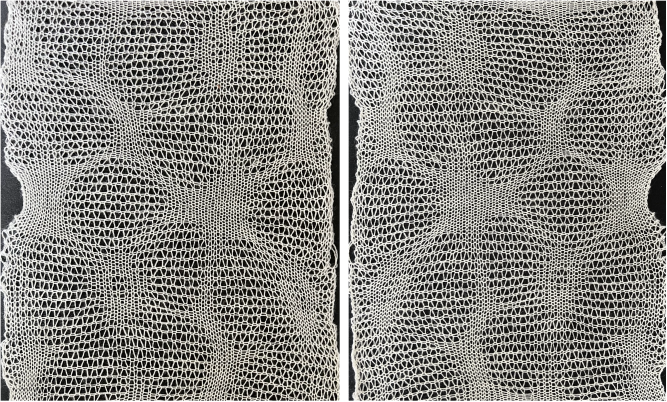
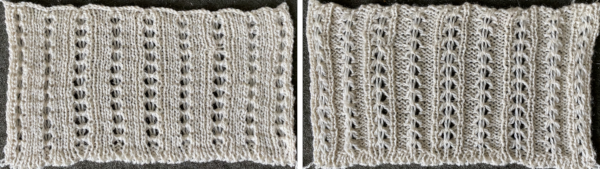
 The resulting knit, very different in appearance and in width than the previous sample, using the same tensions
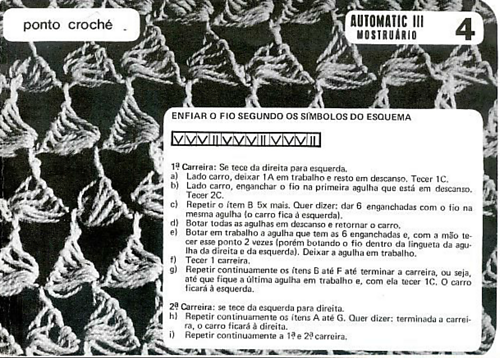
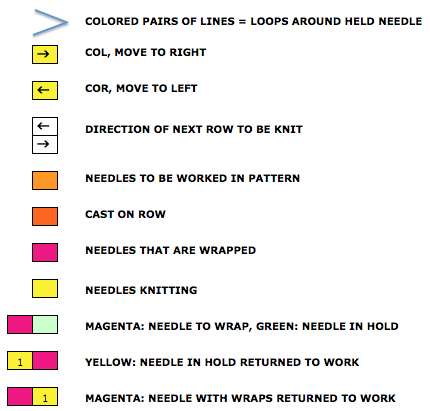
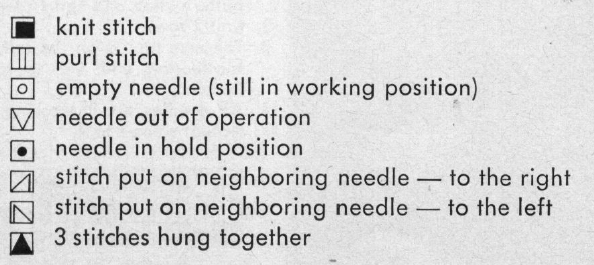
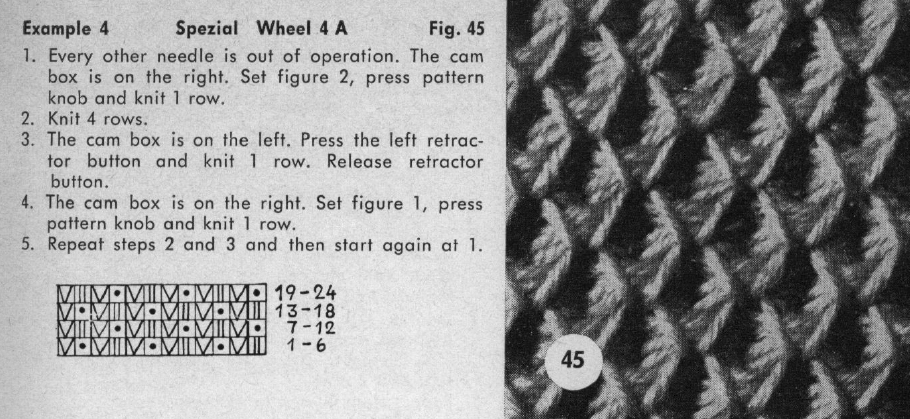 Translation of symbols used in Knittax patterns.
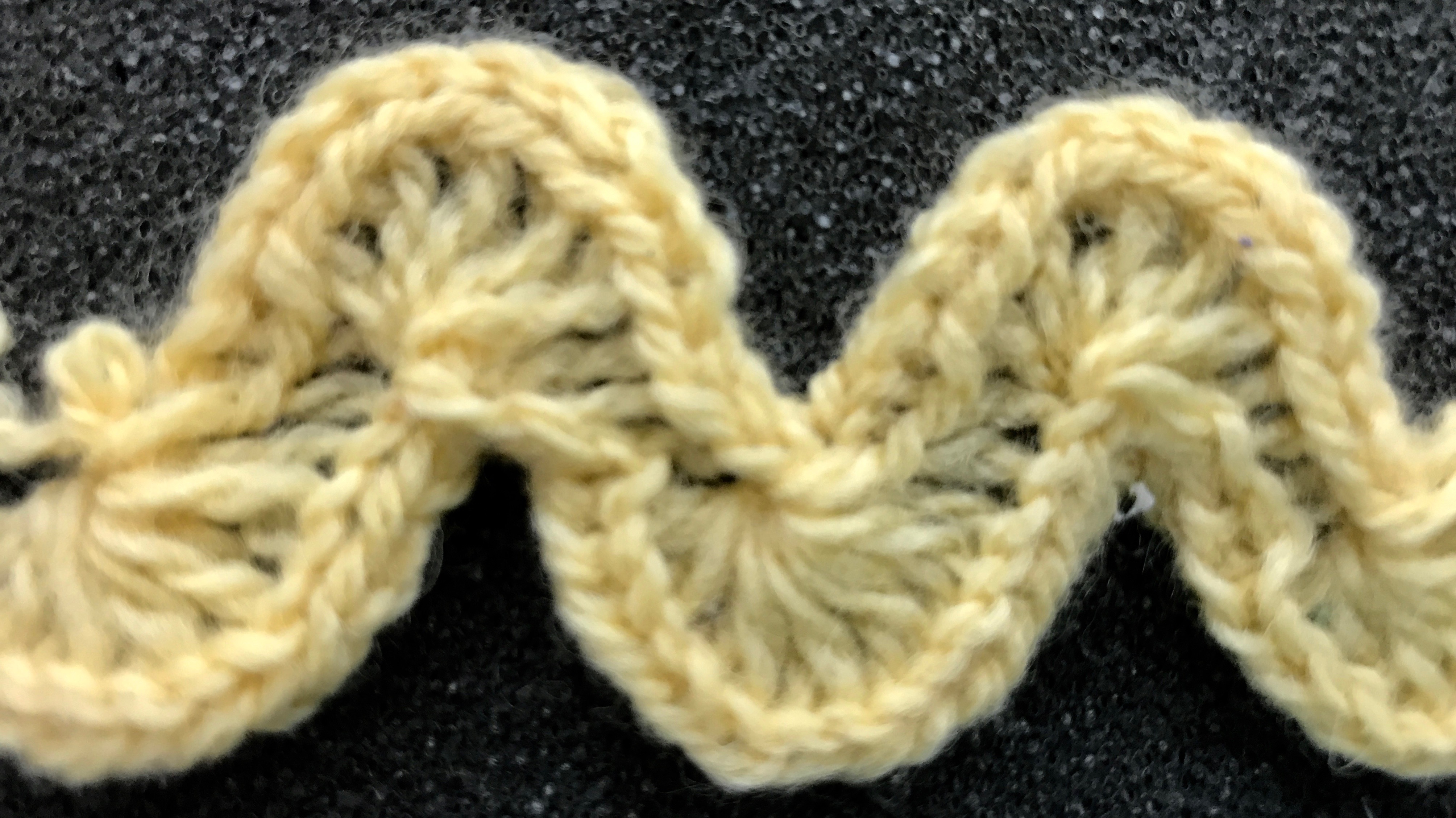
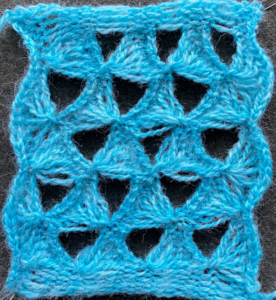
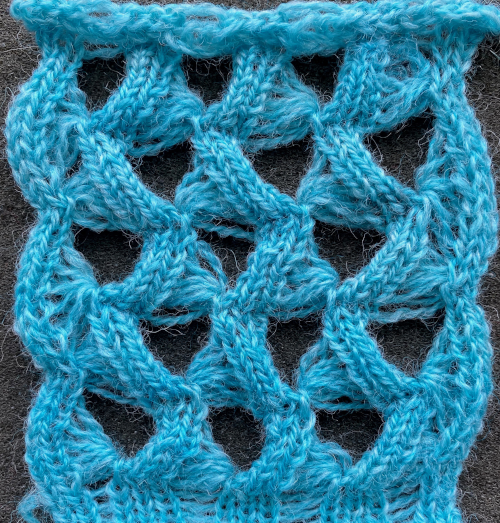
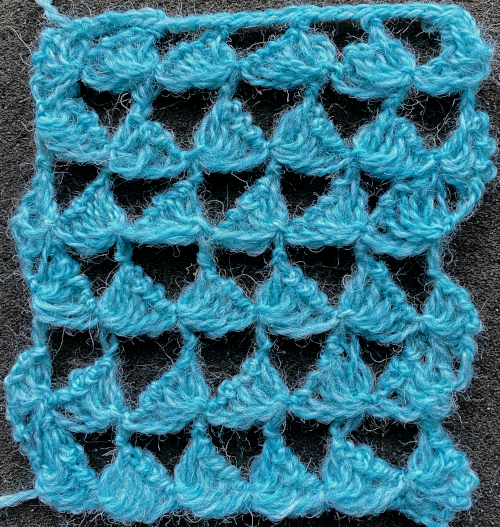
 On the purl side, this creates structures that emulate crocheted shells. My first attempts at trying to knit anything like this were with thin yarn, and I had enough issues to give up for the moment. Things worked out much better when I switched to a sport weight yarn that seemed to like knitting at T 10 for stocking stitch. With NOOW set up, my sample was knit at T 9. Waste yarn and ravel cord are often a good way to start, but not always necessary; the same is true of weight. I began with a crochet cast on, every needle, multiple of 4 st + 2, then dropped the alternate pairs of needles between the first and last 2 pairs of needles in work, pulling the needles back to A position, determining the width of my “shells.”
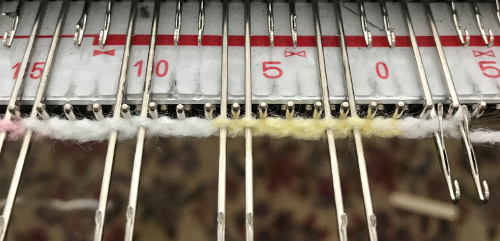
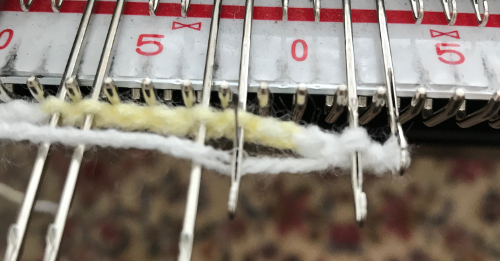
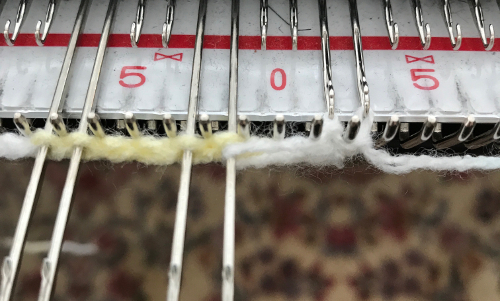
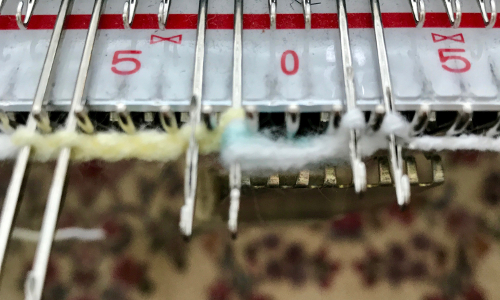
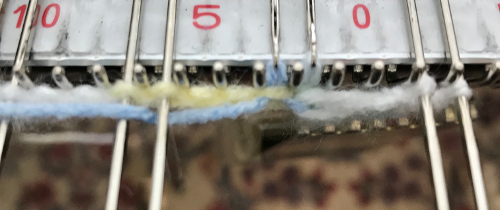
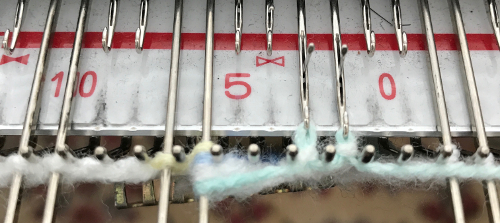
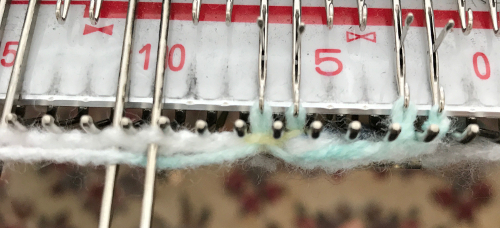
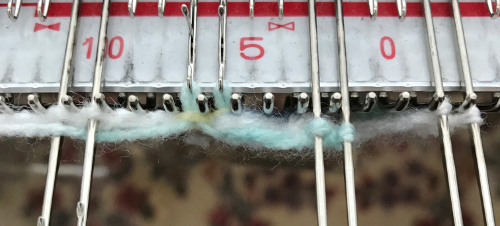
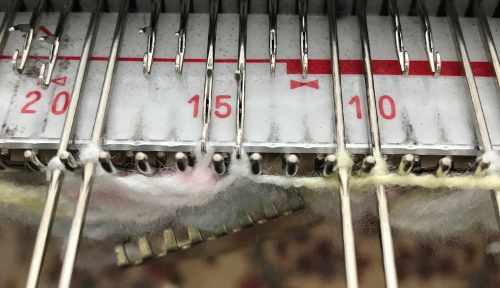
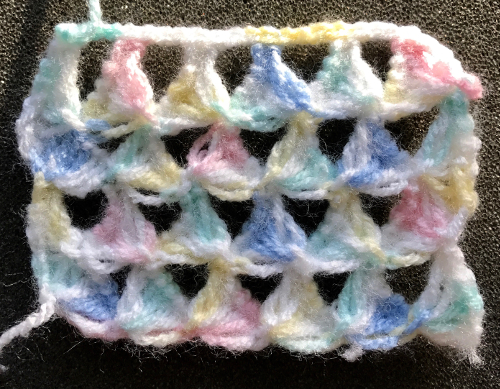
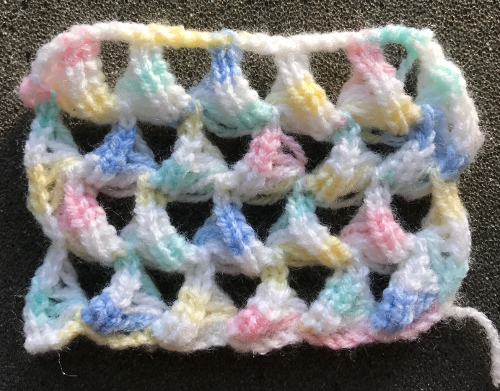 Variations can include the number of needles in and out of work, yarn choices, etc.
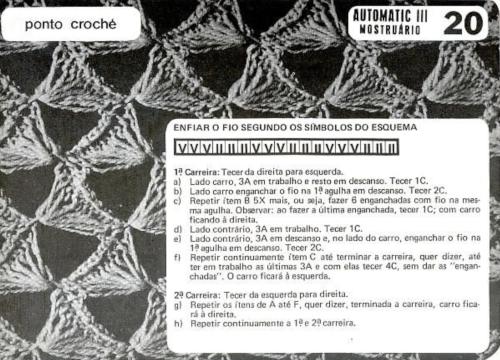

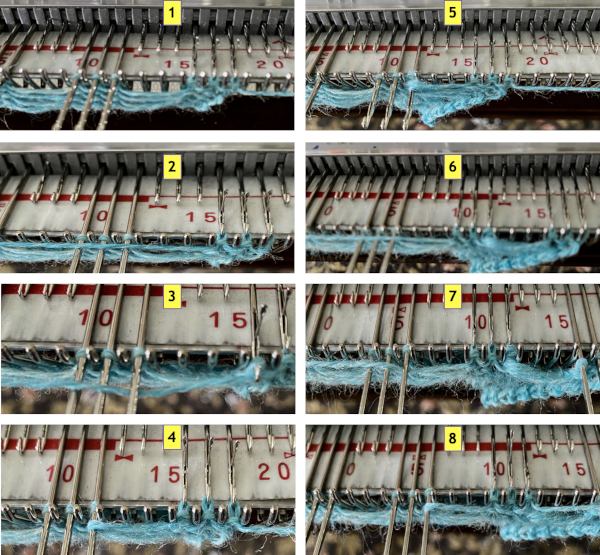
 The illustrated needle arrangement for #4,
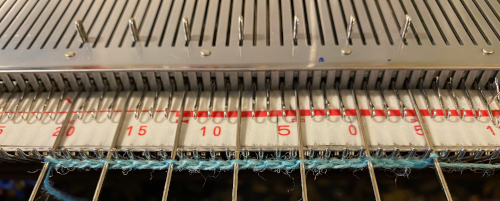
 I like to begin using a chain cast on, and then dropping chains off needles out of work

 The fabric shares knitting sequences with the first 2 samples.
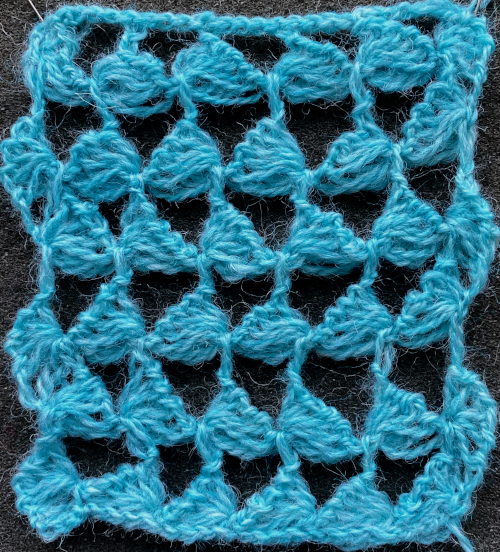
 Here, a similar technique is used for a trim, and both sides are shown.