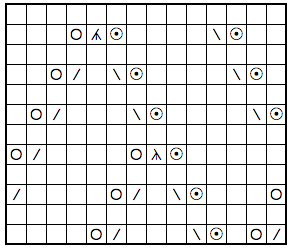
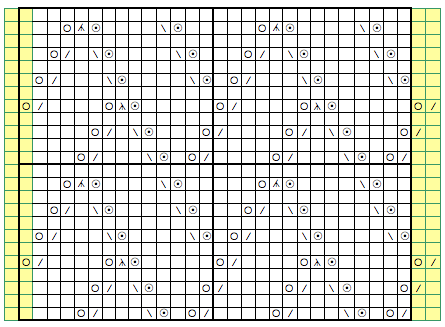
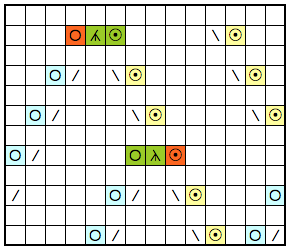
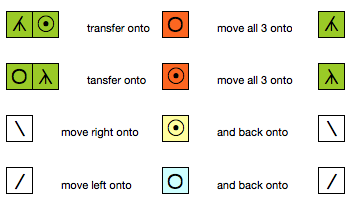
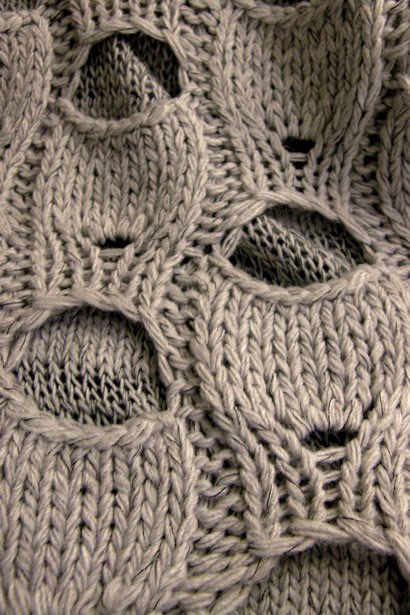
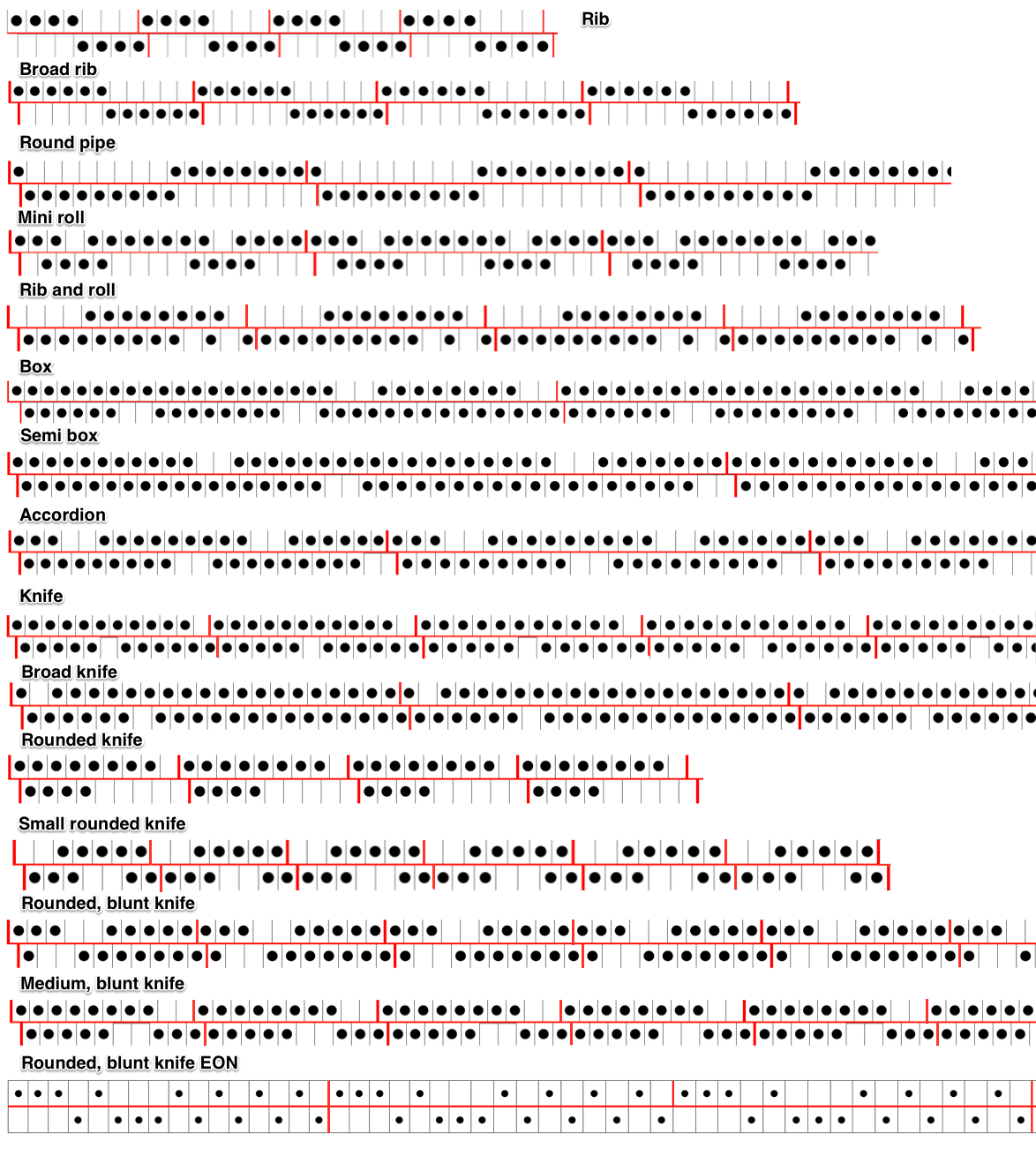
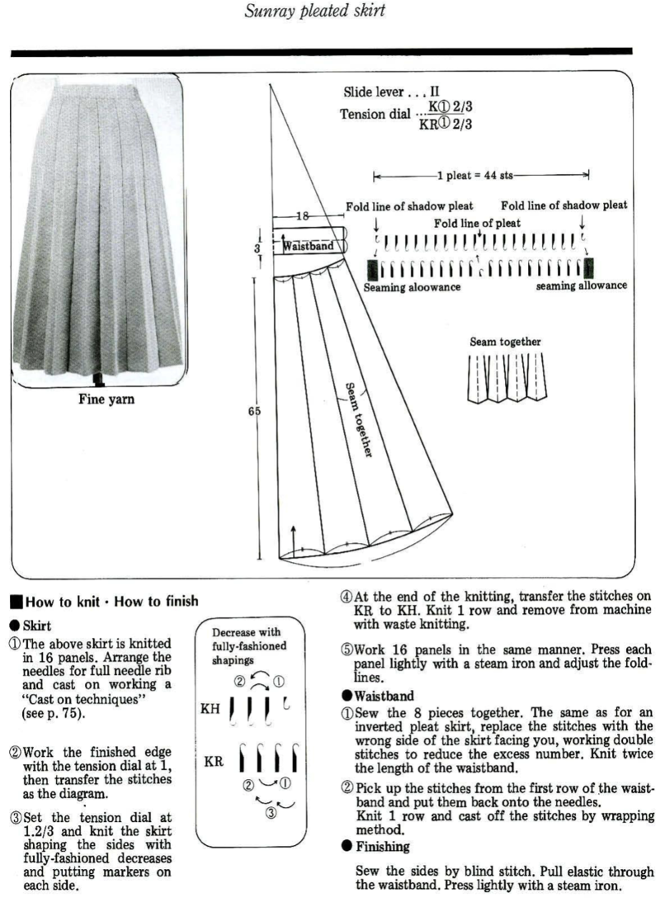
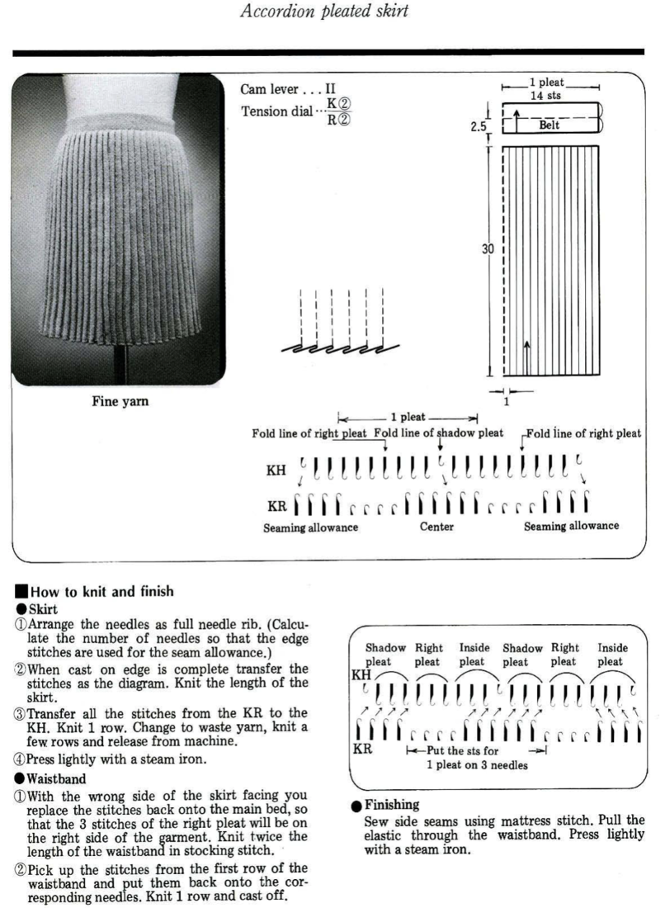
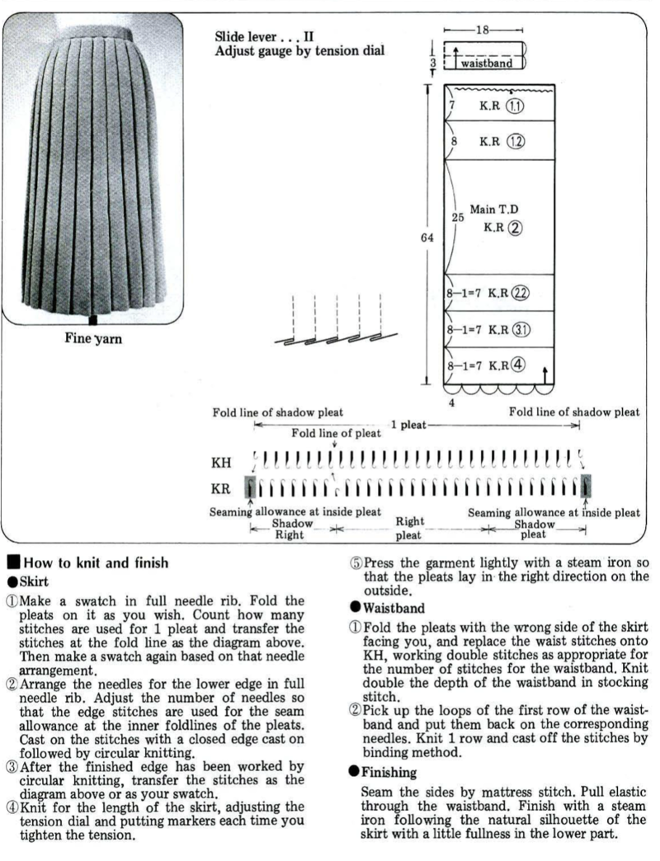
A collection of embossed patterns created by isolated groups of stitches being brought in and or out of work on the ribber
2021/05/09/double-bed-embossed-patterns/
2021/02/25/brother-shadow-lace-rib-transfer-carriage/
2021/03/11/slip-stitch-patterns-with-hand-transferred-stitches-double-bed/
2020/08/13/ribber-fabrics-with-stitch-transfers-between-beds-1
2017/12/20/combining-kc-patterning-with-racking/
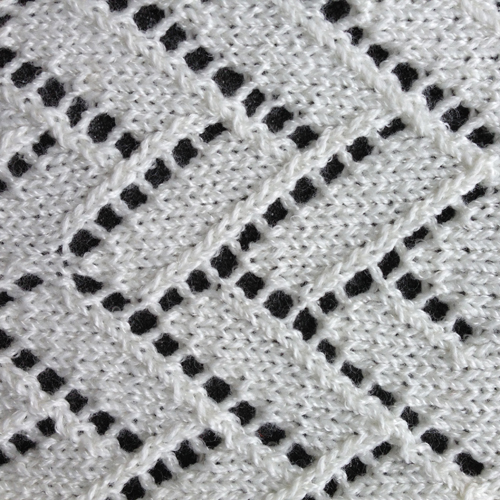
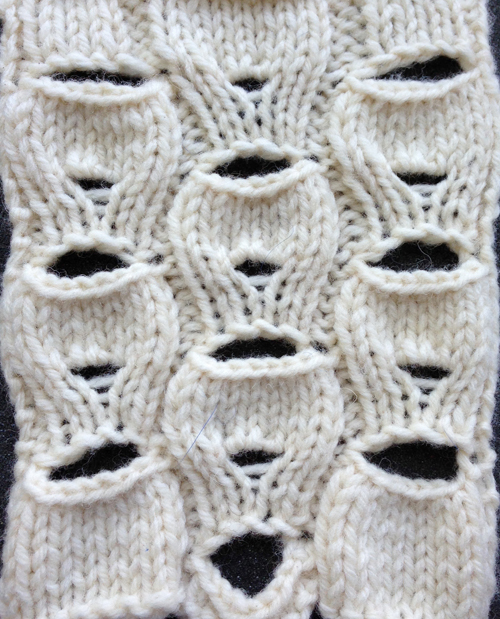
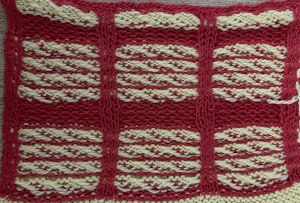
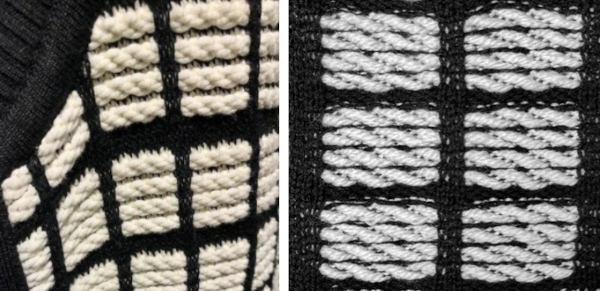
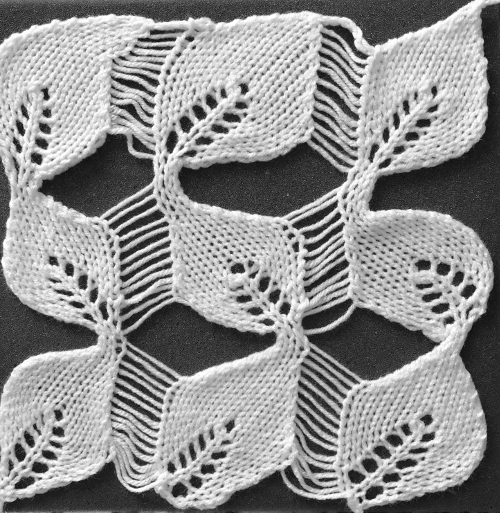
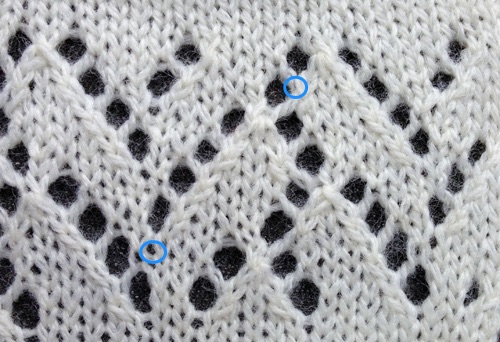
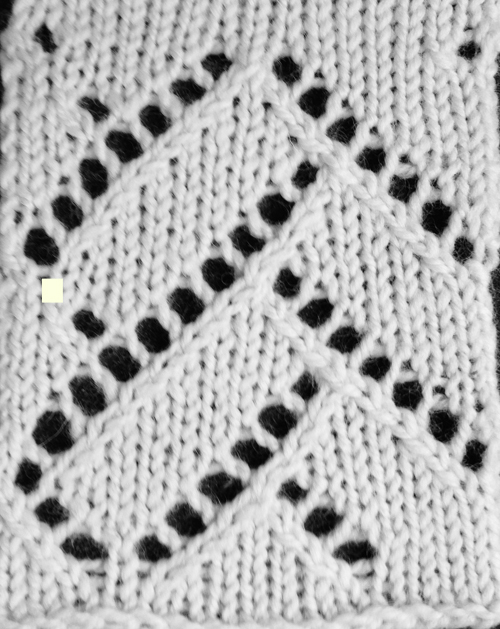
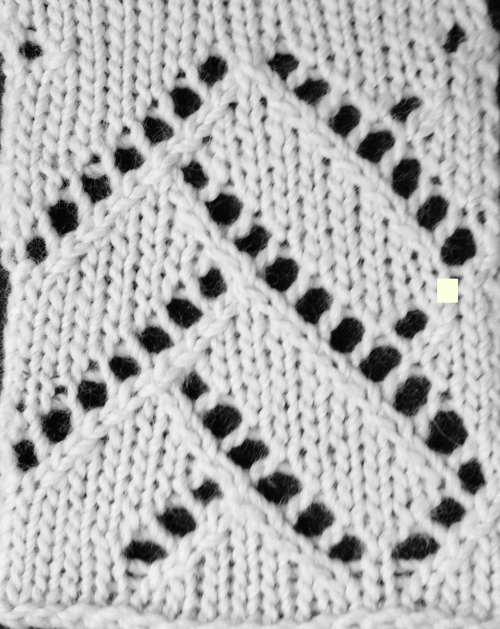
The inspiration fabric in the 2020 post and one of the resulting swatches 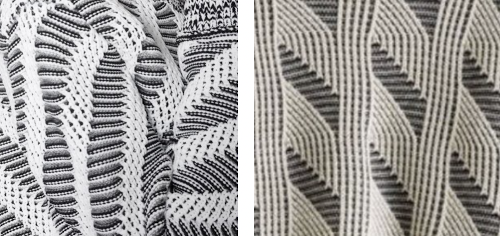 The inspiration fabric recently found online, source not known
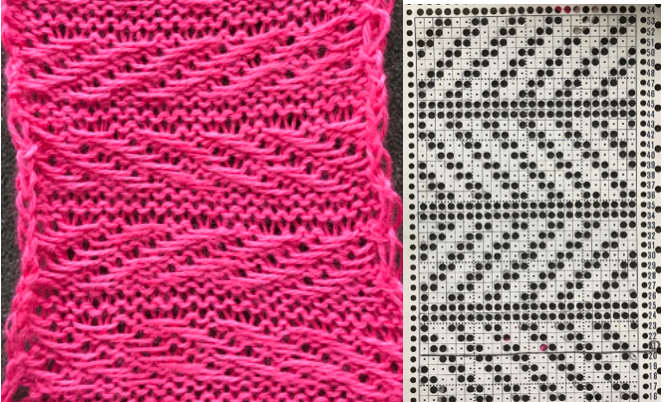
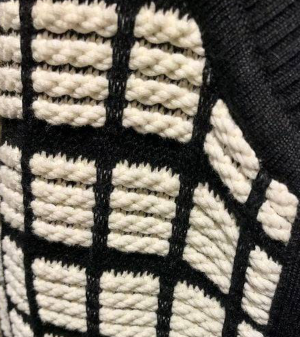 Analyzing the structure: it appears the fabric is knit with slip stitch textured patterning on the top bed, and occasional needles in work on the ribber creating elongated stitches that float on top of the light-colored rows.
Slip stitch textures narrow the fabric width considerably, so the single-color areas would need to be knit in slip stitch as well, here a 1X1 repeat is chosen.
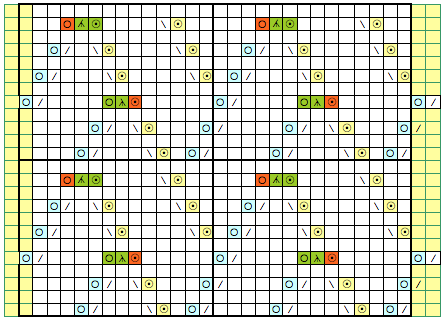
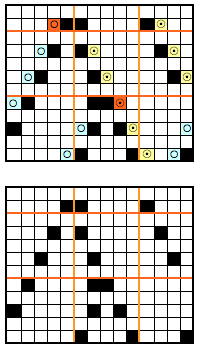
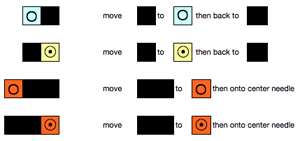
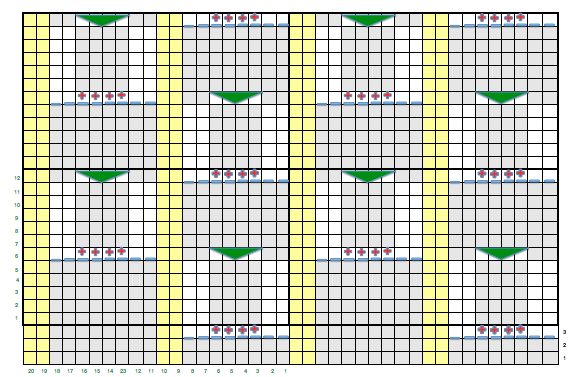
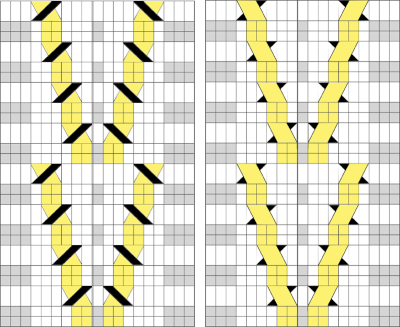
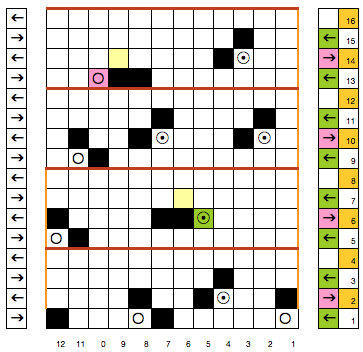
Needles brought up to work on the ribber are planned to interact at intervals with stitches on the top bed. The starting concept working in Numbers 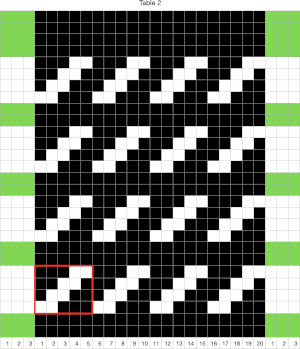 In slip stitch patterning the white pixels slip, the black pixels knit. This repeat is 20 stitches wide, so not usable for a punchcard machine. The first draft is 20 stitches wide by 32 rows high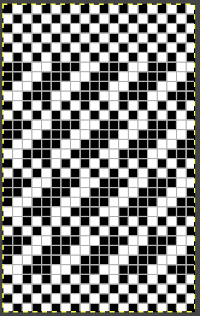
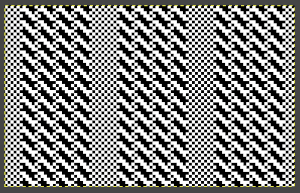
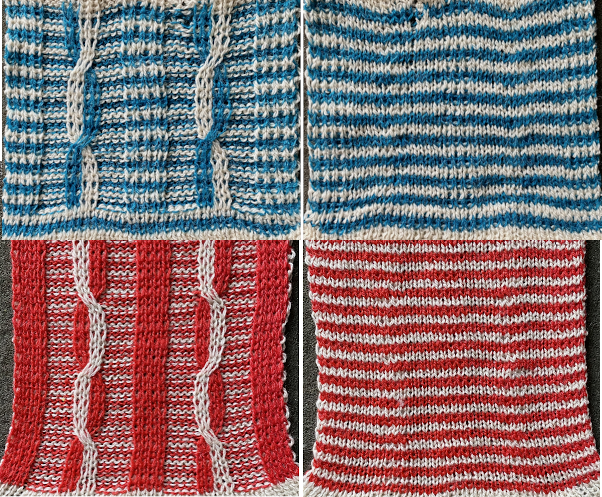
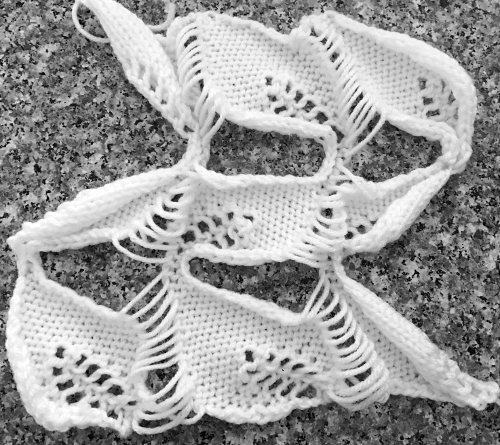
 The test swatch:
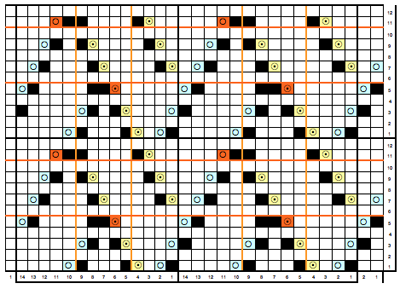
  Any adjustments in the dark color stripe between will need to be made within the repeat itself, the floats in the light color will be wider by using a simple color reverse. The color reversed, modified repeat is now 20 stitches wide by 28 rows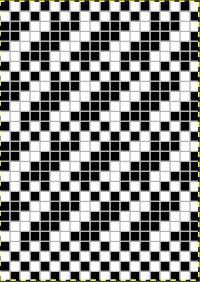
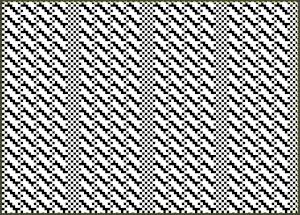
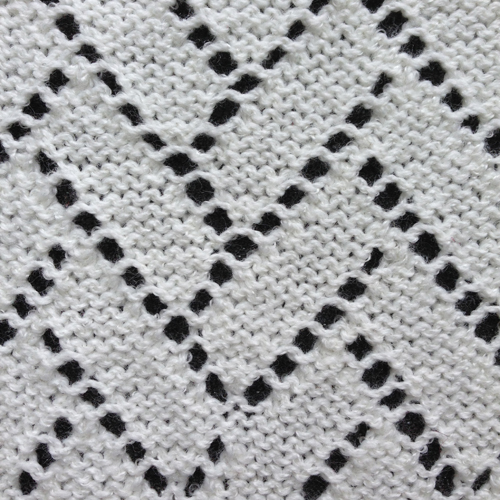
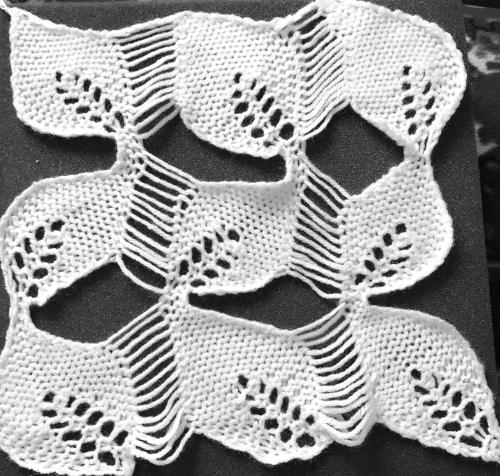
 The test swatch was executed using the same red/yellow yarn combination, then in black and white using different yarn thickness and tensions.
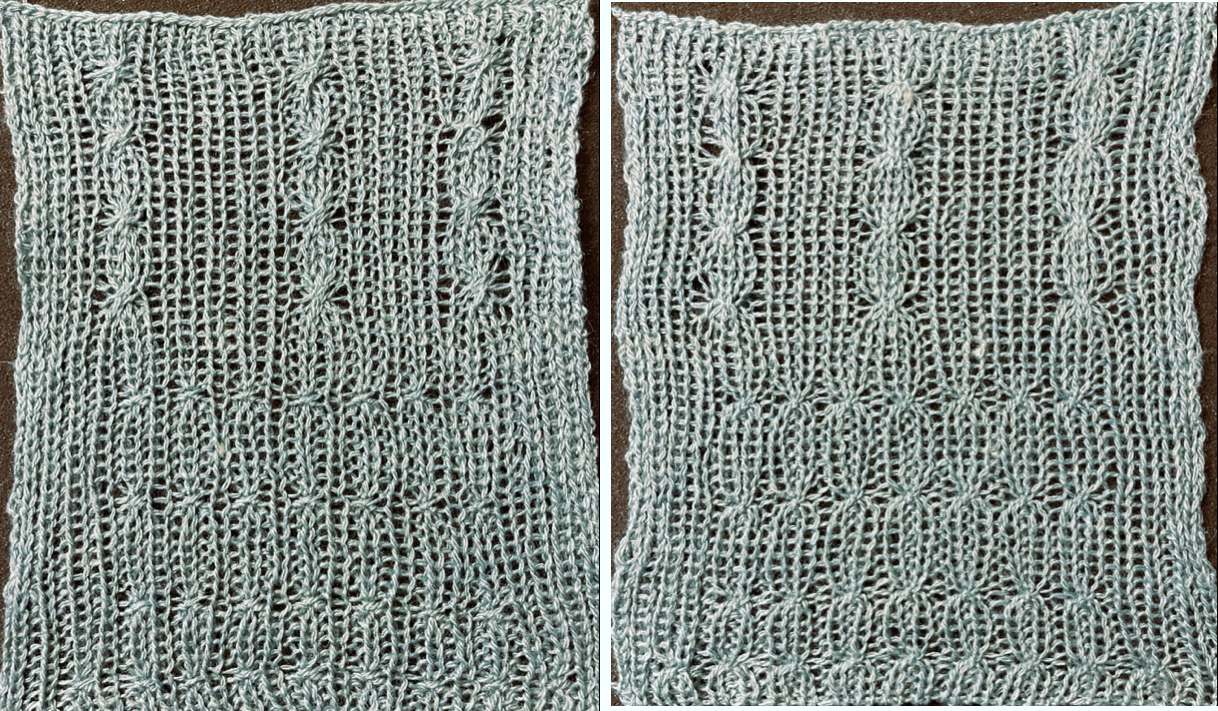
The width of the spaces between stitches on ribber can be varied, creating shifting size “window panes” resulting in a knit fabric with a very different aesthetic.
The reverse surface is not particularly exciting. 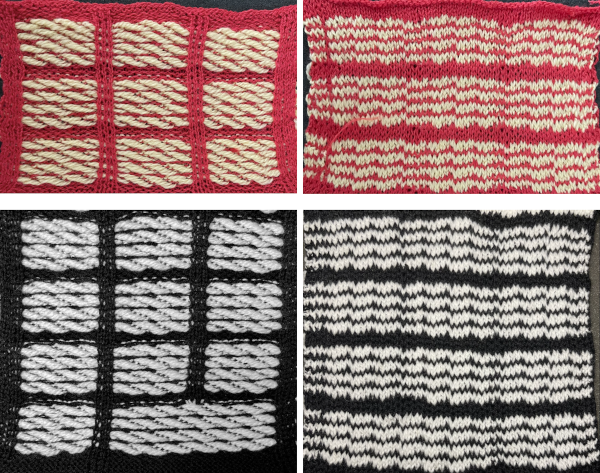 A comparison to the mirrored original inspiration, likely knit in thicker yarns
  The knitting process: with any textured or very lacy knits casting on and binding off require special consideration.
In test-swatching, knit the pattern single bed first to sort necessary tensions and visual appearance, follow with plain knit rows using the dark color,
use the ribber cast on comb to poke through the knit, hang ribber weights, bring needles into work on the ribber, stitches will be formed on it with the next pass. The ribber stitches need to be knit as loosely as possible, test the rib pattern and tensions.
If using only the coupled knit and ribber carriages, the first preselection row is made toward the color changer from right to left, the dark color knits first.
Needle pre-selection changes serve as guides to both color changes and to carriage setting changes on the ribber.
After every other needle preselection, the dark color knits with the ribber set to knit.
When the needle preselection changes to the alternate patterning, the color is changed, the ribber is set to slip in both directions. The main bed only will knit, in this instance, for 4 rows each time.
After every other needle has been preselected again, the color is changed to dark, the ribber carriage is set to knit in both directions, the process is repeated throughout.
I used a modified KC sinker plate and a second knit carriage selecting needles as shown in the 2018 post
A possible alternative for casting on a finished piece:
cast on every other needle rib from right to left
knit 2 circular rows, followed by an all knit row, the carriage will be on the left side once more
transfer all ribber stitches up to the main bed, bring up the desired needles on the ribber to pick up loops for new stitches before the next pass, with the first and last needles in work on the ribber. 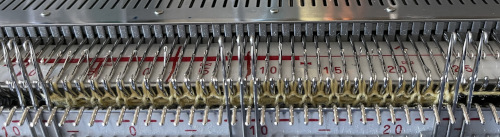 Read the first row of the pattern, cam set to KC1 to ensure end stitches are knit when patterning occurs only on the top bed.
Knit to the left.
The first stitch on the left may need to be filled picking up a ridge from the stitch above it to form properly.
The knit carriage is now set to slip in both directions and knitting continues as described previously.
Once a pattern is set up, the same design can be explored in different ways.
Here the swatch was knit in a single color with the ribber set to knit in both directions on every row.
Because there are many more rows on the ribber knitting than on the main bed, the vertical line created by its stitches is not smooth and is forced up at the top of the piece, creating a wavy edge. 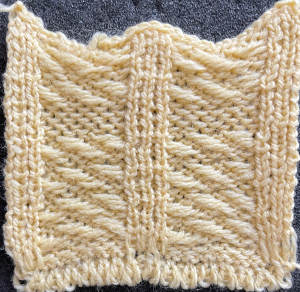 The cast on was deliberately loose. To tighten it up at the edge of the body of a narrower knit, every other loop can be picked up with a latch tool or crochet hook moving toward the yarn end at the cast on edge and is pulled through the previous one, producing a chain stitch. When the end of the row is reached, the yarn is pulled through the last chain and secured.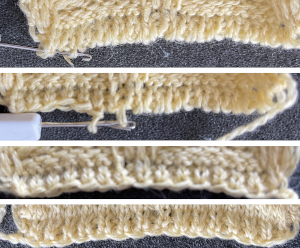
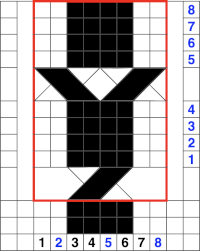 The repeat is 8X8 and the above movement can be seen in the purl view.
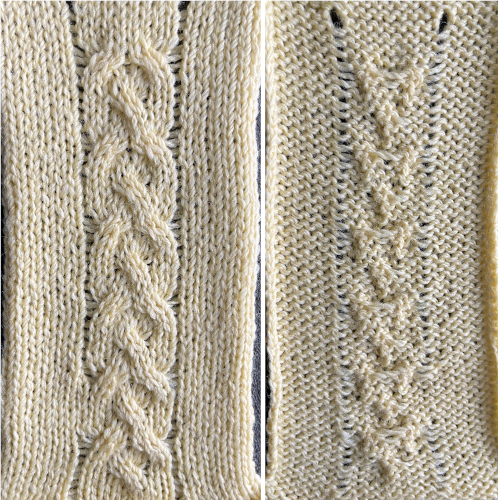 A spreadsheet table may be created to help with tracking multiple series of cables across a knit and their direction. It can contain as little or as much information as one wishes. Included here: the RC for possible crossings, and their direction on the purl side for machine knitting (reversed for hand knitting). Columns may be added including how many needles are left in or out of work between cable knit spaces or other info.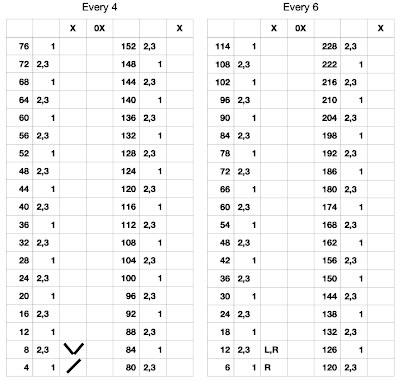
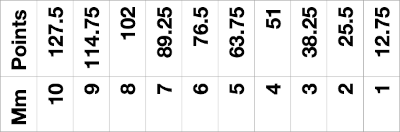
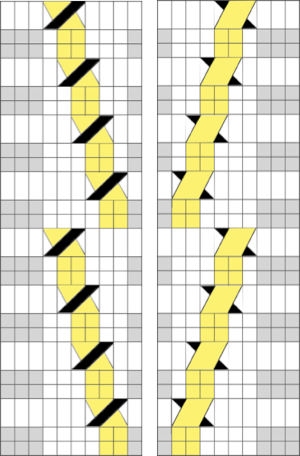
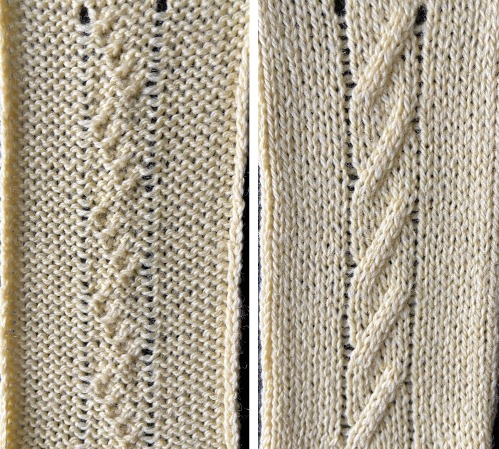 Which leads to the topic of creating shapes by combining the repeats
  A brief effort containing at least 5 errors leads me to wonder about programming needle selection to help track crossings more easily and avoid mistakes. The center ladder here was latched up during knitting.
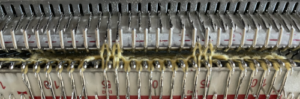
 If the start is on the top bed, stitches on the ribber may be created by picking up bars from the top bed
  the yarn above was a 2/8 wool, which refused to cable on the ribber, and having the crossing was preferred to not
 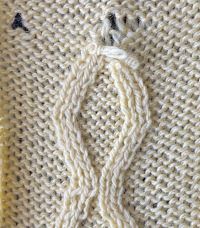 changing to a thinner wool-silk solved the problem.
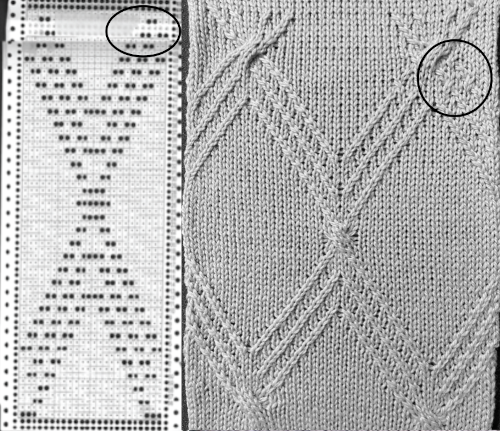 In reviewing the post after linking to it here I realized the now marked punchcard error at its top. The amended longer chart reworked in Numbers is also added to the older post. It is shown here aside from its tiled chart, checking for alignment, a habit developed as my skill and comfort in using spreadsheets grew,
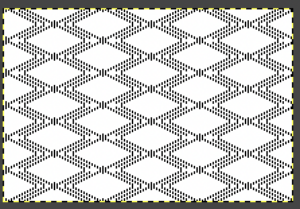
 Tiled for alignment in Gimp as well.
 It is possible to use the repeat working 1 X 2 stitch crossings for a very different look.
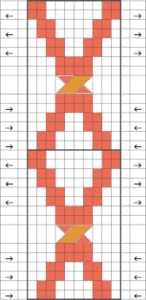
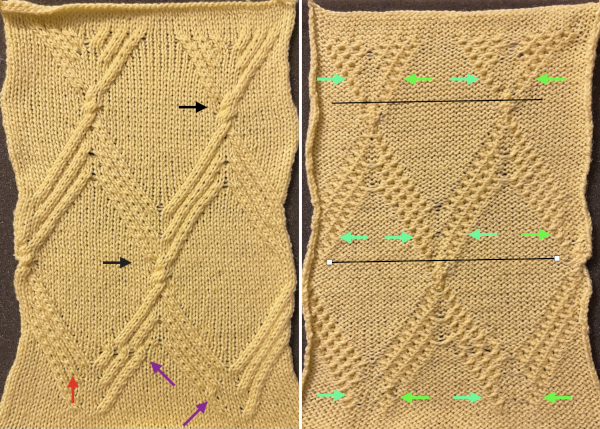 Assigning colors to crossings in a chart may be helpful or too much info depending on one’s perspective, the bottom of the repeat is on the right.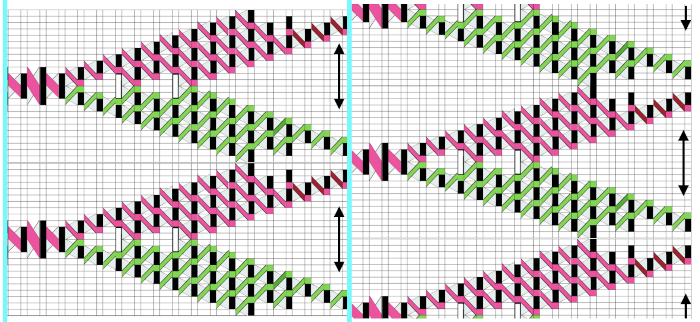
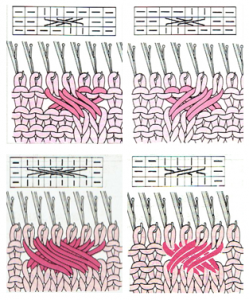
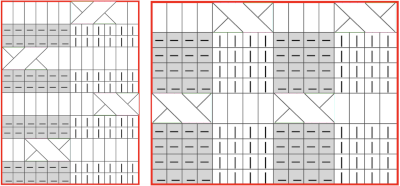 In my first test crossings occur on both beds and on the same row. Even using the thinner blue yarn at maximum tension the transfers were hard to execute. I had more success when I added 2 empty needles between the vertical ribs and brought one on each side of each rib into work on the top bed prior to knitting the last row between transfers, creating a bit of extra yarn to ease the crossings.
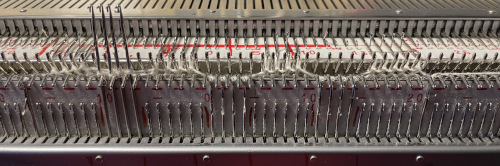

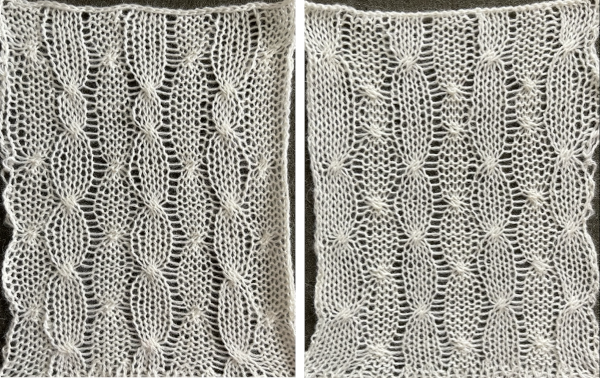 Trying out a simple repeat in smaller rib configurations will provide some idea as to whether the technique falls into the love of or not something to do simply because one can.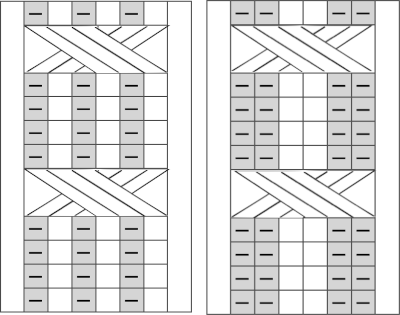
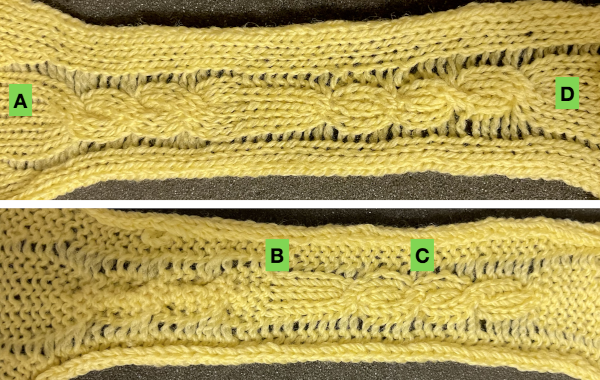 The step-by-step instructions apply to both instances: the chart shows 4 rows knit between crossings, instead, here 6 rows are knit in both tests.
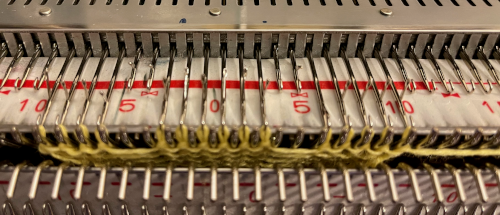 the rib configuration set up
 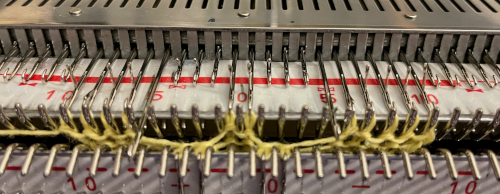 1. after 5 rows knit, bring an extra needle in work on the top bed to pick up extra yarn for the cross
 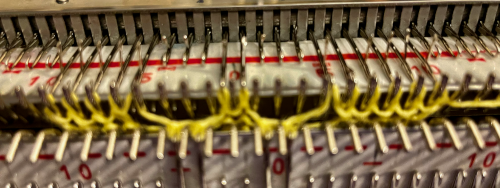 2. drop the extra loop, make certain the empty needle returns to A position
 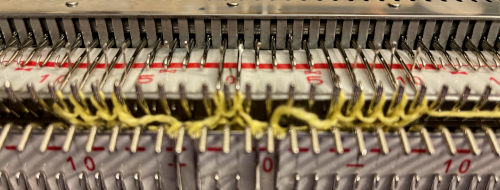 3. transfer all cable ribber needles to top bed
 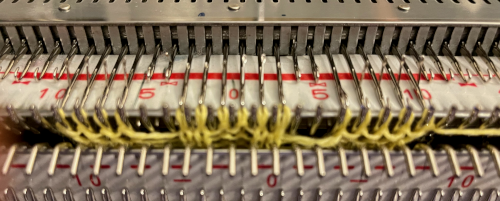 4. cross the stitches with two three-prong tools
 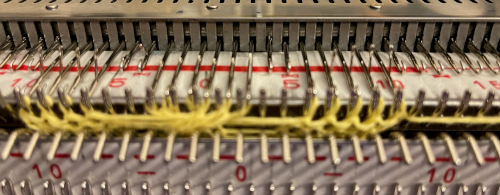 5. transfer stitches back down to the ribber
 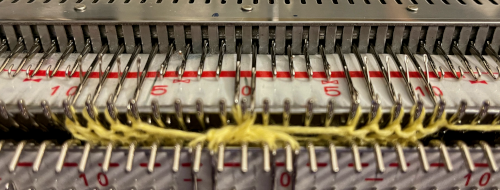 knit 5 rows, repeat steps 1 to 5.
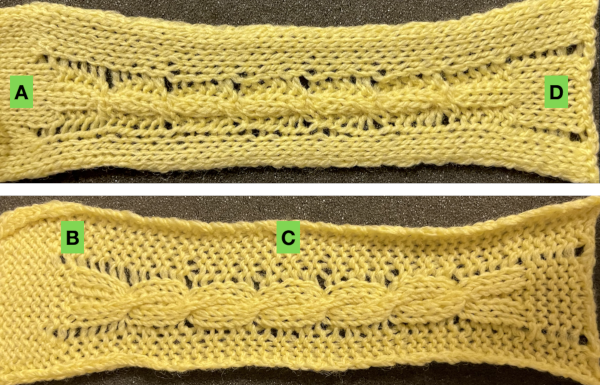 An attempt at a larger swatch using 1X1 ribs: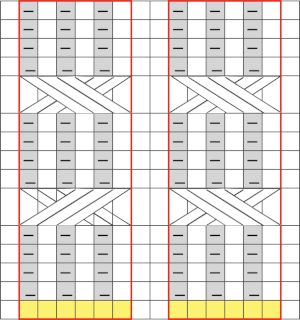

 the cable crossings using it were impossible, starting over with a thinner yarn at the same tension
 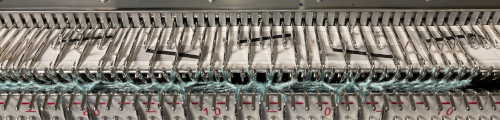 the ribber may be dropped after transfers up to the main bed, keeping stitches and crossings visible, making it possible to make corrections in any cables if they are needed before re-engaging the ribber and transferring stitches back down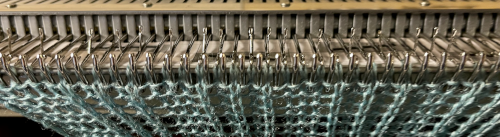
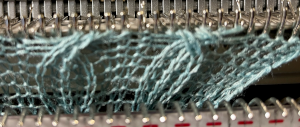
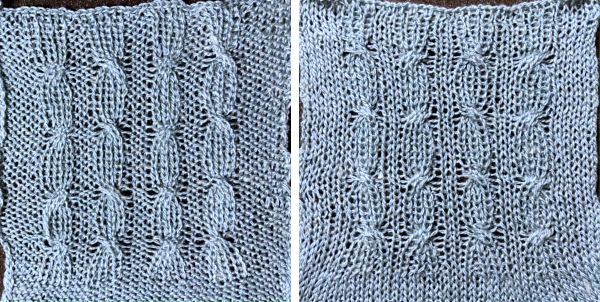 In the above swatches, when any transfers were made to the top bed, after crossings, a row was knit before returning stitches to the ribber. The extra row may or may not be noticeable, depending on the yarn and colors used.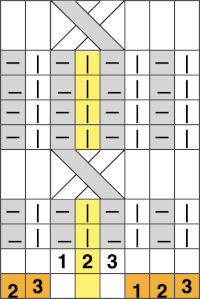
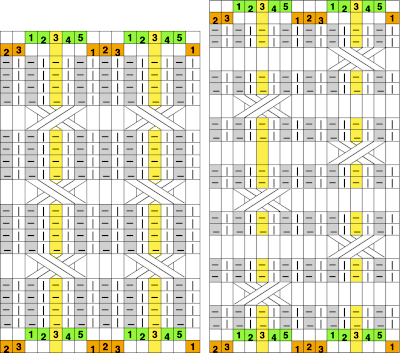 The number of rows between crossings can vary. When the crossing row is reached: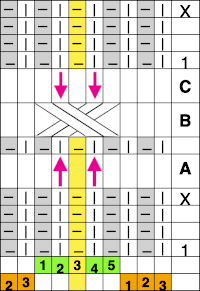
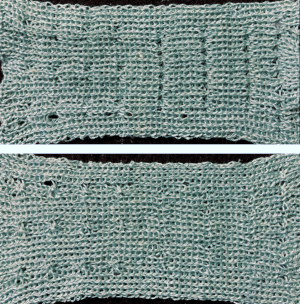
 Assigning colors to columns reveals that stitches are not moved onto the same stitch type when moved over a single, undisturbed, fixed center stitch.
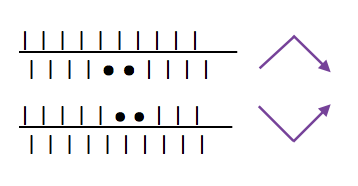
 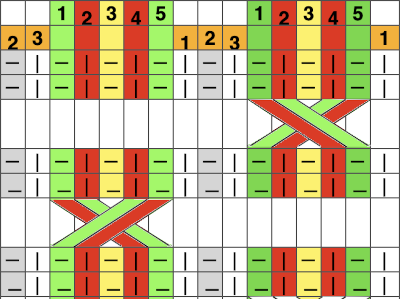 Shifting the needle arrangements when cabling, moving across a center column of two stitches that remain fixed on the main bed, the cable direction as it would appear on the purl side on the left, the knit side on the right is straightforward here:
 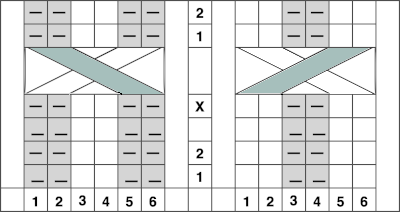 I found the above impossible to knit, even with ladders for extra slack, and the swatch stopped when the yarn broke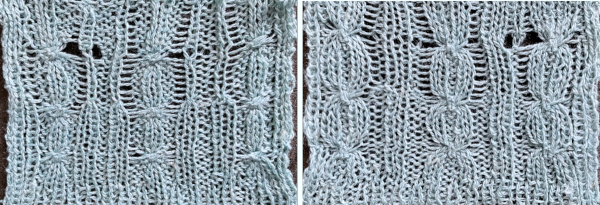
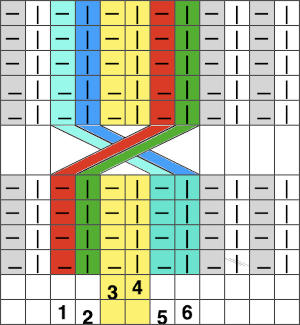 There appears to be enough slack produced in the formation of stitches between beds to make the planned crossings possible.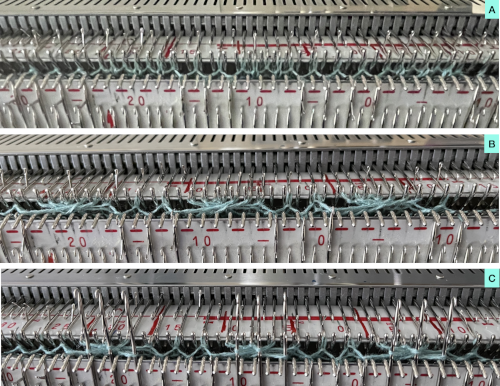
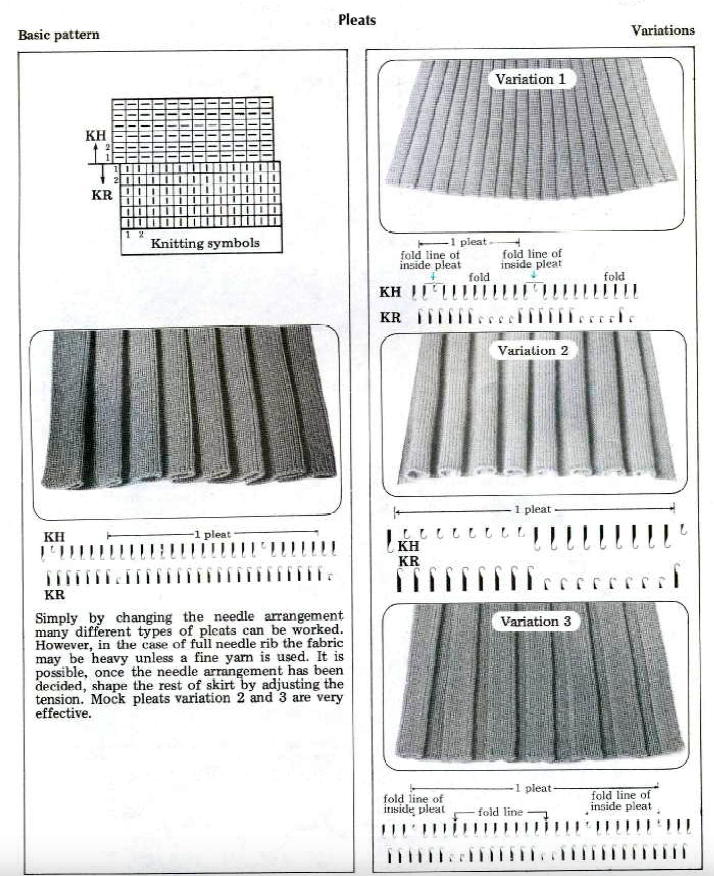
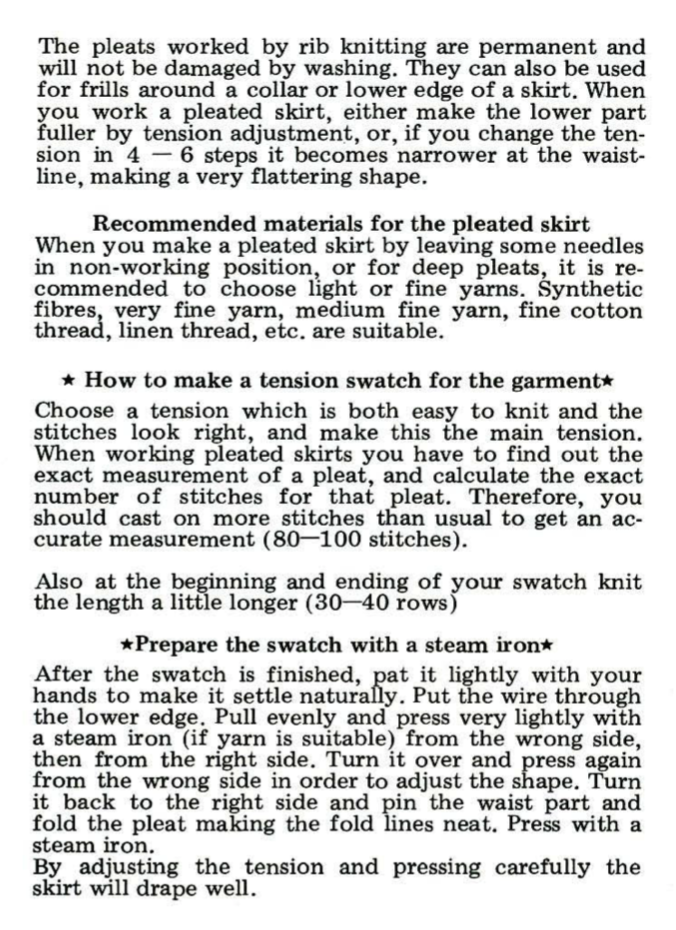
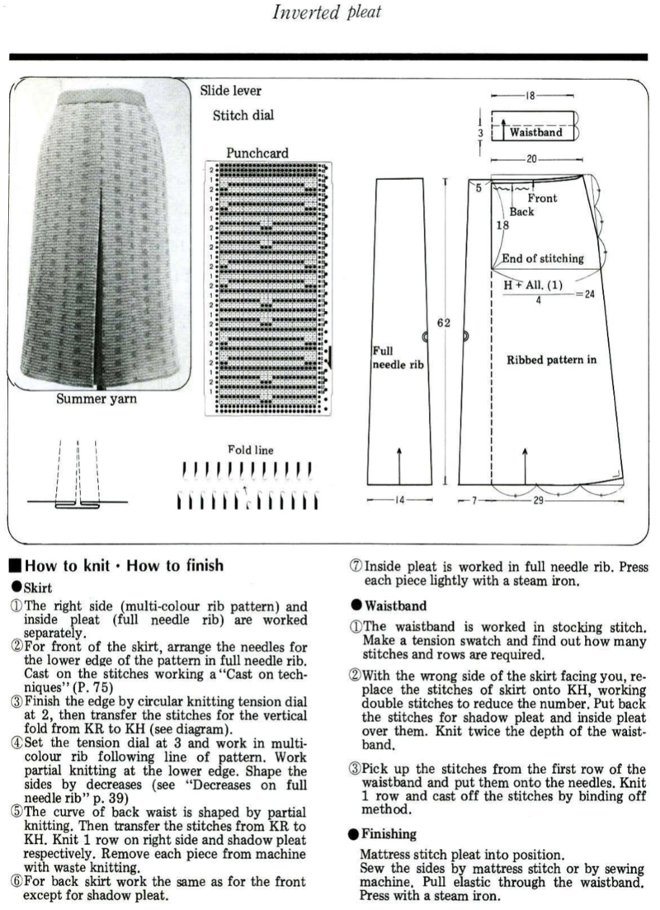
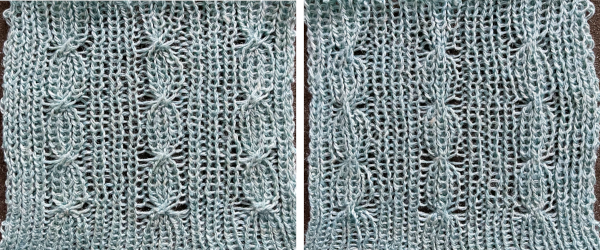 From a Brother pub, small crossings for a smocked effect
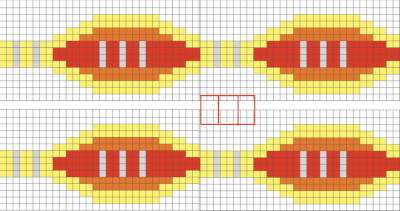
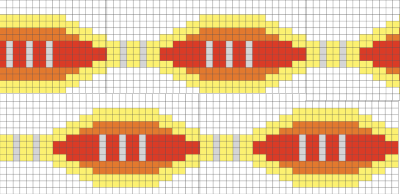 Adding and removing rows in the tables or even changing colors is easy and quick in a spreadsheet, tiling in repeat with scaled screengrabs provides a quick reference for possible improvements/corrections before any actual knitting takes place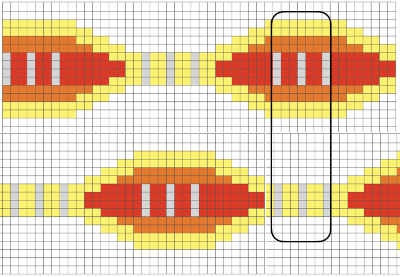

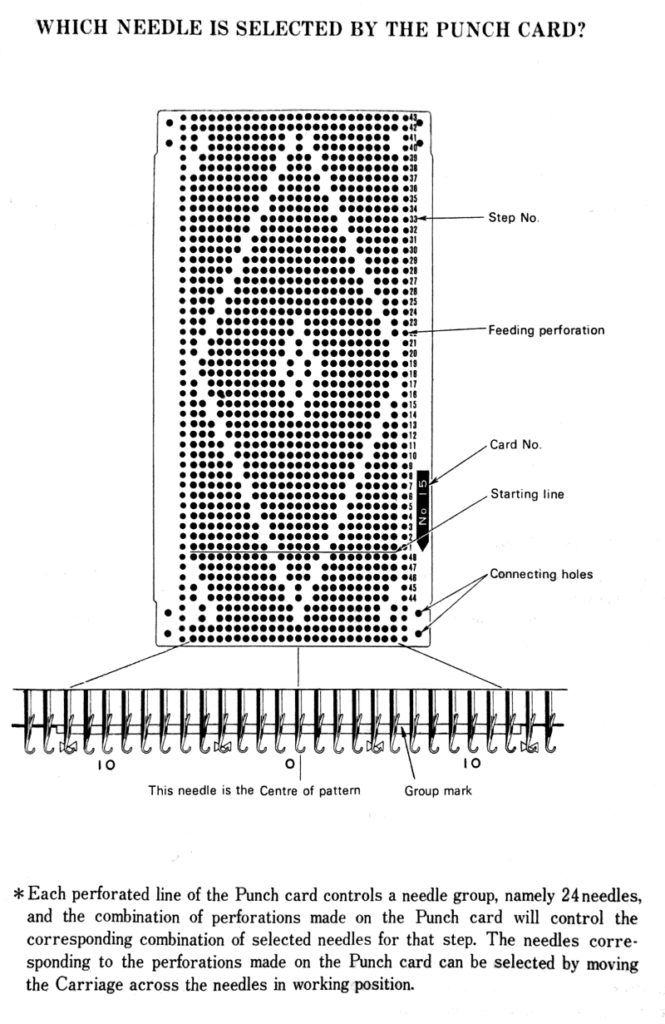
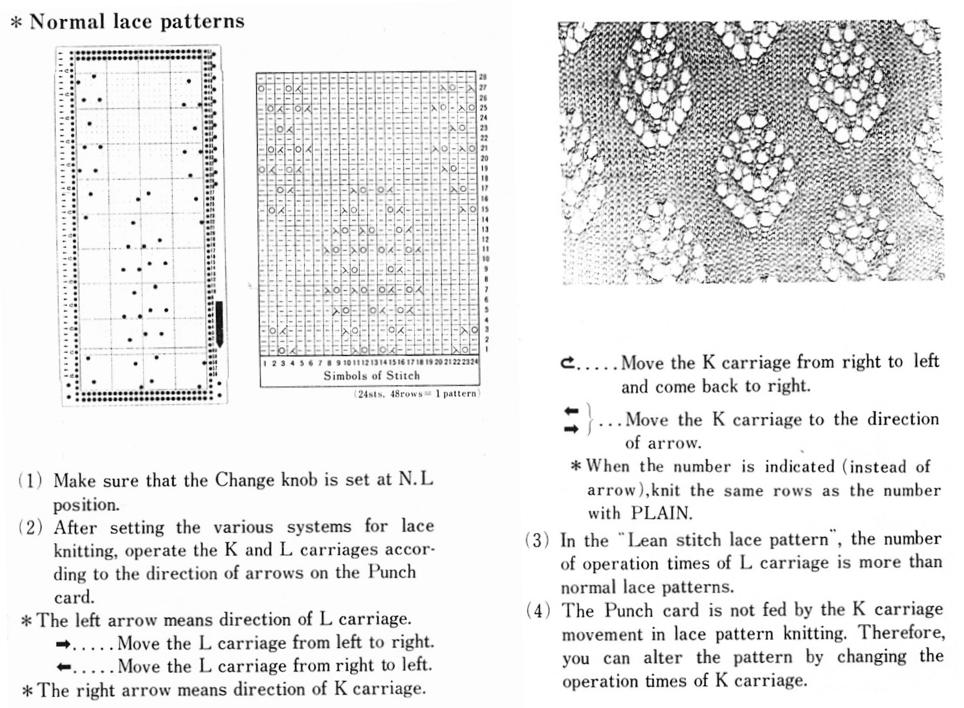
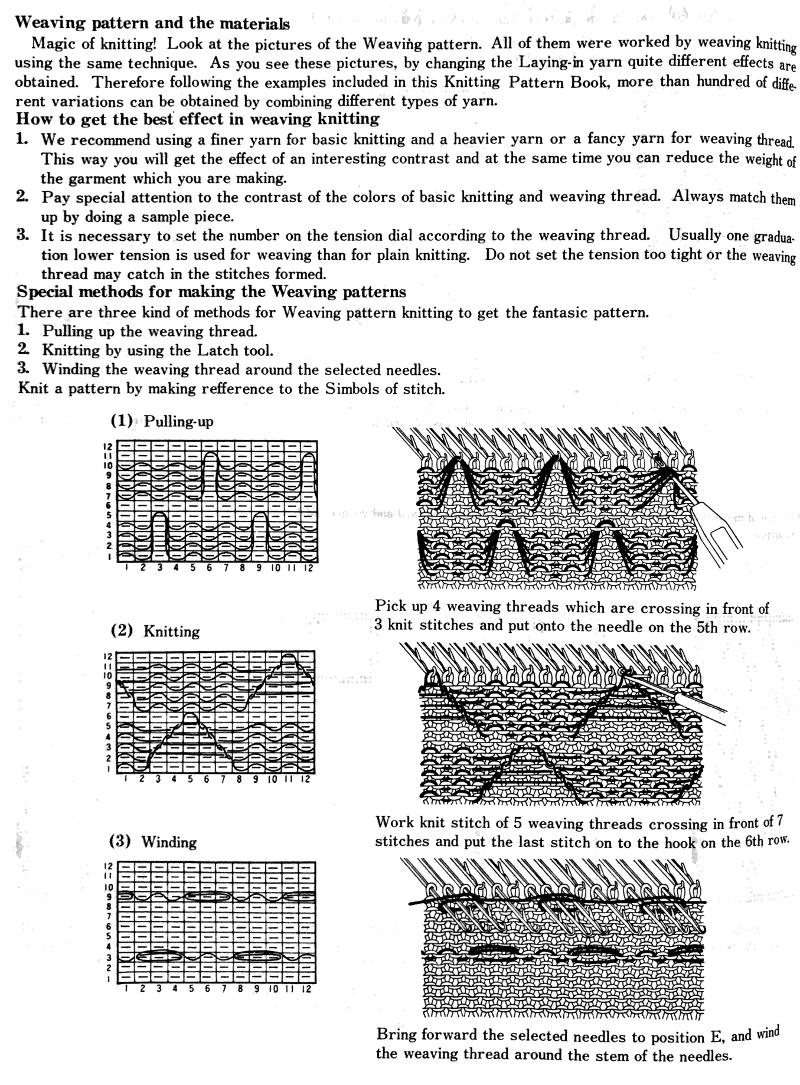
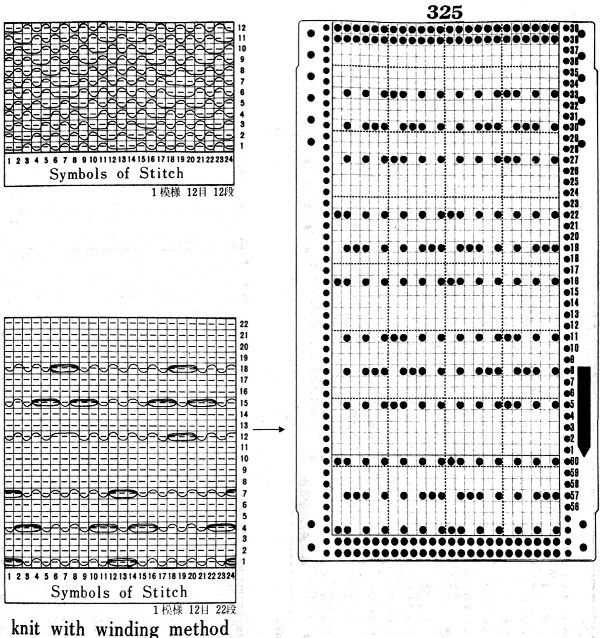
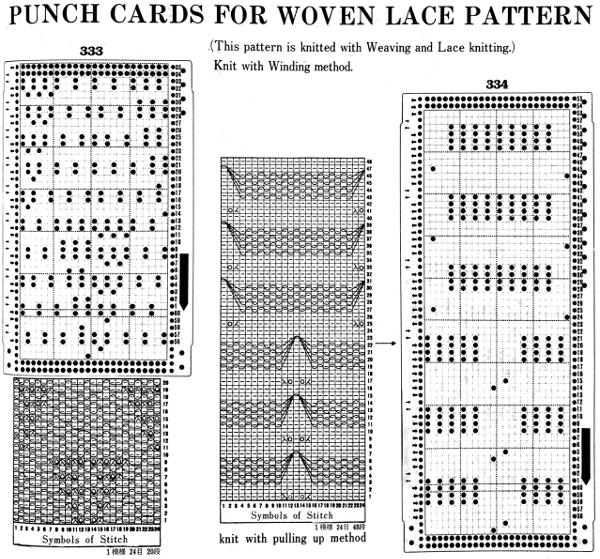

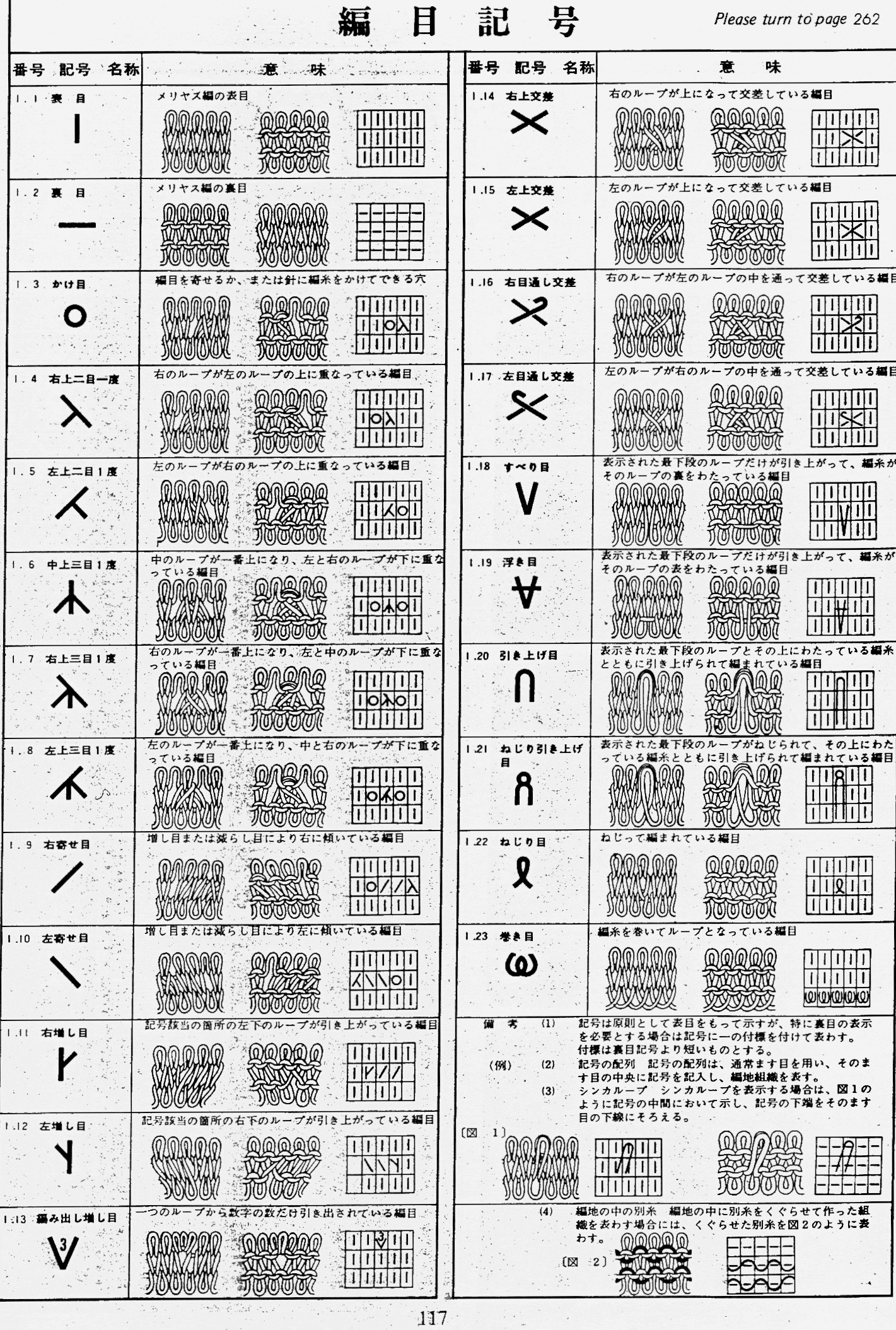
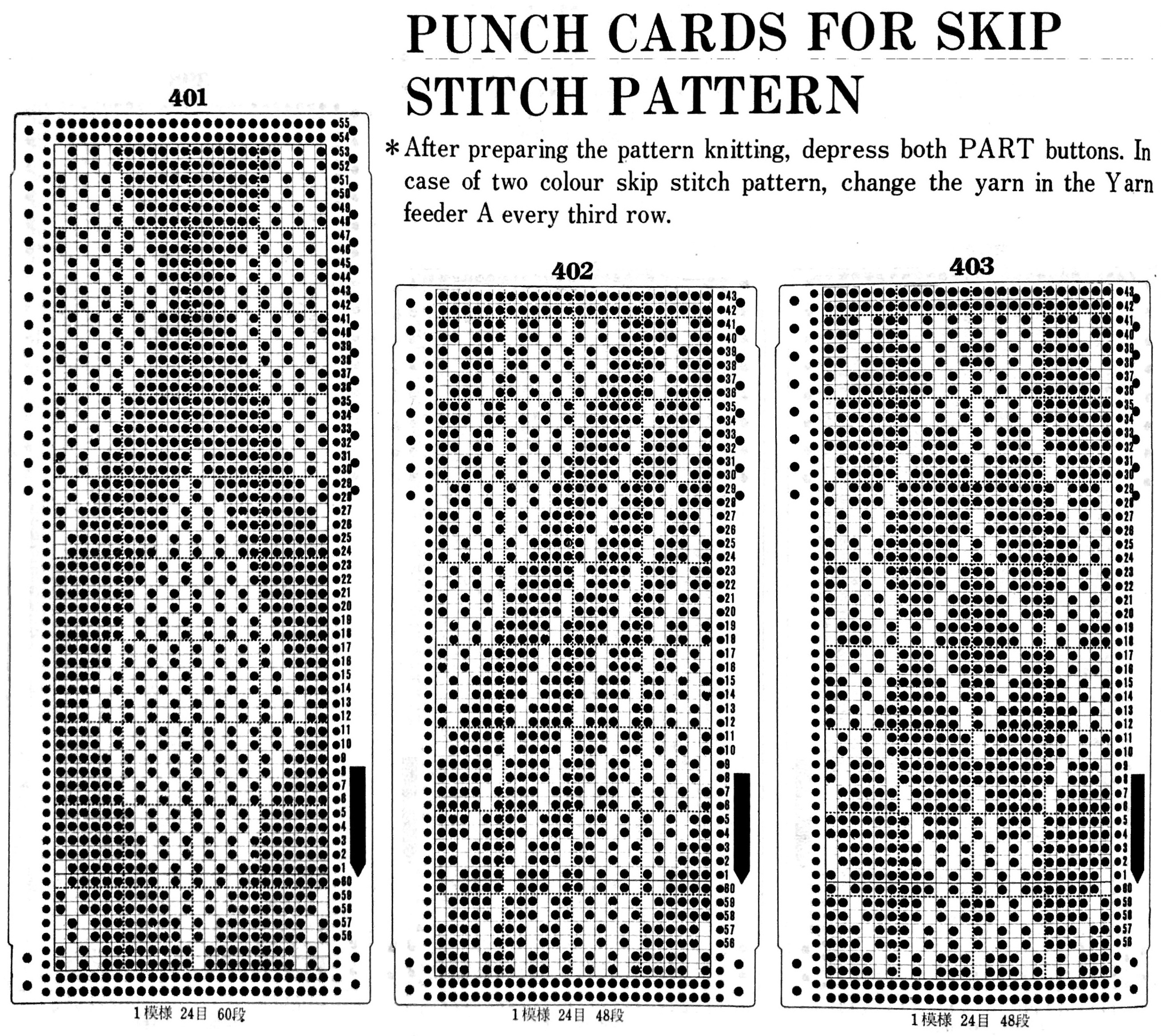
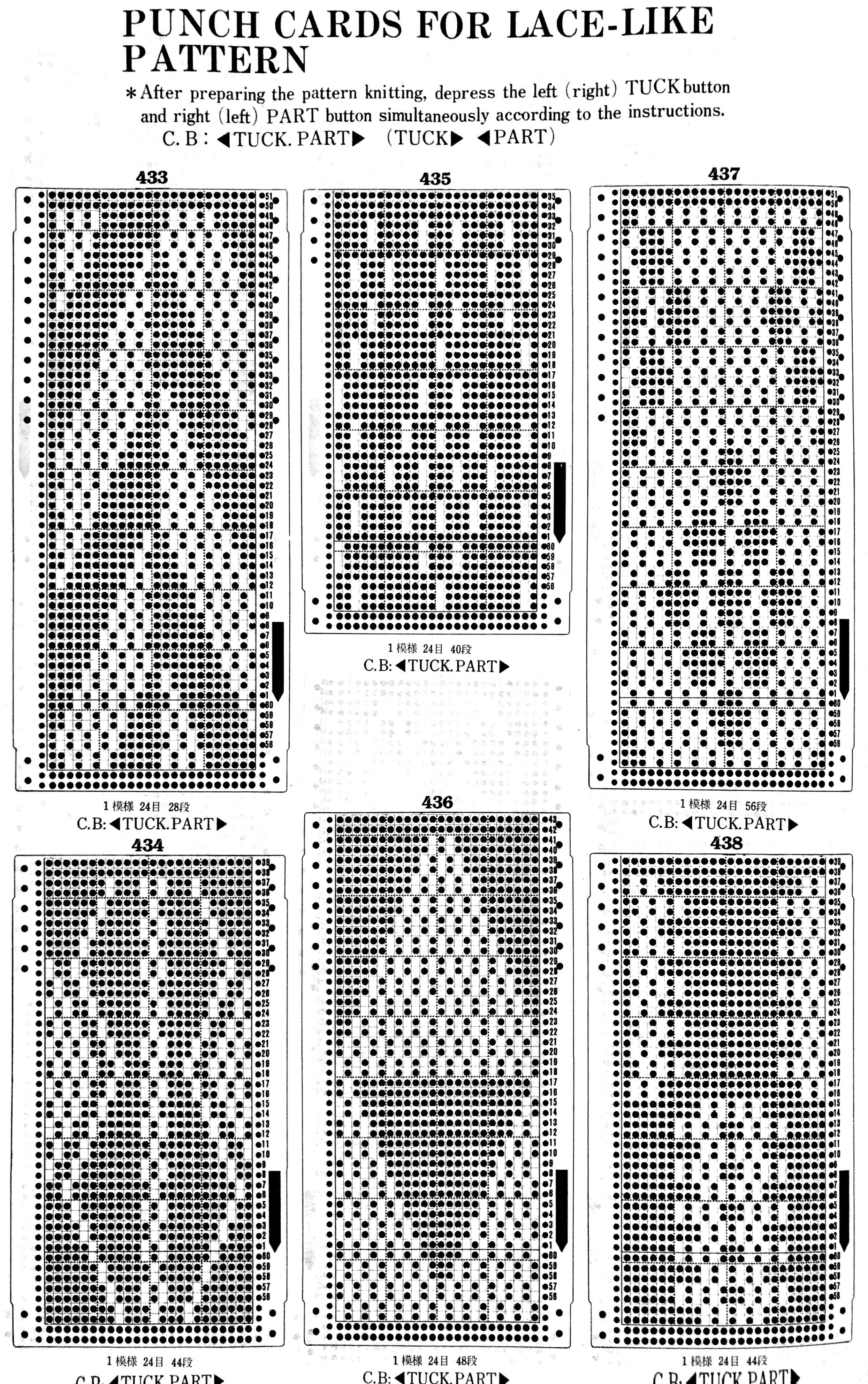
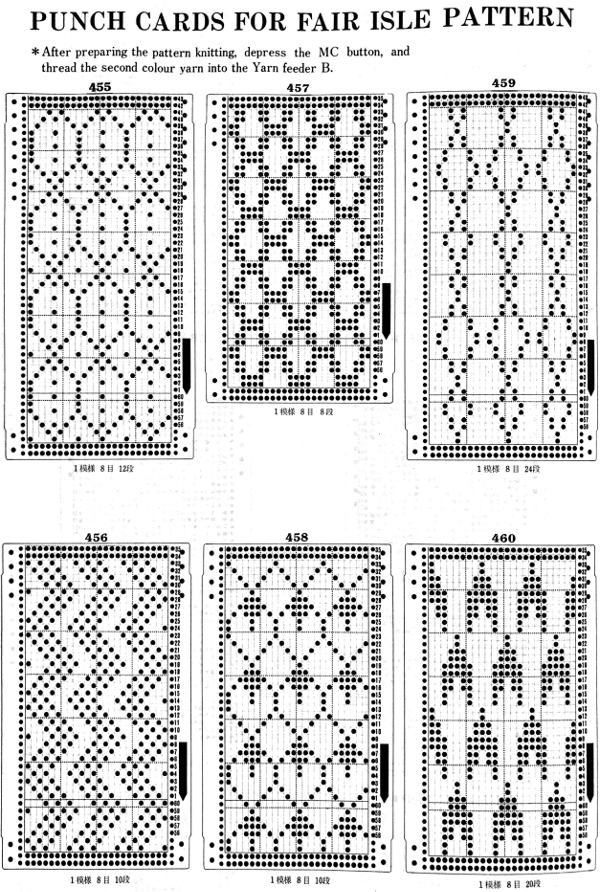

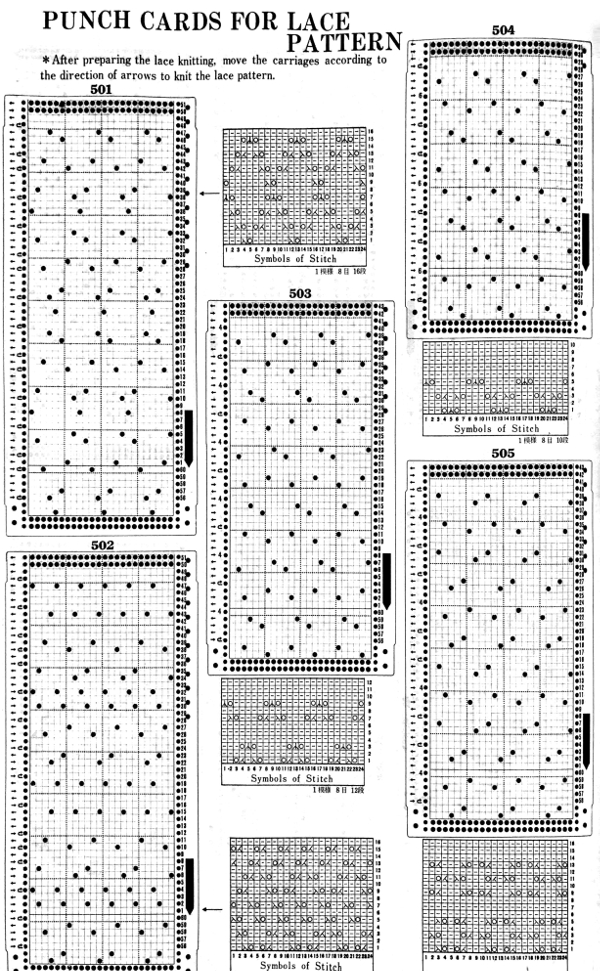
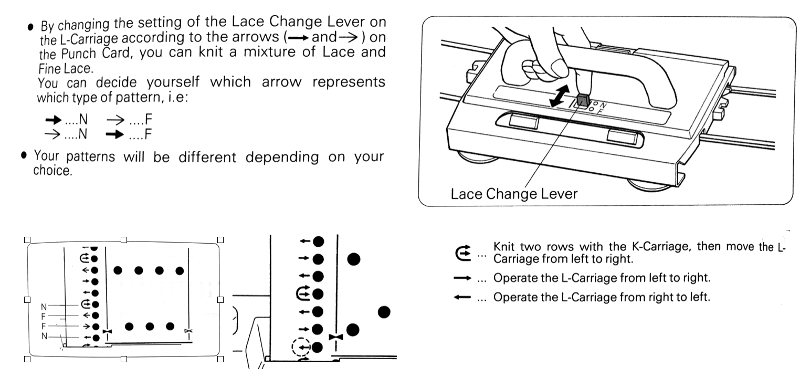
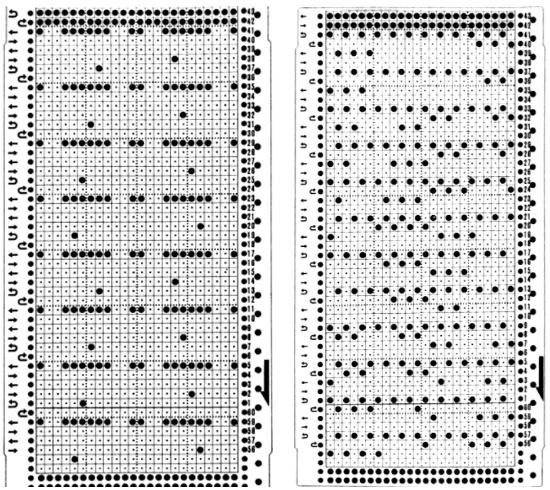
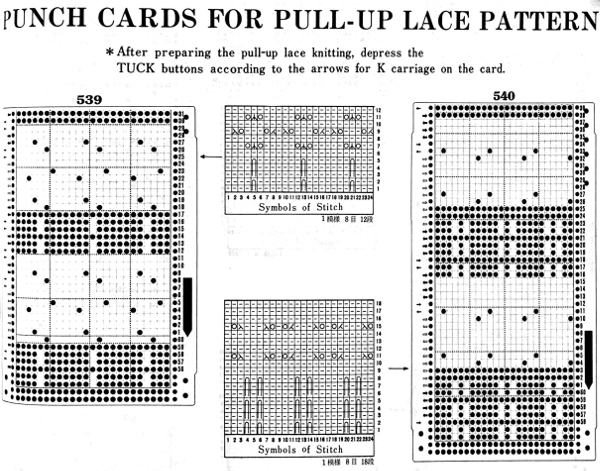
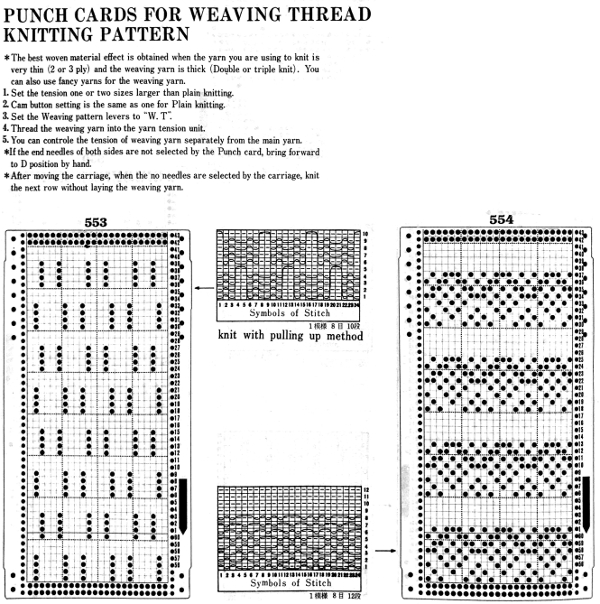


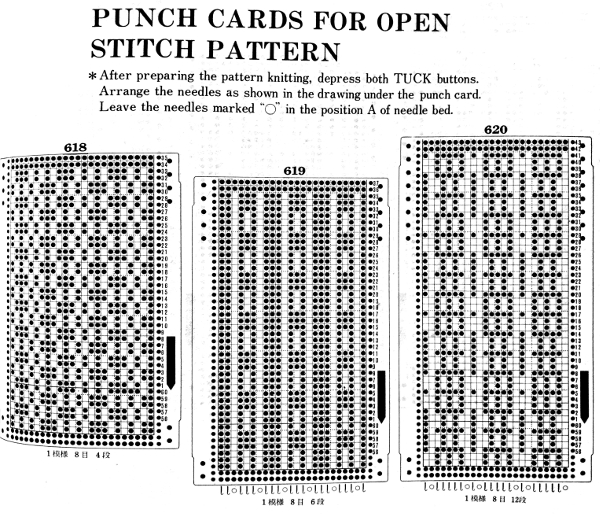

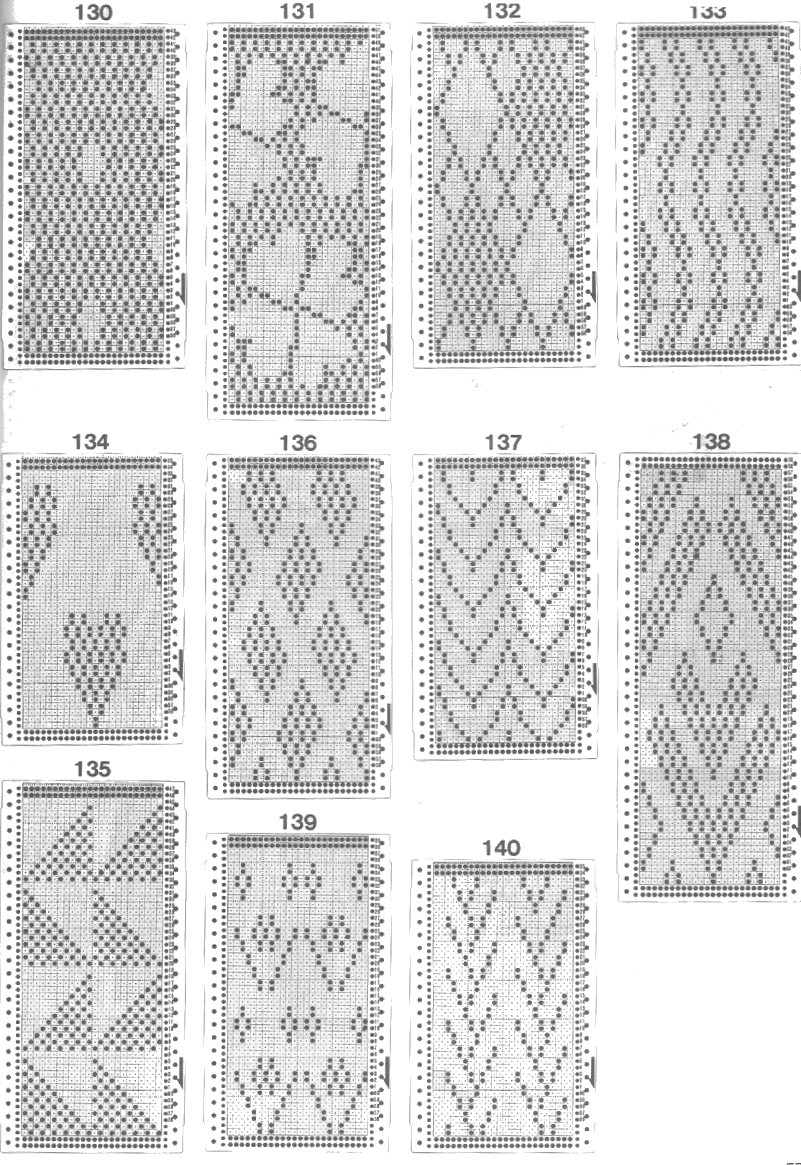
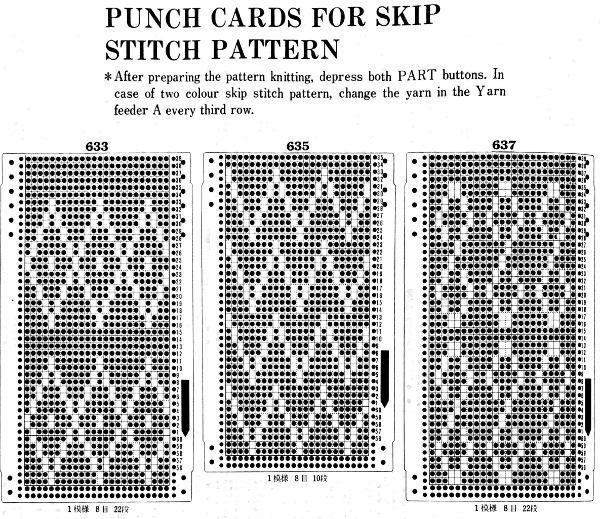

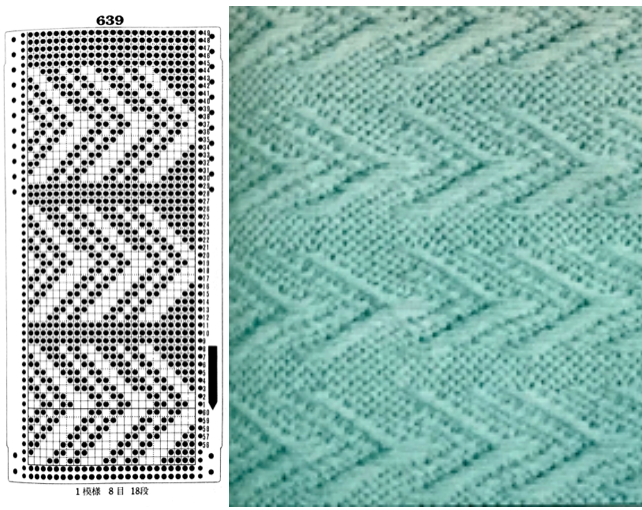
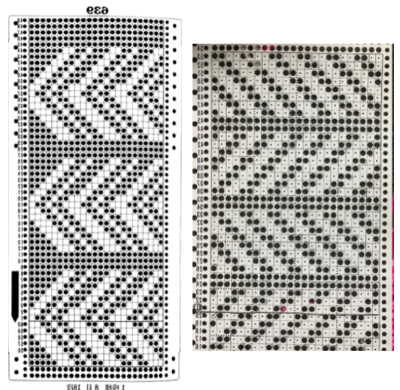 the punchcard change knob has selections for single motif and pattern knitting (KC)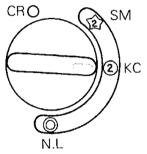


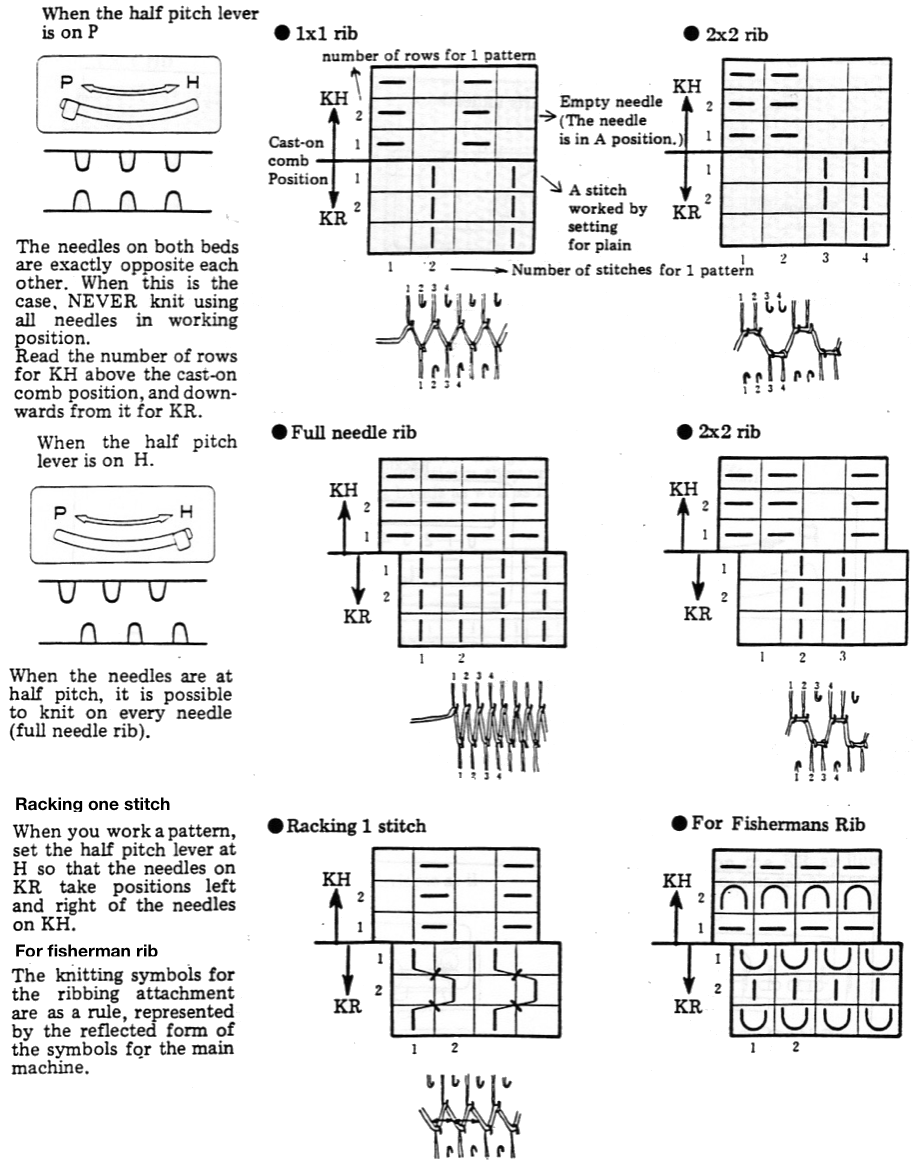

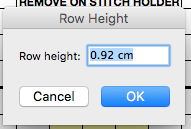
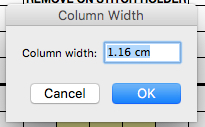
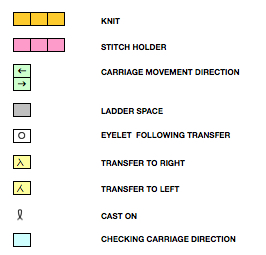
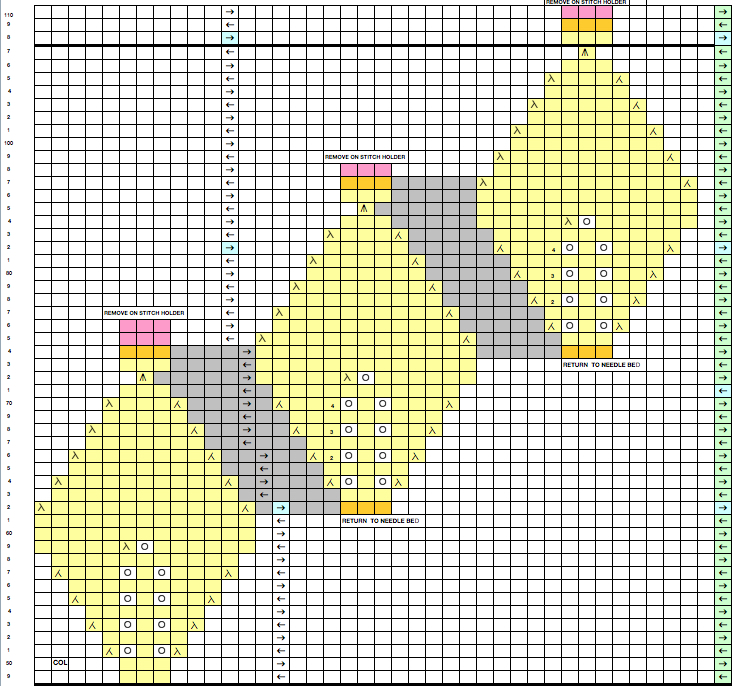
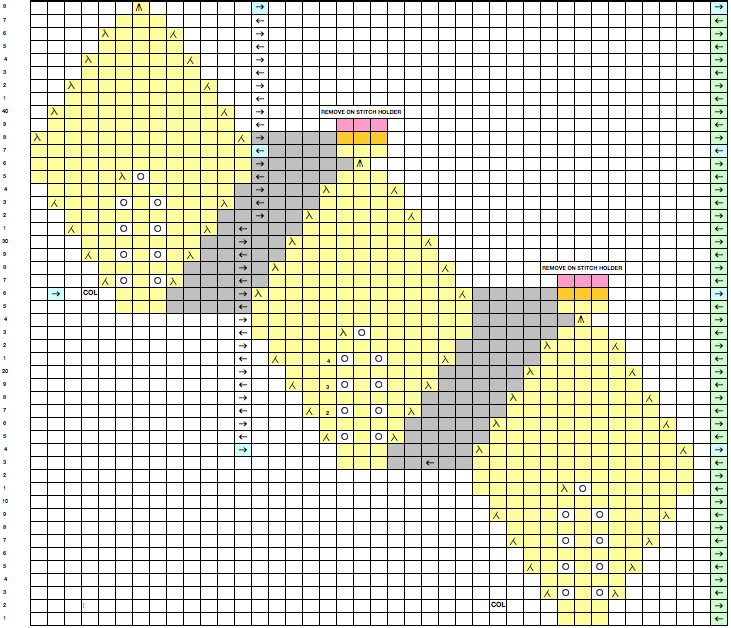
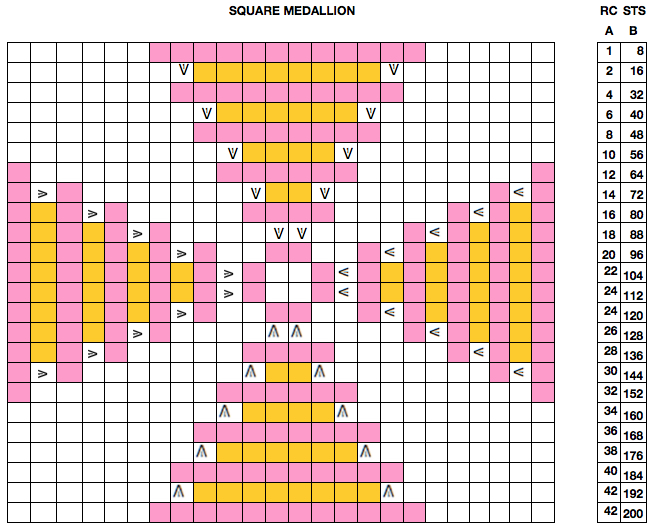
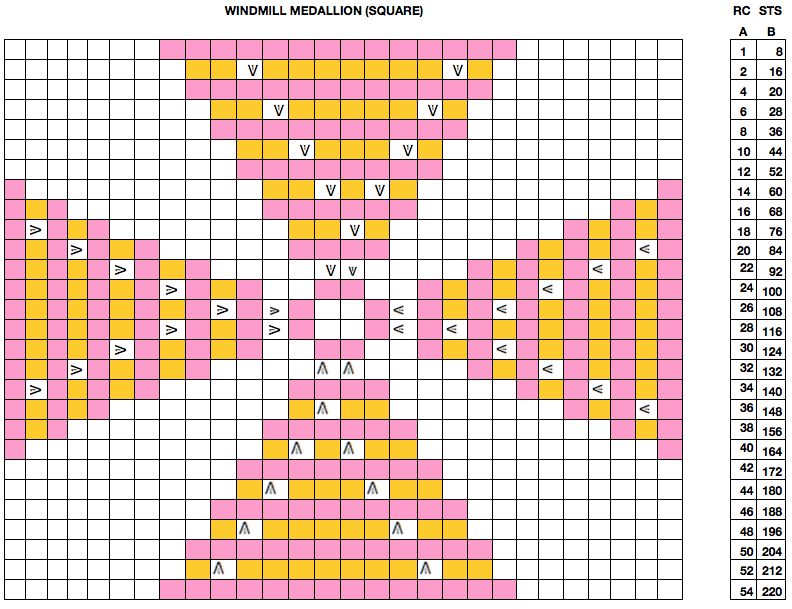
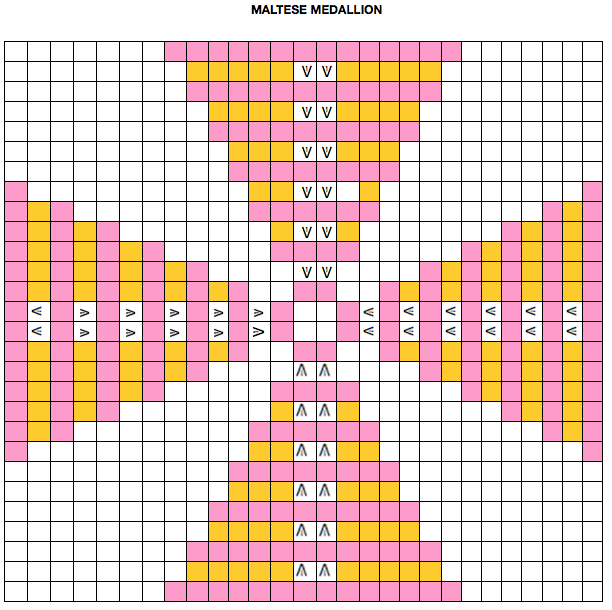
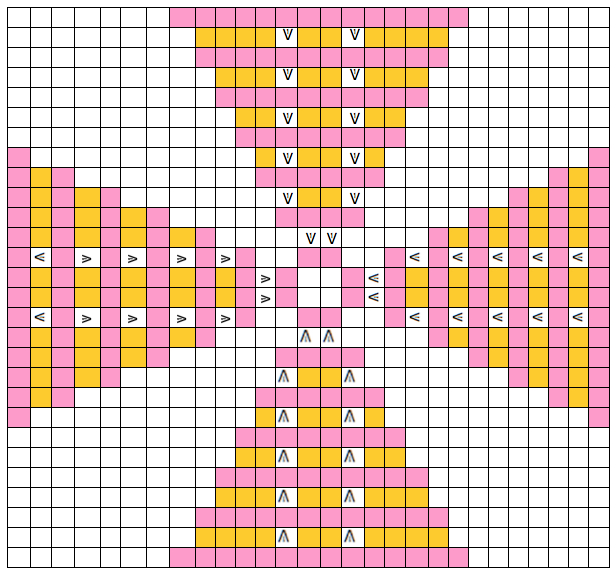
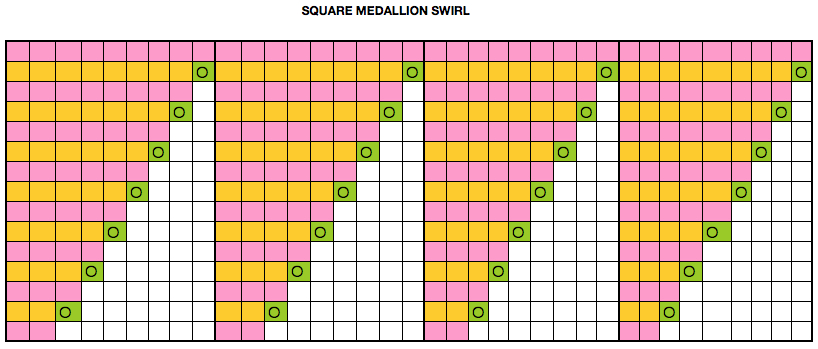
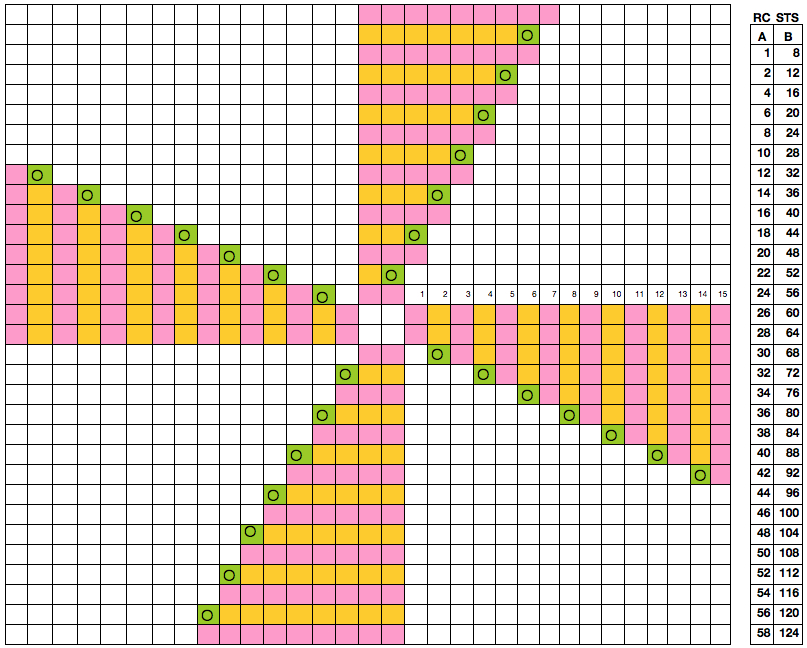
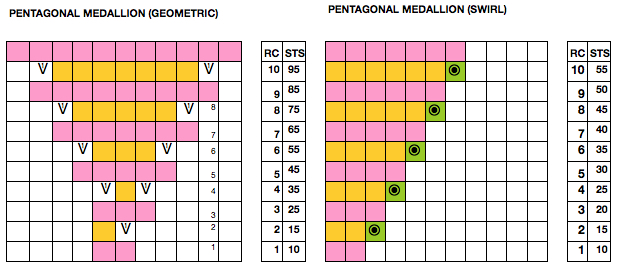
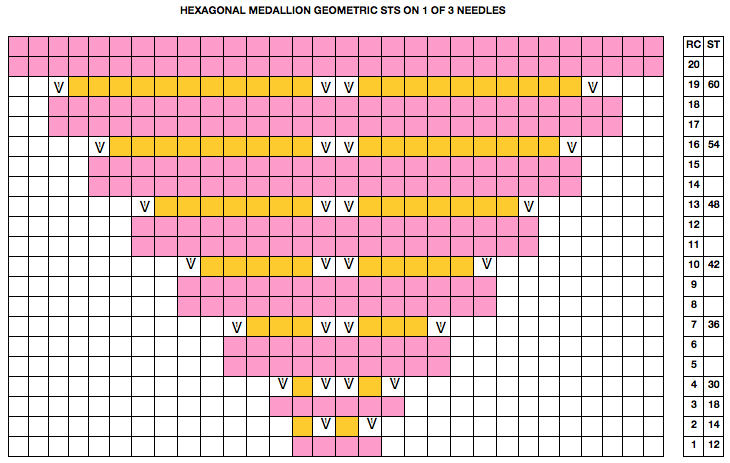
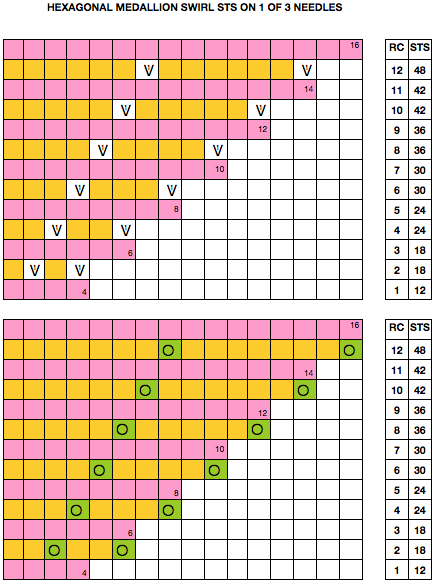
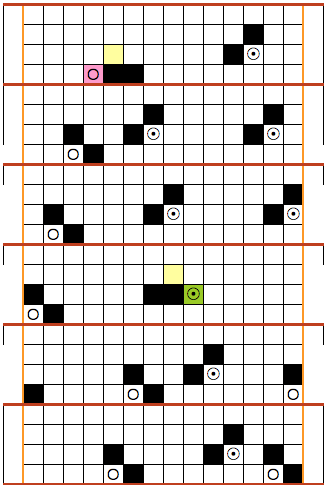
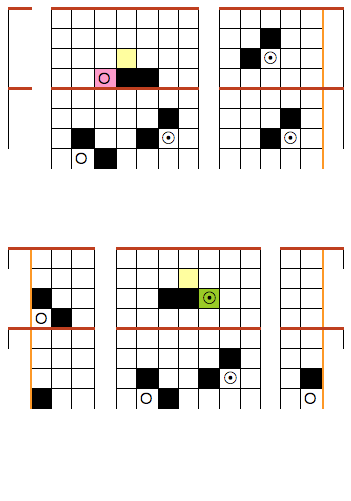
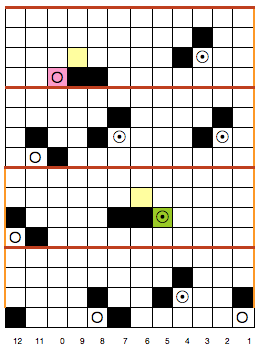
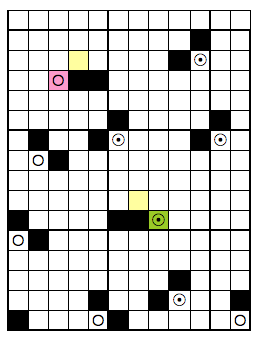
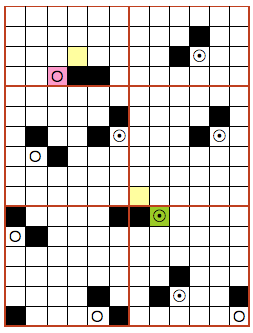
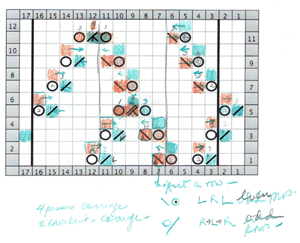

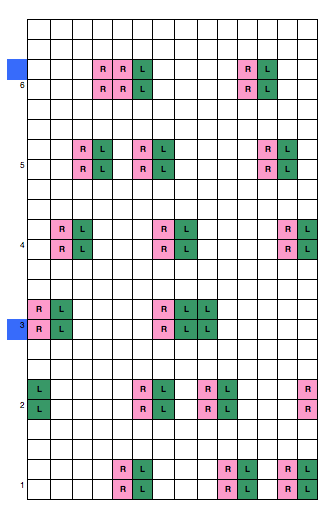
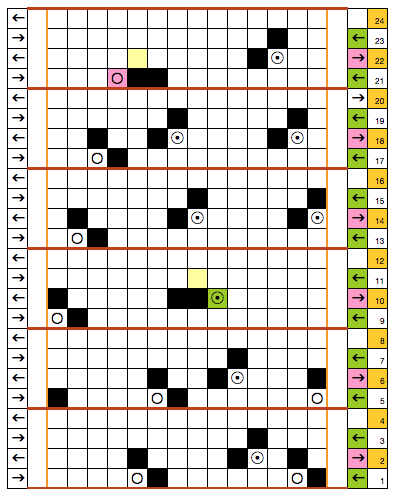
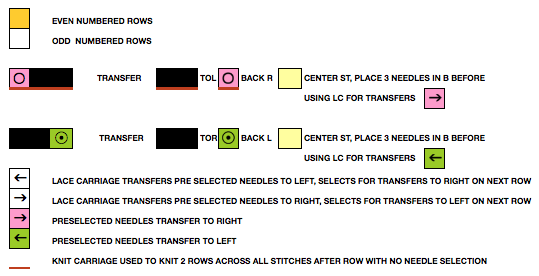
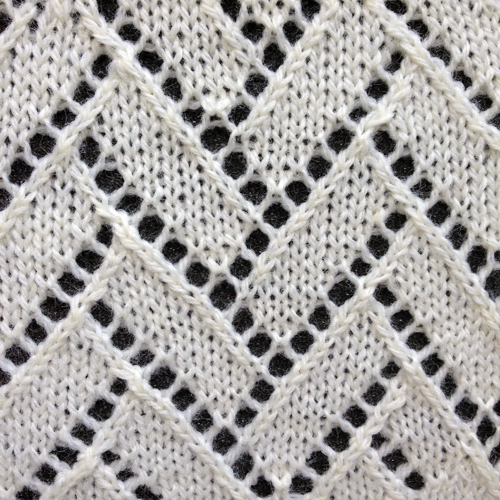
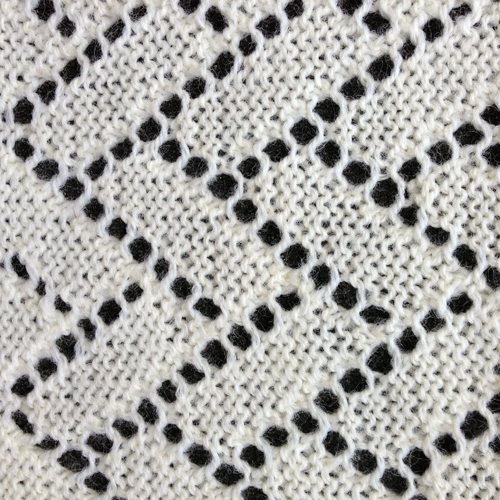
 looking at charting differently, back to Excel: single repeat